
kieranworld - Minecraft Skins & Skin History
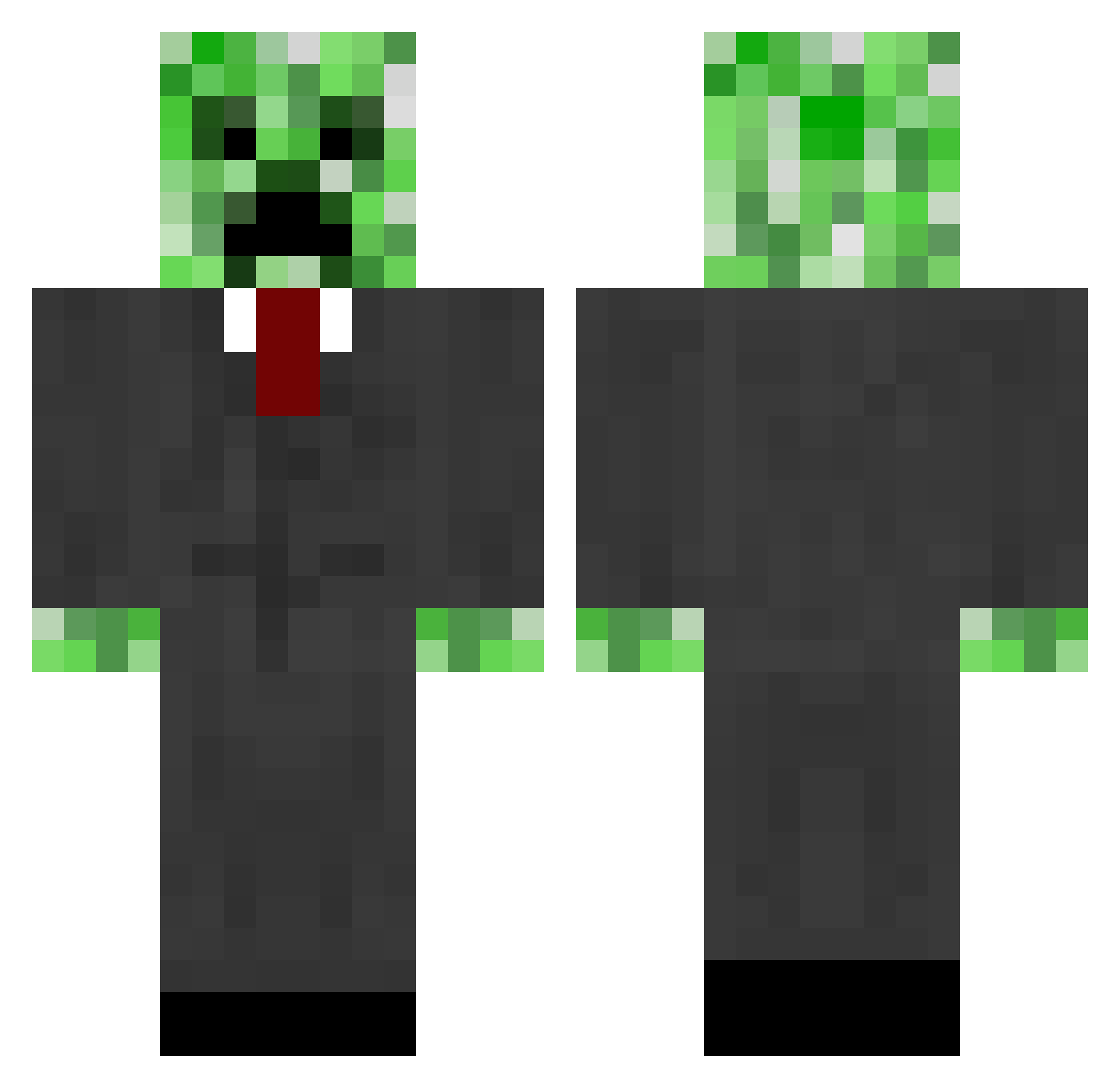
Current Minecraft skin of the player kieranworld, loaded from the official Mojang API. Rotate the 3D model with your mouse or finger, then download the skin as a PNG file and use it in Minecraft: Bedrock Edition or Java Edition for free. When kieranworld changes their skin, this page updates automatically and the old skin stays in the history below.
Other players with this skin (665)
kieranworld was the 517th player we have seen with this skin, first spotted on 12.10.2026. The same skin was seen on these players. Open a nickname to see their current skin and skin history.
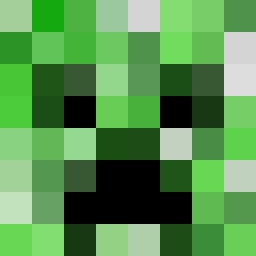 Daxtyn exawesomeness Linc_Skywalker NATEY1234 Mr_Vasya_ SaleeX Deckpack jukebox234 Phoxyn dipper123 progoalie1 avenger302 ilyAlyssa HybridSquid BlockyMind codmon207 zolie09 puppy5700 BodyMovement drew_mutt m1khel fickert_d muskang calken2 CreeperCo1 Captainchestnut HSFabao mustacheboy456 TanzKommandant bob3834 RayNyuu TheDudeAbidesMan Vinny_R93 thejo0vler ashtondc Bigfoot0708 drakeMO verne123 zbbeast faileas99 Erlend7 TehDiAMoND phloda07 RedstoneMiner25 steverism zanpaku findoloo shreddon solfaint hakusyan dragonfly125 Jaun7707 Elektro0 potato1994 bugganuts qaP WAYNEKINGDOM URBhd erikna venier_christian
More Creeper Minecraft skins
How to install the kieranworld skin
- Press the Download button above to save the skin as a PNG file.
- Minecraft: Bedrock Edition (PE): open the Dressing Room from the main menu (or tap your character → Edit Character), go to Classic Skins → Owned, press the + (new skin) button, choose the downloaded PNG and pick the Classic (Steve) model. Works on PC and mobile; consoles cannot import custom skins.
- Minecraft: Java Edition: open the Minecraft Launcher, go to the Skins tab, click New Skin, load the PNG, pick the Classic (Steve) model and press Save & Use. You can also upload it at minecraft.net → Profile → Change Skin.
The skin does not show up after import - what should I do?
Restart Minecraft and open the Dressing Room again - imported skins sometimes appear only after a restart. Also make sure you selected the imported skin and picked the Classic (Steve) model.
Which model should I choose, Classic or Slim?
This skin is designed for the Classic (Steve) model. If you pick the wrong model, the arms of the skin will look stretched or squeezed.
Is the skin of kieranworld free to download?
Yes. Press Download, save the PNG file and use it in Minecraft: Bedrock Edition or Java Edition - no payment or registration needed. The skin also works on multiplayer servers and Realms.
More skins
Looking for more? Go back to all Minecraft skins and check the top skins of the week, month and all time, or find any player's skin by nickname.