
kanador24 - Minecraft Skins & Skin History
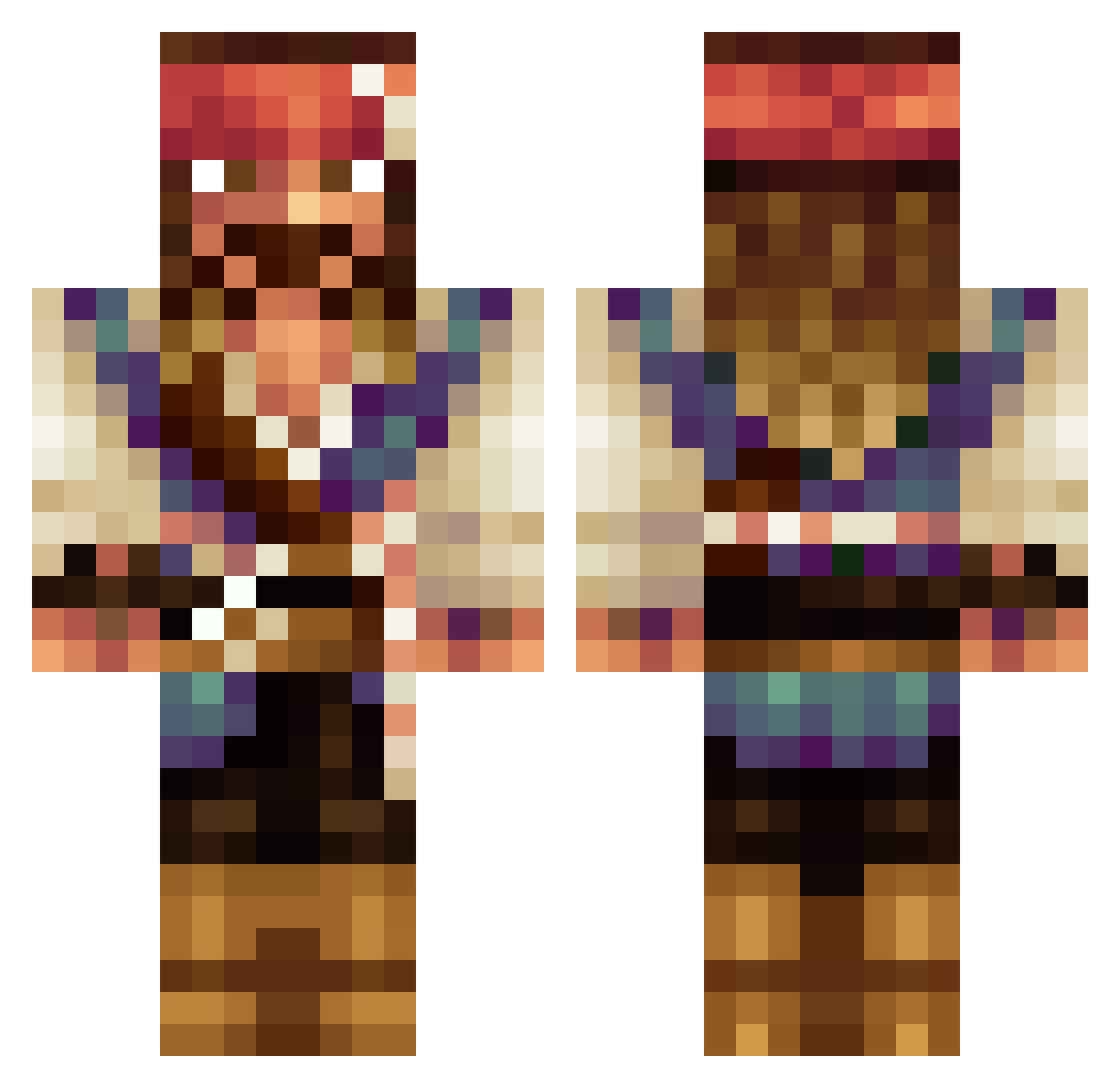
Current Minecraft skin of the player kanador24, loaded from the official Mojang API. Rotate the 3D model with your mouse or finger, then download the skin as a PNG file and use it in Minecraft: Bedrock Edition or Java Edition for free. When kanador24 changes their skin, this page updates automatically and the old skin stays in the history below.
Other players with this skin (669)
kanador24 was the 551st player we have seen with this skin, first spotted on 03.11.2026. The same skin was seen on these players. Open a nickname to see their current skin and skin history.
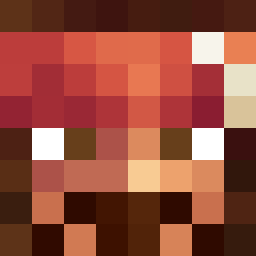 Ferrilinabox IINeptunII Pirat_897 Zeqtun castrocastro Megakiller21 Jaenoek8 mordecai_x ciastek_live Clonekrieger13 TALAZAHIII alvinowich Salocin_21 p0t3nti4l Hobbybratze CaptonCrack tiwwe loz100loz adeB1 ManGum ikusan1910 WUwojtas Goldchains24K BatsyRoo NaproxenGodess EIChocolate StormLink26 periskope Lukendzo CHONGZI123 alonnsitto1 Xethaill AJTAV MallackBonthia Ptolemeika Big_Bous SomePlayer1 emedelrey EsotericRune soffinatalie Flo3827 Arkanna Actamon Lightrex Bitezilla FigoGoku Faja47 PunishD Damoonthered mmmatt__ Ecnamonium Michael027 SweetLemonn BigPapiOrtiz34 DavidOrtiz21 DeRickulous aStreamer Moon_Bong Skuwaaa Panduli
More Jack Sparrow Minecraft skins
See all 128 Jack Sparrow skins
How to install the kanador24 skin
- Press the Download button above to save the skin as a PNG file.
- Minecraft: Bedrock Edition (PE): open the Dressing Room from the main menu (or tap your character → Edit Character), go to Classic Skins → Owned, press the + (new skin) button, choose the downloaded PNG and pick the Classic (Steve) model. Works on PC and mobile; consoles cannot import custom skins.
- Minecraft: Java Edition: open the Minecraft Launcher, go to the Skins tab, click New Skin, load the PNG, pick the Classic (Steve) model and press Save & Use. You can also upload it at minecraft.net → Profile → Change Skin.
The skin does not show up after import - what should I do?
Restart Minecraft and open the Dressing Room again - imported skins sometimes appear only after a restart. Also make sure you selected the imported skin and picked the Classic (Steve) model.
Which model should I choose, Classic or Slim?
This skin is designed for the Classic (Steve) model. If you pick the wrong model, the arms of the skin will look stretched or squeezed.
Is the skin of kanador24 free to download?
Yes. Press Download, save the PNG file and use it in Minecraft: Bedrock Edition or Java Edition - no payment or registration needed. The skin also works on multiplayer servers and Realms.
More skins
Looking for more? Go back to all Minecraft skins and check the top skins of the week, month and all time, or find any player's skin by nickname.