
 BeforeMyDeath bl1x winniethedog_ PugGutmann EvelinDoctor RealisticLegoMan reekhof SuperMegaToast Bjuv03 PeterPeiball811 Capsparrow roybadboy Steinbeisser Coagan WoShiXiaoKeAi davidpostigo stefanh12692 Anton_berg nero0711 TheMakeAWishKid1 Perfycat TallToby Macaveli Yellowliquid SugarcubeCake latiao5 Andresensjef KakkoiiKevin LoKki_Games GiuseppeM8 Rey_2 Roach0621 Fanfifou repsejnworb PvPRevolution 10KP Jack_Huges FredeH1 Aaronius007 liamt15 jbelair CloudRest Spethim dublinsean julaap789 minerSimze ShardTheBroken highfivesforgod Twekeee Gabe_Utsecks jack_the_monkey DarkFlameBeaner Potvismedia Kieznana MachoCupreeq Mariofr99 Den_DanilYT k4ramba76 Jack_Sparrow_08 TTVfrenchtoaster
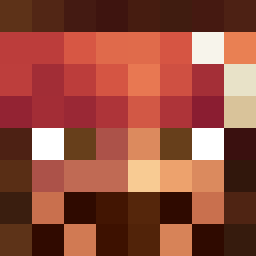
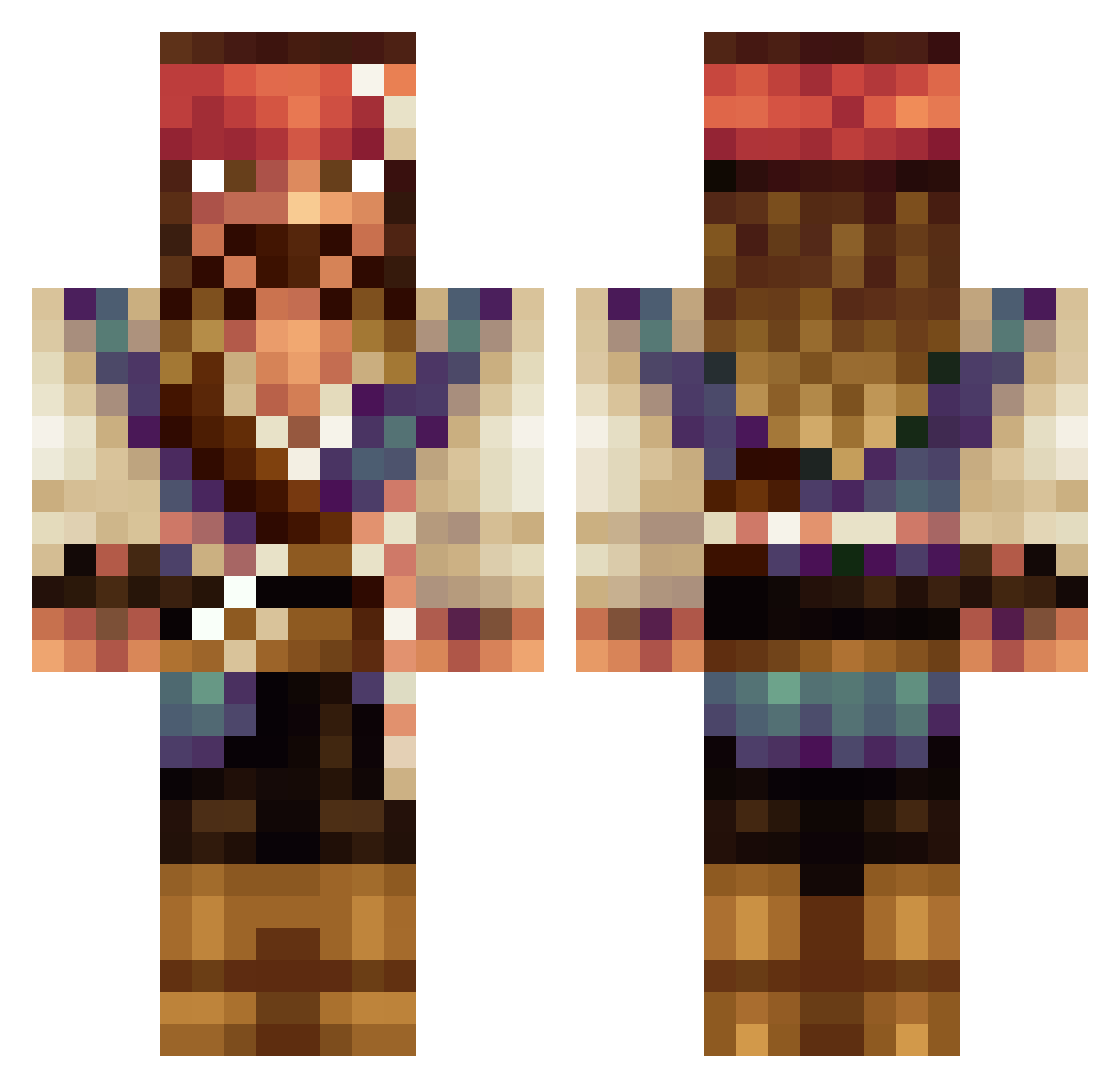
Minecraft skin of Teocalcio02. Rotate the 3D model with your mouse or finger to view the skin from every angle, then download it as a PNG file and use it in Minecraft: Bedrock Edition or Java Edition for free. Rate the skin with stars to help other players find the best skins in our collection.
How to install the Teocalcio02 skin
- Press the Download button above to save the skin as a PNG file.
- Minecraft: Bedrock Edition (PE): open the Dressing Room from the main menu (or tap your character → Edit Character), go to Classic Skins → Owned, press the + (new skin) button, choose the downloaded PNG and pick the Classic (Steve) model. Works on PC and mobile; consoles cannot import custom skins.
- Minecraft: Java Edition: open the Minecraft Launcher, go to the Skins tab, click New Skin, load the PNG, pick the Classic (Steve) model and press Save & Use. You can also upload it at minecraft.net → Profile → Change Skin.
The skin does not show up after import - what should I do?
Restart Minecraft and open the Dressing Room again - imported skins sometimes appear only after a restart. Also make sure you selected the imported skin and picked the Classic (Steve) model.
Which model should I choose, Classic or Slim?
This skin is designed for the Classic (Steve) model. If you pick the wrong model, the arms of the skin will look stretched or squeezed.
Is this skin free to use?
Yes. Press Download, save the PNG file and use it in Minecraft: Bedrock Edition or Java Edition - no payment or registration needed. The skin also works on multiplayer servers and Realms.
More Jack Sparrow Minecraft skins
See all 108 Jack Sparrow skins
More skins
Looking for more? Go back to all Minecraft skins and check the top skins of the week, month and all time, or find any player's skin by nickname.