
kam1u - Minecraft Skins & Skin History
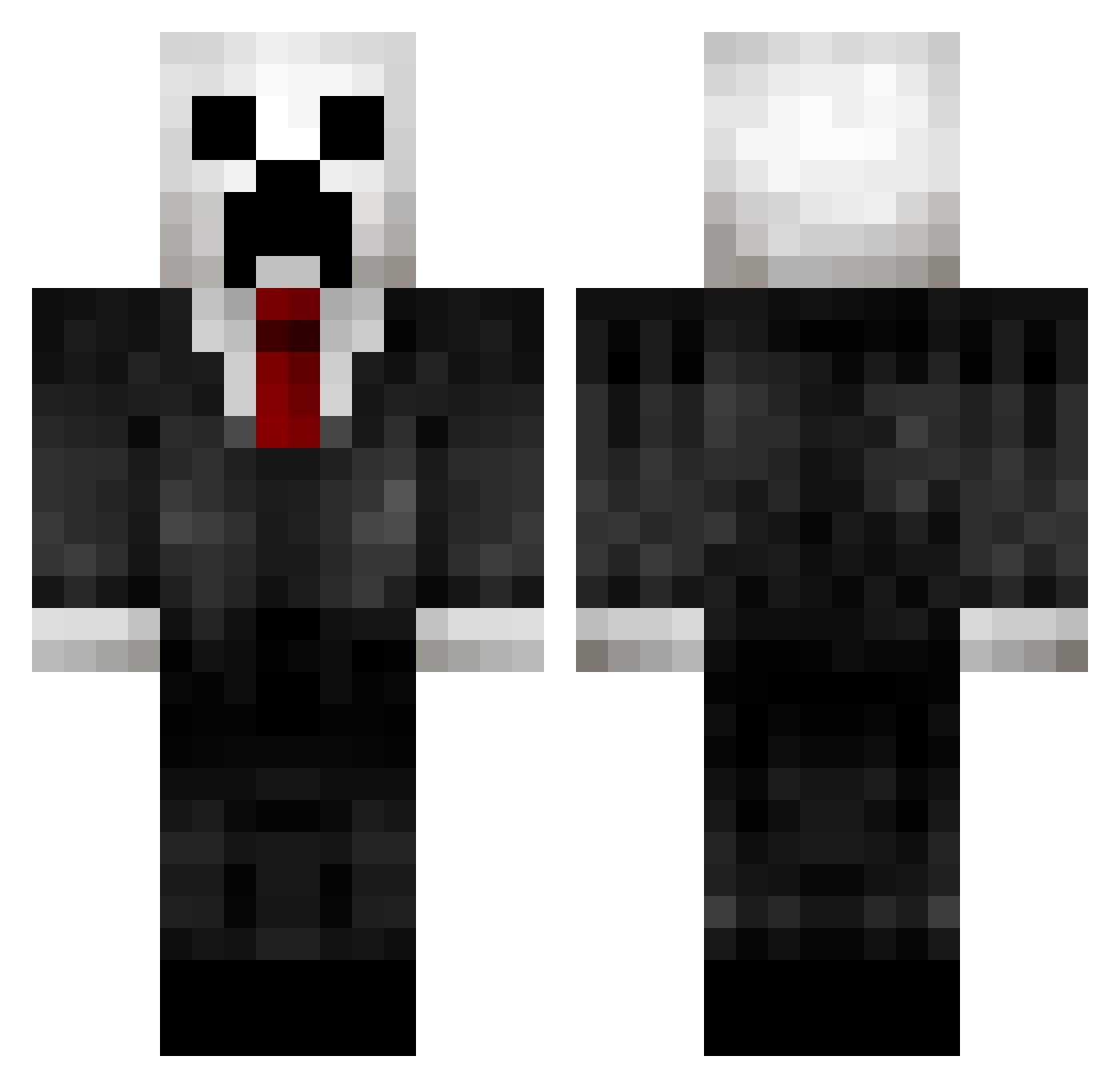
Current Minecraft skin of the player kam1u, loaded from the official Mojang API. Rotate the 3D model with your mouse or finger, then download the skin as a PNG file and use it in Minecraft: Bedrock Edition or Java Edition for free. When kam1u changes their skin, this page updates automatically and the old skin stays in the history below.
Other players with this skin (138)
kam1u was the 49th player we have seen with this skin, first spotted on 30.08.2026. The same skin was seen on these players. Open a nickname to see their current skin and skin history.
 1if3 Starfighter0101 EuCjei SkrodWrad SucramxX37 not_shortman MEMEBOIIIIII MPLLY blotski TaylorLL GameWeirdo SebZackgamer RaikoSX ShadowofNarnia RedraiderTiki zxiaoshuai Kwnch DGhyper MillionMi Grimmwill griefedlol DinoMadness_69 rg69xiforever Ashimame Cyrmve seriously1226 Beansy2171 DbdoLeap BrotherBear3B NortMoon Lowlander_2 sweatyflamingo trulsvans Ziaghn BOYAKDOG dreamlpc K_Renegade ALEXIS_1079 NOZAKI03 ozor1234 MorganGamer99 ApeX_Gumpy Debricky CSalhammar Datiptonator Huu_ni fffkk mommabeers antisasi koeby BoBoBinks69 MelchiorCeltic zxlev Koalaalfie Chief_Salem Xash_godX Speaki MRBaiCWL Aeternal McaLost
More Creeper Minecraft skins
How to install the kam1u skin
- Press the Download button above to save the skin as a PNG file.
- Minecraft: Bedrock Edition (PE): open the Dressing Room from the main menu (or tap your character → Edit Character), go to Classic Skins → Owned, press the + (new skin) button, choose the downloaded PNG and pick the Classic (Steve) model. Works on PC and mobile; consoles cannot import custom skins.
- Minecraft: Java Edition: open the Minecraft Launcher, go to the Skins tab, click New Skin, load the PNG, pick the Classic (Steve) model and press Save & Use. You can also upload it at minecraft.net → Profile → Change Skin.
The skin does not show up after import - what should I do?
Restart Minecraft and open the Dressing Room again - imported skins sometimes appear only after a restart. Also make sure you selected the imported skin and picked the Classic (Steve) model.
Which model should I choose, Classic or Slim?
This skin is designed for the Classic (Steve) model. If you pick the wrong model, the arms of the skin will look stretched or squeezed.
Is the skin of kam1u free to download?
Yes. Press Download, save the PNG file and use it in Minecraft: Bedrock Edition or Java Edition - no payment or registration needed. The skin also works on multiplayer servers and Realms.
More skins
Looking for more? Go back to all Minecraft skins and check the top skins of the week, month and all time, or find any player's skin by nickname.