
jycjyc - Minecraft Skins & Skin History
Current Minecraft skin of the player jycjyc, loaded from the official Mojang API. Rotate the 3D model with your mouse or finger, then download the skin as a PNG file and use it in Minecraft: Bedrock Edition or Java Edition for free. When jycjyc changes their skin, this page updates automatically and the old skin stays in the history below.
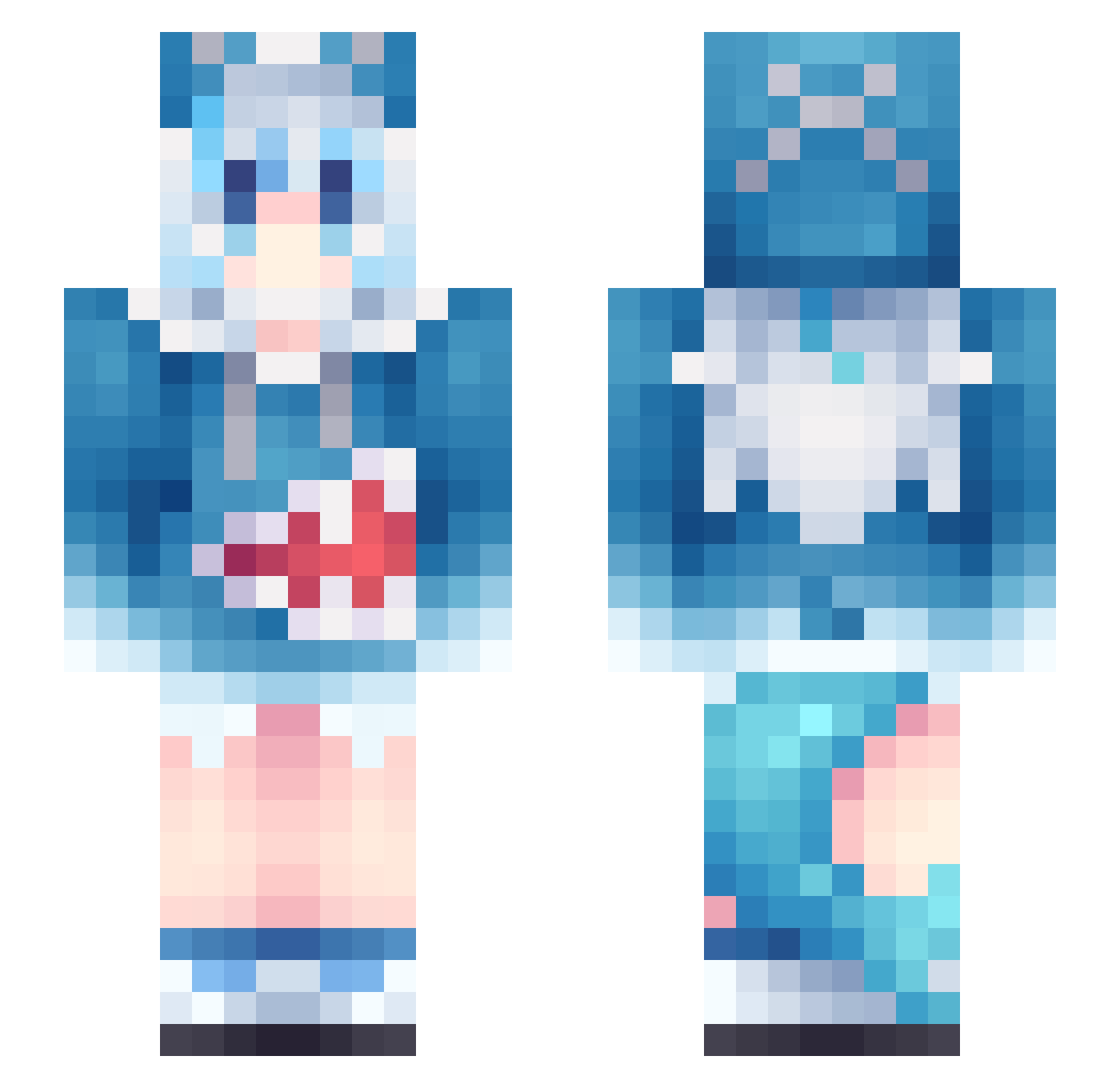
Other players with this skin (963)
jycjyc was the 141st player we have seen with this skin, first spotted on 07.08.2026. The same skin was seen on these players. Open a nickname to see their current skin and skin history.
 Valentinep MikeKyle kdw1125 Latina2408 JhorAl u_pa_ru_pa_999 Nixrlzy E5_2670v2 Hejin99 jackpot4667 Jarvis1989
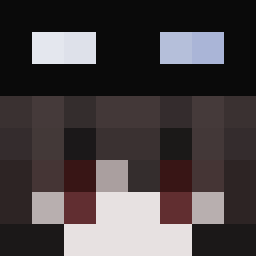 raxor_
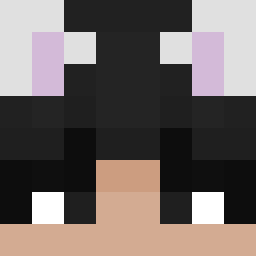 Owen32_ dadaya2 xiaomot EnigmaHearth Deliciouspotato3 dnrdl0 fengxinzi0 Nyxhite ShodWeevil Chucito324 notsyuenn TingleMyPringle AlexXsxc
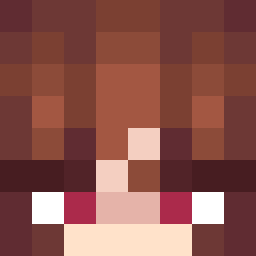 Dansiere B1suu63728 lihaolin666 ireneouo Jlobh crackers0117 yarogamerry Mmizuki_0v0 tarooon37 andyDonnie surprisemdfk Coenaesthesis HE_CHUAN_ leather_zzj TorpedaZabijaka Hanamix CommandBlock256 ShuiBuXingDSheng sasha_dino 6x2_msmc_ruj LeNarwhal1 CultistGirl sheng0331 Hatomu_ shinobbu TachibanaMarika makowo_ RikkaPlayz wyl121 Float1 mamedosan Shoshia ServianDrack Yakuzaza caiFF
More Gawr Gura Minecraft skins
How to install the jycjyc skin
- Press the Download button above to save the skin as a PNG file.
- Minecraft: Bedrock Edition (PE): open the Dressing Room from the main menu (or tap your character → Edit Character), go to Classic Skins → Owned, press the + (new skin) button, choose the downloaded PNG and pick the Slim (Alex) model. Works on PC and mobile; consoles cannot import custom skins.
- Minecraft: Java Edition: open the Minecraft Launcher, go to the Skins tab, click New Skin, load the PNG, pick the Slim (Alex) model and press Save & Use. You can also upload it at minecraft.net → Profile → Change Skin.
The skin does not show up after import - what should I do?
Restart Minecraft and open the Dressing Room again - imported skins sometimes appear only after a restart. Also make sure you selected the imported skin and picked the Slim (Alex) model.
Which model should I choose, Classic or Slim?
This skin is designed for the Slim (Alex) model. If you pick the wrong model, the arms of the skin will look stretched or squeezed.
Is the skin of jycjyc free to download?
Yes. Press Download, save the PNG file and use it in Minecraft: Bedrock Edition or Java Edition - no payment or registration needed. The skin also works on multiplayer servers and Realms.
More skins
Looking for more? Go back to all Minecraft skins and check the top skins of the week, month and all time, or find any player's skin by nickname.