
jpzyp - Minecraft Skins & Skin History
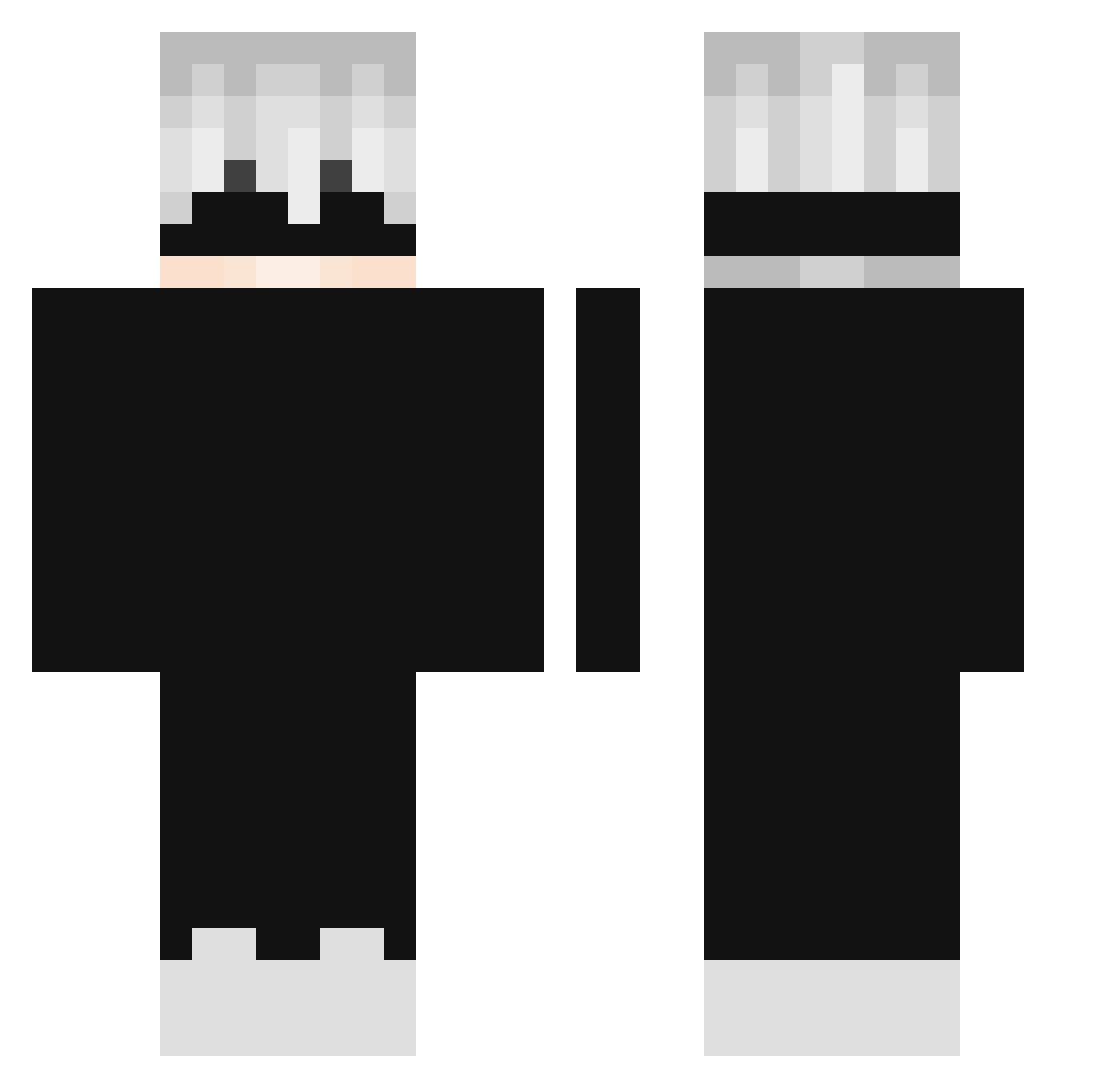
Current Minecraft skin of the player jpzyp, loaded from the official Mojang API. Rotate the 3D model with your mouse or finger, then download the skin as a PNG file and use it in Minecraft: Bedrock Edition or Java Edition for free. When jpzyp changes their skin, this page updates automatically and the old skin stays in the history below.
Other players with this skin (299)
jpzyp was the 176th player we have seen with this skin, first spotted on 02.10.2026. The same skin was seen on these players. Open a nickname to see their current skin and skin history.
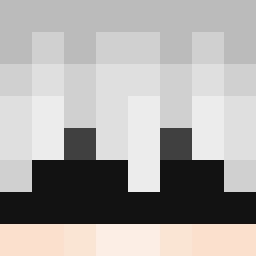 IamUnknown277 Re6p9eR TOWTAR01 JFORJERRY123 koike8256 _420xx 1Chantelle1 mpanizo Ludols Soul_control dasaimi Finesu STEVOOOO0 datsacred 1_Maamar Mc_ylasi OgyNec4 DoltShee RoiDesMerguez DragonnSpirit zaikogiratina123 MosseN_ Tea_87list Kerrza reqside SwernsiYT youran2021 MoiGod cisuil_ PainPacker1111 AS_SWAG anatokun REgorion SkylerJunior GiantShadows ApexDarkMatter_ jackyfai mGrop ReflexL_L LoveSilver Terrary_dobel stf_Raul OoChippusuoO Leo_believer dliowin Yasintscr Trigzuh W3xion Glitch9499 Esgimox DeathGvn_ OxieCodeine SNXliquid Redsu__ Kier0wcaTaczki_ zDeruxx_ 3hhr Scxnz ReptilEx300 get_beamed_kid
More Satoru Gojo Minecraft skins
See all 1375 Satoru Gojo skins
How to install the jpzyp skin
- Press the Download button above to save the skin as a PNG file.
- Minecraft: Bedrock Edition (PE): open the Dressing Room from the main menu (or tap your character → Edit Character), go to Classic Skins → Owned, press the + (new skin) button, choose the downloaded PNG and pick the Classic (Steve) model. Works on PC and mobile; consoles cannot import custom skins.
- Minecraft: Java Edition: open the Minecraft Launcher, go to the Skins tab, click New Skin, load the PNG, pick the Classic (Steve) model and press Save & Use. You can also upload it at minecraft.net → Profile → Change Skin.
The skin does not show up after import - what should I do?
Restart Minecraft and open the Dressing Room again - imported skins sometimes appear only after a restart. Also make sure you selected the imported skin and picked the Classic (Steve) model.
Which model should I choose, Classic or Slim?
This skin is designed for the Classic (Steve) model. If you pick the wrong model, the arms of the skin will look stretched or squeezed.
Is the skin of jpzyp free to download?
Yes. Press Download, save the PNG file and use it in Minecraft: Bedrock Edition or Java Edition - no payment or registration needed. The skin also works on multiplayer servers and Realms.
More skins
Looking for more? Go back to all Minecraft skins and check the top skins of the week, month and all time, or find any player's skin by nickname.