
joep_88 - Minecraft Skins & Skin History
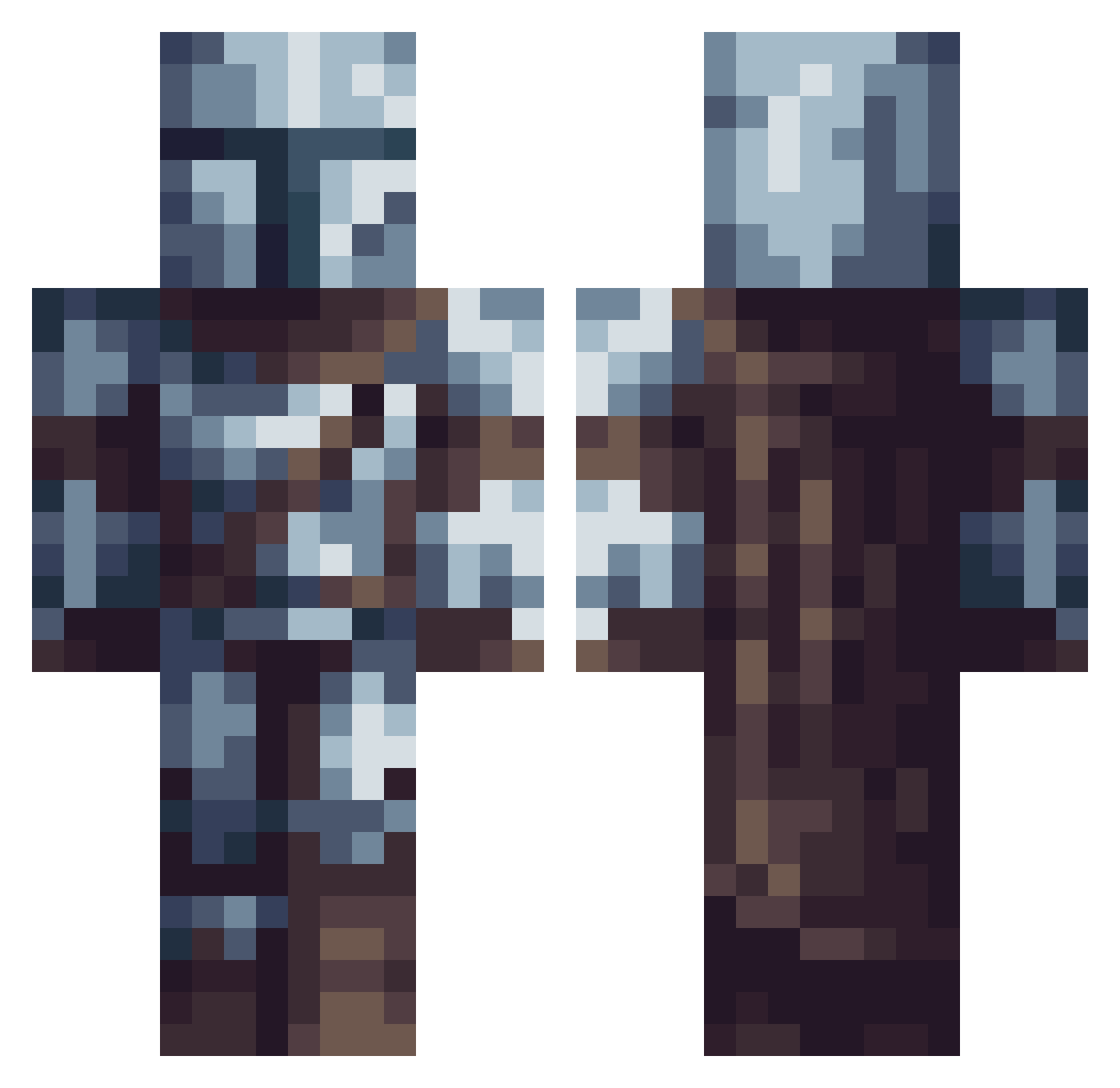
Current Minecraft skin of the player joep_88, loaded from the official Mojang API. Rotate the 3D model with your mouse or finger, then download the skin as a PNG file and use it in Minecraft: Bedrock Edition or Java Edition for free. When joep_88 changes their skin, this page updates automatically and the old skin stays in the history below.
Other players with this skin (615)
joep_88 was the 280th player we have seen with this skin, first spotted on 19.09.2026. The same skin was seen on these players. Open a nickname to see their current skin and skin history.
 SwedishHuligan opmc4 Waltz1e jackpirats williamodavis Japapy KylexJoseph14 Ninsej Block_Suchti Sweet_Snow TheRanger_10 Solsage L9LordGrim ItsDiego20 Rick_Roller69 TavehOne vosalier EigthyFour Josh255 KazKiz ArbiterofDeath1 Pechincha19 romuro cesett SketchCacciaKech PatrickRivera HDin2D WombatCentral07 Begal3 Fazigiusz wubba10 Ocidni Nils0911 TrippelNippelBoy _Henne alexespi100 TresorOnkel LittilManSan pencil987 Thomas404_ LukeSky_27 TheLegoMan2276 TheGreatestDave NikoTheNiko KSLL HashtagItsJoe EC_5 SteezyHR _NNeptune_ _Ohkta Heitor_Fv AtJamesKurt SlaveMerchant00 zpman1205 ryanmooree Tylerpr19974 SXSWilhelminaSXS arraann987 Ciccozz Havoc9567
More The Mandalorian Minecraft skins
See all 592 The Mandalorian skins
How to install the joep_88 skin
- Press the Download button above to save the skin as a PNG file.
- Minecraft: Bedrock Edition (PE): open the Dressing Room from the main menu (or tap your character → Edit Character), go to Classic Skins → Owned, press the + (new skin) button, choose the downloaded PNG and pick the Classic (Steve) model. Works on PC and mobile; consoles cannot import custom skins.
- Minecraft: Java Edition: open the Minecraft Launcher, go to the Skins tab, click New Skin, load the PNG, pick the Classic (Steve) model and press Save & Use. You can also upload it at minecraft.net → Profile → Change Skin.
The skin does not show up after import - what should I do?
Restart Minecraft and open the Dressing Room again - imported skins sometimes appear only after a restart. Also make sure you selected the imported skin and picked the Classic (Steve) model.
Which model should I choose, Classic or Slim?
This skin is designed for the Classic (Steve) model. If you pick the wrong model, the arms of the skin will look stretched or squeezed.
Is the skin of joep_88 free to download?
Yes. Press Download, save the PNG file and use it in Minecraft: Bedrock Edition or Java Edition - no payment or registration needed. The skin also works on multiplayer servers and Realms.
More skins
Looking for more? Go back to all Minecraft skins and check the top skins of the week, month and all time, or find any player's skin by nickname.