
jessied127 - Minecraft Skins & Skin History
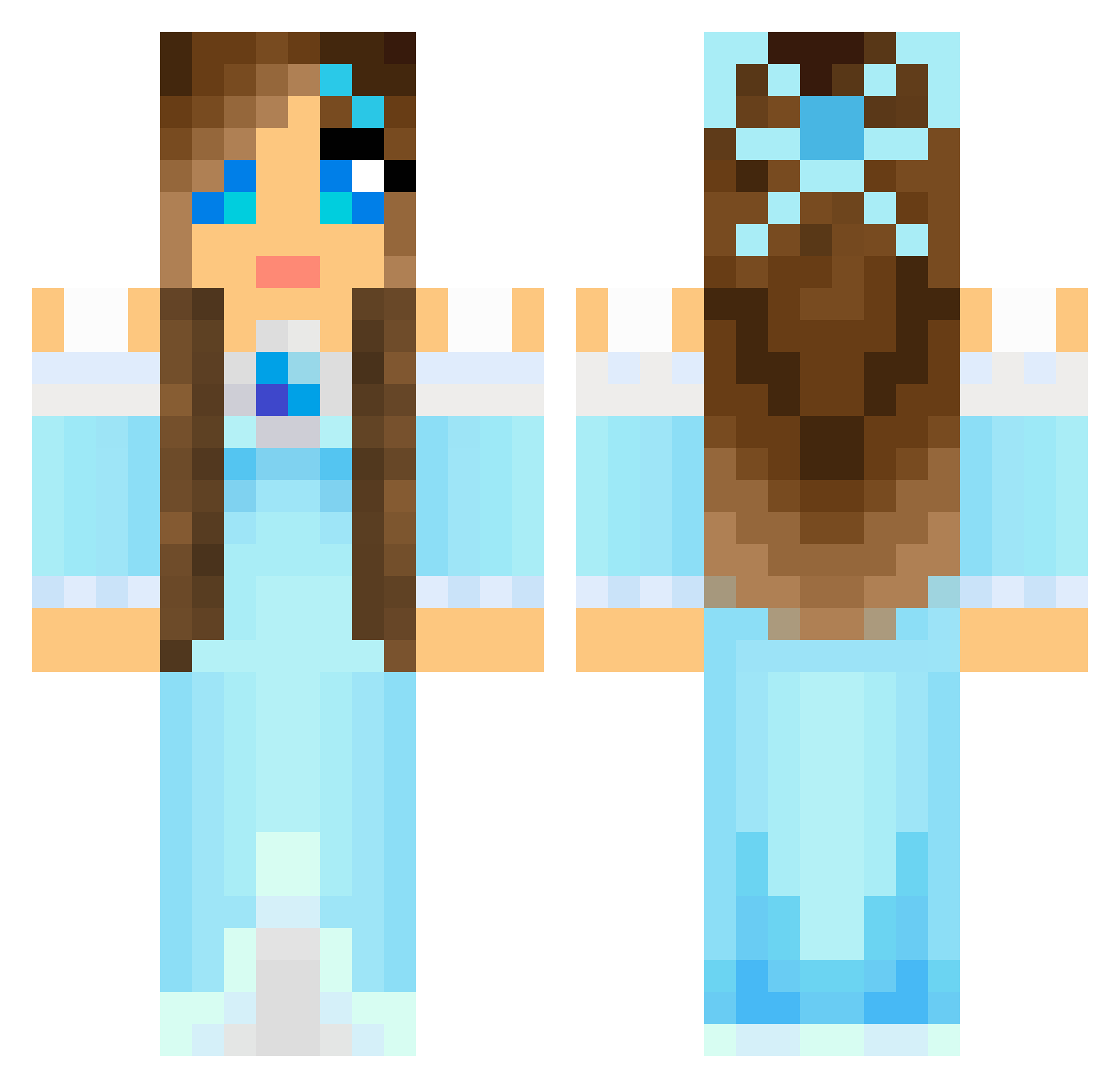
Current Minecraft skin of the player jessied127, loaded from the official Mojang API. Rotate the 3D model with your mouse or finger, then download the skin as a PNG file and use it in Minecraft: Bedrock Edition or Java Edition for free. When jessied127 changes their skin, this page updates automatically and the old skin stays in the history below.
Other players with this skin (804)
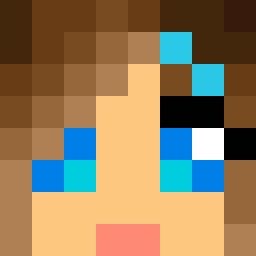
jessied127 was the 553rd player we have seen with this skin, first spotted on 07.10.2026. The same skin was seen on these players. Open a nickname to see their current skin and skin history.
 cutiecandy1 IHasACupcake22 hannahhaywire flaming_ice_a Airity Tcalhoon88 ukiolya antgirl2 hbcc2003 lemoncake97 roxiebear01 FionaWing RedJill dragonfly1978 amaranth1989 KasumiGirl izzycrafter334 clarabus Chiari2201 LoraAude theycallmesydney ZuZi1992 extrasugar13 Bertil73 PlayerBot nata8419 PiratosEmsa Valkisa puppylov308 CourtneyBear1 JulieAlt TheBoms annie_equestrian FrostyFairy alehar06 LaerkeLucia InvationBass22 ArtemisiaGold NikolinaO Complikate MisseeMu isabellalarsen7 Sarah9420 ilovehim2 Patrycja2005 PetitMo jaxx273 Child_Of_Flames matman1977 sheaK234 dj_nille caylacheer maej01 MaggieMagz lina0305 AnniBear Yanniency DisneyMeg misspunches Veroinca02
More Princess Minecraft skins
How to install the jessied127 skin
- Press the Download button above to save the skin as a PNG file.
- Minecraft: Bedrock Edition (PE): open the Dressing Room from the main menu (or tap your character → Edit Character), go to Classic Skins → Owned, press the + (new skin) button, choose the downloaded PNG and pick the Classic (Steve) model. Works on PC and mobile; consoles cannot import custom skins.
- Minecraft: Java Edition: open the Minecraft Launcher, go to the Skins tab, click New Skin, load the PNG, pick the Classic (Steve) model and press Save & Use. You can also upload it at minecraft.net → Profile → Change Skin.
The skin does not show up after import - what should I do?
Restart Minecraft and open the Dressing Room again - imported skins sometimes appear only after a restart. Also make sure you selected the imported skin and picked the Classic (Steve) model.
Which model should I choose, Classic or Slim?
This skin is designed for the Classic (Steve) model. If you pick the wrong model, the arms of the skin will look stretched or squeezed.
Is the skin of jessied127 free to download?
Yes. Press Download, save the PNG file and use it in Minecraft: Bedrock Edition or Java Edition - no payment or registration needed. The skin also works on multiplayer servers and Realms.
More skins
Looking for more? Go back to all Minecraft skins and check the top skins of the week, month and all time, or find any player's skin by nickname.