
 AlfTenner Sefned Sidbirdman Lokichen lifelovett maritza66 Zalvia MopoBoom Nickmadkiller LoganandKrista RJG869 Kyril_Frost kitenecraft MsFeather13 katie2131 Mrs_Brightside CrazyKiller_Aunt MittenMiner WolfMelody Amsterdam2001 silvermist02 selesiana misswinn BloodGateKey Millie3062 Meaghermba izzmine22 Savage_cece MistyMycelium kLynn1607 Cherry__Cherry NIghtmaremoon3 MonkeyGirl92600 kojiara Celine1215 bananahannah12 Sparkelz2004 Jiguitar TheZombieDomo kristinakrasn minecrafterann LadyMercury13 sydneygracexx AnnalisaSLoane earlerbob emmiegoose smokey1993 mamma_pen swimmergirl2803 Pheefee Rasmus1993 lachlanian15 jy9849 sunshine220 ZoomPill pingvinen12 CarlingUK AliceSeverina Mrs_Princess xarorax
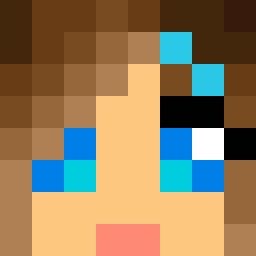
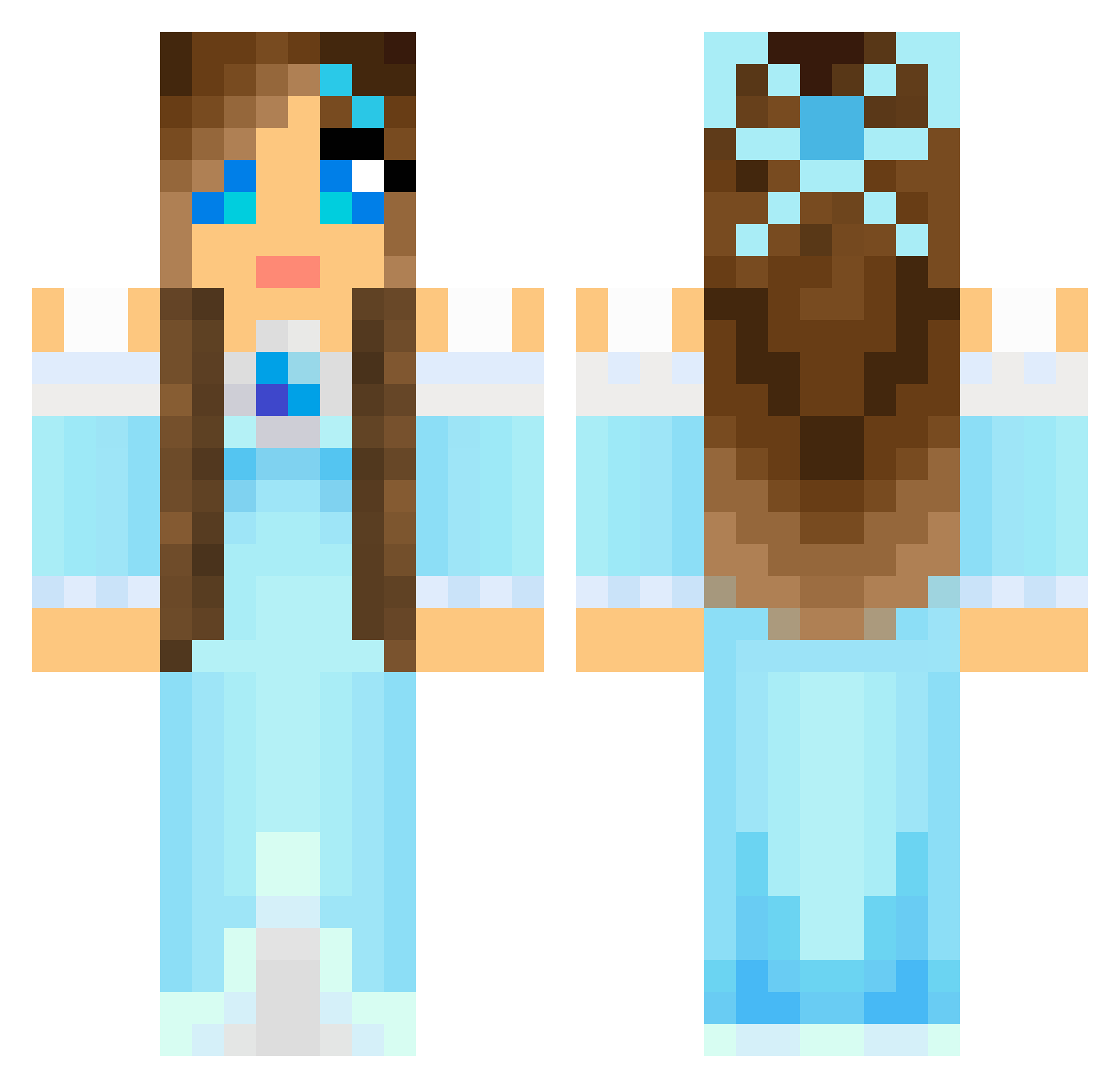
Minecraft skin of cupcake1920. Rotate the 3D model with your mouse or finger to view the skin from every angle, then download it as a PNG file and use it in Minecraft: Bedrock Edition or Java Edition for free. Rate the skin with stars to help other players find the best skins in our collection.
How to install the cupcake1920 skin
- Press the Download button above to save the skin as a PNG file.
- Minecraft: Bedrock Edition (PE): open the Dressing Room from the main menu (or tap your character → Edit Character), go to Classic Skins → Owned, press the + (new skin) button, choose the downloaded PNG and pick the Classic (Steve) model. Works on PC and mobile; consoles cannot import custom skins.
- Minecraft: Java Edition: open the Minecraft Launcher, go to the Skins tab, click New Skin, load the PNG, pick the Classic (Steve) model and press Save & Use. You can also upload it at minecraft.net → Profile → Change Skin.
The skin does not show up after import - what should I do?
Restart Minecraft and open the Dressing Room again - imported skins sometimes appear only after a restart. Also make sure you selected the imported skin and picked the Classic (Steve) model.
Which model should I choose, Classic or Slim?
This skin is designed for the Classic (Steve) model. If you pick the wrong model, the arms of the skin will look stretched or squeezed.
Is this skin free to use?
Yes. Press Download, save the PNG file and use it in Minecraft: Bedrock Edition or Java Edition - no payment or registration needed. The skin also works on multiplayer servers and Realms.
More Princess Minecraft skins
More skins
Looking for more? Go back to all Minecraft skins and check the top skins of the week, month and all time, or find any player's skin by nickname.