
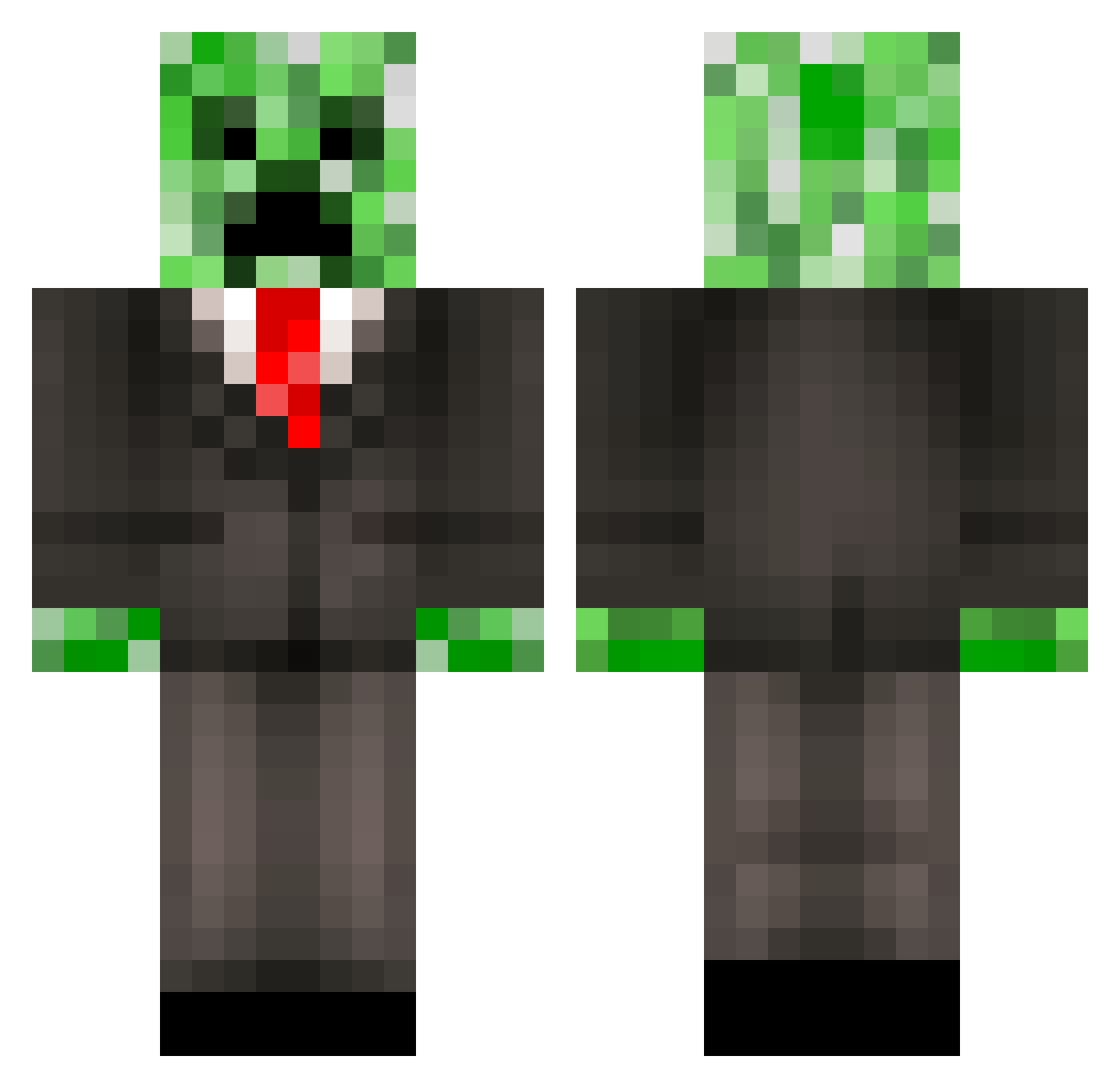
Current Minecraft skin of the player jct2002, loaded from the official Mojang API. Rotate the 3D model with your mouse or finger, then download the skin as a PNG file and use it in Minecraft: Bedrock Edition or Java Edition for free. When jct2002 changes their skin, this page updates automatically and the old skin stays in the history below.
Other players with this skin (388)
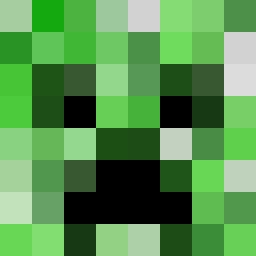
jct2002 was the 355th player we have seen with this skin, first spotted on 11.10.2026. The same skin was seen on these players. Open a nickname to see their current skin and skin history.
 creaper979 MellowPie DutchAlt1 runescape1221 FuSion_PiloT Tentakelkopf MrKiwiYTUB D1MONDMAN13 eRazorr CraigHunterRoss HerrOlaf SaganIrisu marilynnassar EsTs_PoweR9 a610 panda6912 Lexmark00 LinusNexus GFLAU Erikswe2003 Lancecorp20 kingmajd10 Kyanbasu captainjohnny86 cort9 Euphoria5 T_DAWG97 TexasSexRanger blockbrain2014 Hughbiquitous21 MrEgorest iput JDawg513 Joel1497 tomjohn_ Starfox101z zombiebros2012 milojarvis MrCrEePeRfAcEjR djrimx weeoz AssassinSlayer6 bartwoof creepermanrandom Shutout41 djisco SimonBjornstrom Incomingg KnoxXFtw levimunoz Nadr CreeperCooky14 redflamingninja LarsLink Cwelch_15 rowantpc JohannesAlvasto illiterateLlamas Sevik_81 kajsajosefin
More Creeper Minecraft skins
How to install the jct2002 skin
- Press the Download button above to save the skin as a PNG file.
- Minecraft: Bedrock Edition (PE): open the Dressing Room from the main menu (or tap your character → Edit Character), go to Classic Skins → Owned, press the + (new skin) button, choose the downloaded PNG and pick the Classic (Steve) model. Works on PC and mobile; consoles cannot import custom skins.
- Minecraft: Java Edition: open the Minecraft Launcher, go to the Skins tab, click New Skin, load the PNG, pick the Classic (Steve) model and press Save & Use. You can also upload it at minecraft.net → Profile → Change Skin.
The skin does not show up after import - what should I do?
Restart Minecraft and open the Dressing Room again - imported skins sometimes appear only after a restart. Also make sure you selected the imported skin and picked the Classic (Steve) model.
Which model should I choose, Classic or Slim?
This skin is designed for the Classic (Steve) model. If you pick the wrong model, the arms of the skin will look stretched or squeezed.
Is the skin of jct2002 free to download?
Yes. Press Download, save the PNG file and use it in Minecraft: Bedrock Edition or Java Edition - no payment or registration needed. The skin also works on multiplayer servers and Realms.
More skins
Looking for more? Go back to all Minecraft skins and check the top skins of the week, month and all time, or find any player's skin by nickname.