
janjan1210 - Minecraft Skins & Skin History
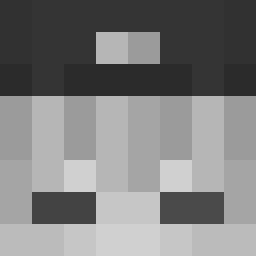
Current Minecraft skin of the player janjan1210, loaded from the official Mojang API. Rotate the 3D model with your mouse or finger, then download the skin as a PNG file and use it in Minecraft: Bedrock Edition or Java Edition for free. When janjan1210 changes their skin, this page updates automatically and the old skin stays in the history below.
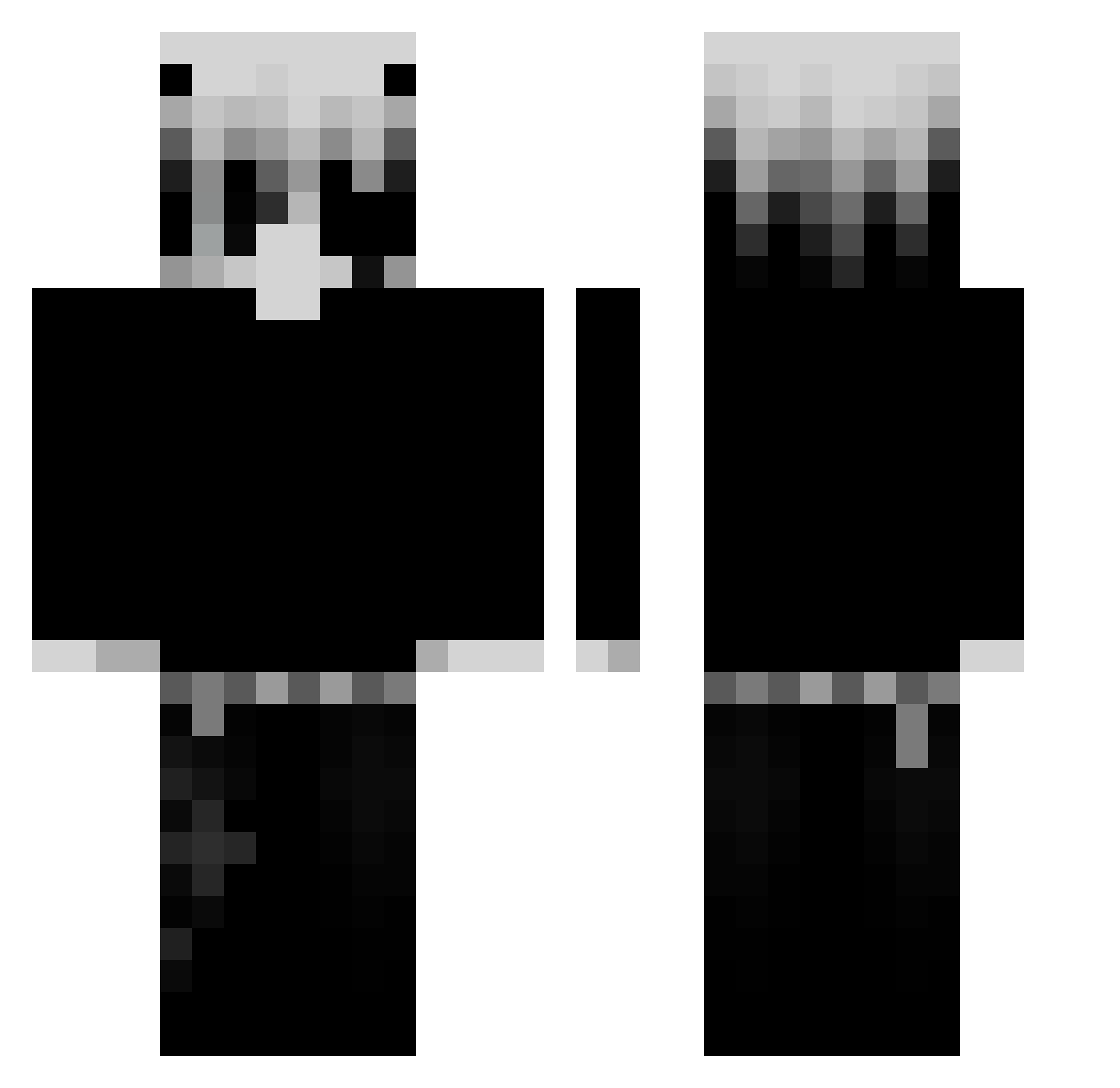
Other players with this skin (70)
janjan1210 was the 38th player we have seen with this skin, first spotted on 14.09.2026. The same skin was seen on these players. Open a nickname to see their current skin and skin history.
 r0bix0n ERYCJOH MalconS2
 w1ktvr1a Rjzens S0MDUDE FlowzCPVP LIAM567892 dadaoronba
 clutch_Acee Kurohoshiii_ xchask Mythik02 iiTzMochii Minerubino Elumees69 Icantfly1804 EnderNinja1234 kadiriw_ oo_Mr_Sweet ItzRealSmoke SouCee SoMikeyy Killuazzay KaroslavCZ
 xzupaaa _VeltrixQ darkpro07 KamLight13 OrderIsDum Abdu52er Snax_121 RKZ420 Timnodop dmfic saux124 KillerJoey devise_ Yudog OpenOF Luzyvert Astronight24 xteva kailowtf kickedsetMan
 107_ms kubiceqq_69 TACO363 ItchyBummm Pointomaan
 SKNVAMP Maltyxx Valdrin500 tuna_22na
 mr_tost5656 ceglawmikrofali2 mattgaming141 PunchyTheWunchy
 TySuho ImPunktFinn
More Monochrome Minecraft skins
How to install the janjan1210 skin
- Press the Download button above to save the skin as a PNG file.
- Minecraft: Bedrock Edition (PE): open the Dressing Room from the main menu (or tap your character → Edit Character), go to Classic Skins → Owned, press the + (new skin) button, choose the downloaded PNG and pick the Classic (Steve) model. Works on PC and mobile; consoles cannot import custom skins.
- Minecraft: Java Edition: open the Minecraft Launcher, go to the Skins tab, click New Skin, load the PNG, pick the Classic (Steve) model and press Save & Use. You can also upload it at minecraft.net → Profile → Change Skin.
The skin does not show up after import - what should I do?
Restart Minecraft and open the Dressing Room again - imported skins sometimes appear only after a restart. Also make sure you selected the imported skin and picked the Classic (Steve) model.
Which model should I choose, Classic or Slim?
This skin is designed for the Classic (Steve) model. If you pick the wrong model, the arms of the skin will look stretched or squeezed.
Is the skin of janjan1210 free to download?
Yes. Press Download, save the PNG file and use it in Minecraft: Bedrock Edition or Java Edition - no payment or registration needed. The skin also works on multiplayer servers and Realms.
More skins
Looking for more? Go back to all Minecraft skins and check the top skins of the week, month and all time, or find any player's skin by nickname.