
itsVizioh - Minecraft Skins & Skin History
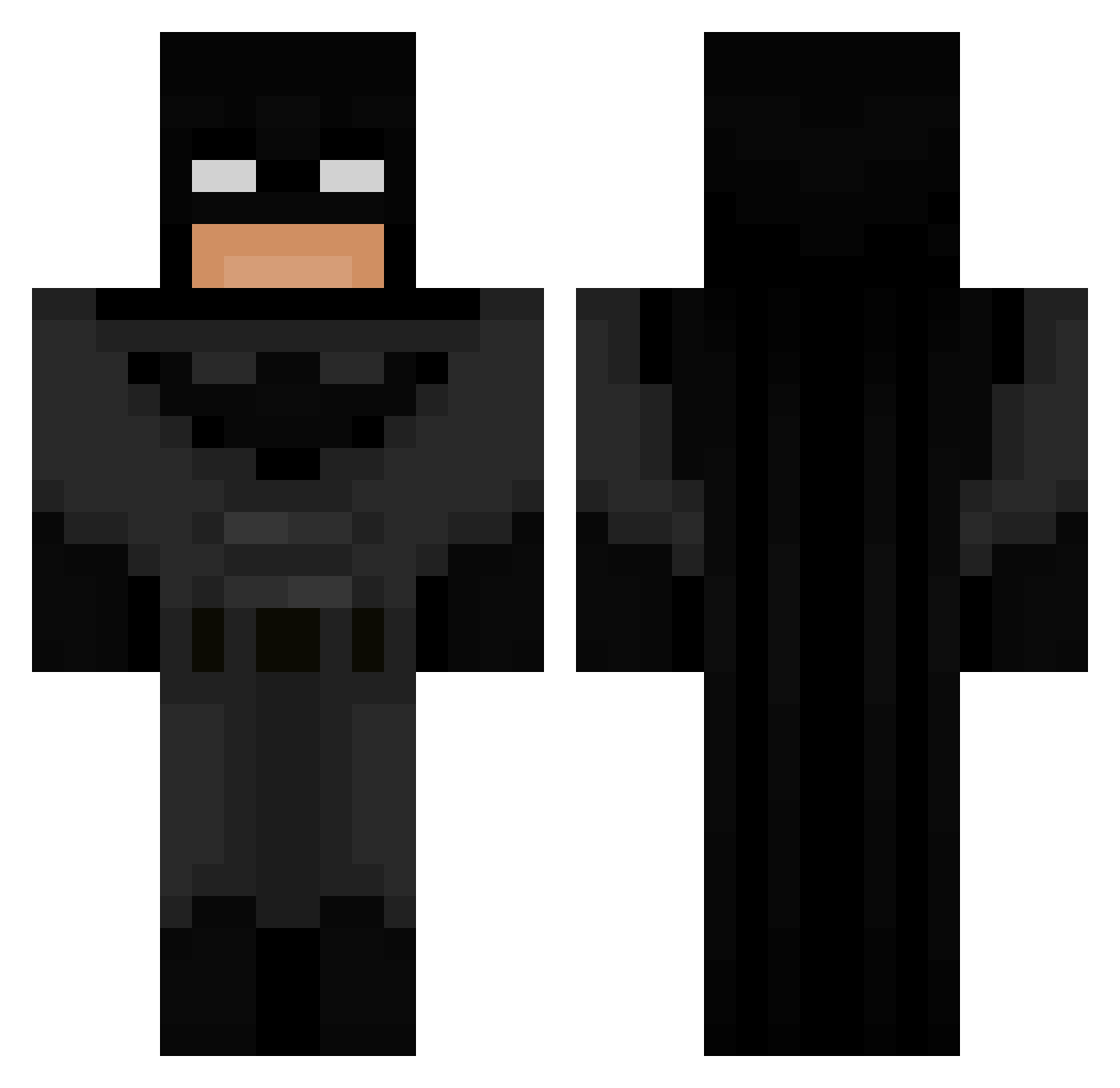
Current Minecraft skin of the player itsVizioh, loaded from the official Mojang API. Rotate the 3D model with your mouse or finger, then download the skin as a PNG file and use it in Minecraft: Bedrock Edition or Java Edition for free. When itsVizioh changes their skin, this page updates automatically and the old skin stays in the history below.
Other players with this skin (694)
itsVizioh was the 319th player we have seen with this skin, first spotted on 10.09.2026. The same skin was seen on these players. Open a nickname to see their current skin and skin history.
 OVxer_90 pudgepudge JoshuaPorker hhouse33
 Turkmen48 the_white_cow Adricot12 ban_annas Iljendor BenzenCraft SorareBMG PatStar93 Letoffer04 lalatrqla_134 SkippyDippie MarStar20 _RedReaper_ twclips3 ZHYLMAR 510_Cam thum05 muceimuito MrTaha31 TheOldBat24 KngQuinnVogel IcePagey yungbrdn30 A_06_S OG_Olgierd47 WhiskeyyPapi x_BoRzZ_x BlackNak pap4v BESTIAxo shatnaw_i ayoshzx Bellaly_06 cx1n bqwler Nerdyow tigerw00ds rich9517 THE_ZETTA Shibunsen ElNasser1997 Heners649 G3neral26K KhaosTheGoat Nelxio Xynx2k drachenlord455 joavco MrJo2006 retrocart Balint1112 Foshirou BigmanisHereEZ xjadenx JsemRichie Saikk0
More Batman Minecraft skins
How to install the itsVizioh skin
- Press the Download button above to save the skin as a PNG file.
- Minecraft: Bedrock Edition (PE): open the Dressing Room from the main menu (or tap your character → Edit Character), go to Classic Skins → Owned, press the + (new skin) button, choose the downloaded PNG and pick the Classic (Steve) model. Works on PC and mobile; consoles cannot import custom skins.
- Minecraft: Java Edition: open the Minecraft Launcher, go to the Skins tab, click New Skin, load the PNG, pick the Classic (Steve) model and press Save & Use. You can also upload it at minecraft.net → Profile → Change Skin.
The skin does not show up after import - what should I do?
Restart Minecraft and open the Dressing Room again - imported skins sometimes appear only after a restart. Also make sure you selected the imported skin and picked the Classic (Steve) model.
Which model should I choose, Classic or Slim?
This skin is designed for the Classic (Steve) model. If you pick the wrong model, the arms of the skin will look stretched or squeezed.
Is the skin of itsVizioh free to download?
Yes. Press Download, save the PNG file and use it in Minecraft: Bedrock Edition or Java Edition - no payment or registration needed. The skin also works on multiplayer servers and Realms.
More skins
Looking for more? Go back to all Minecraft skins and check the top skins of the week, month and all time, or find any player's skin by nickname.