
iooqr - Minecraft Skins & Skin History
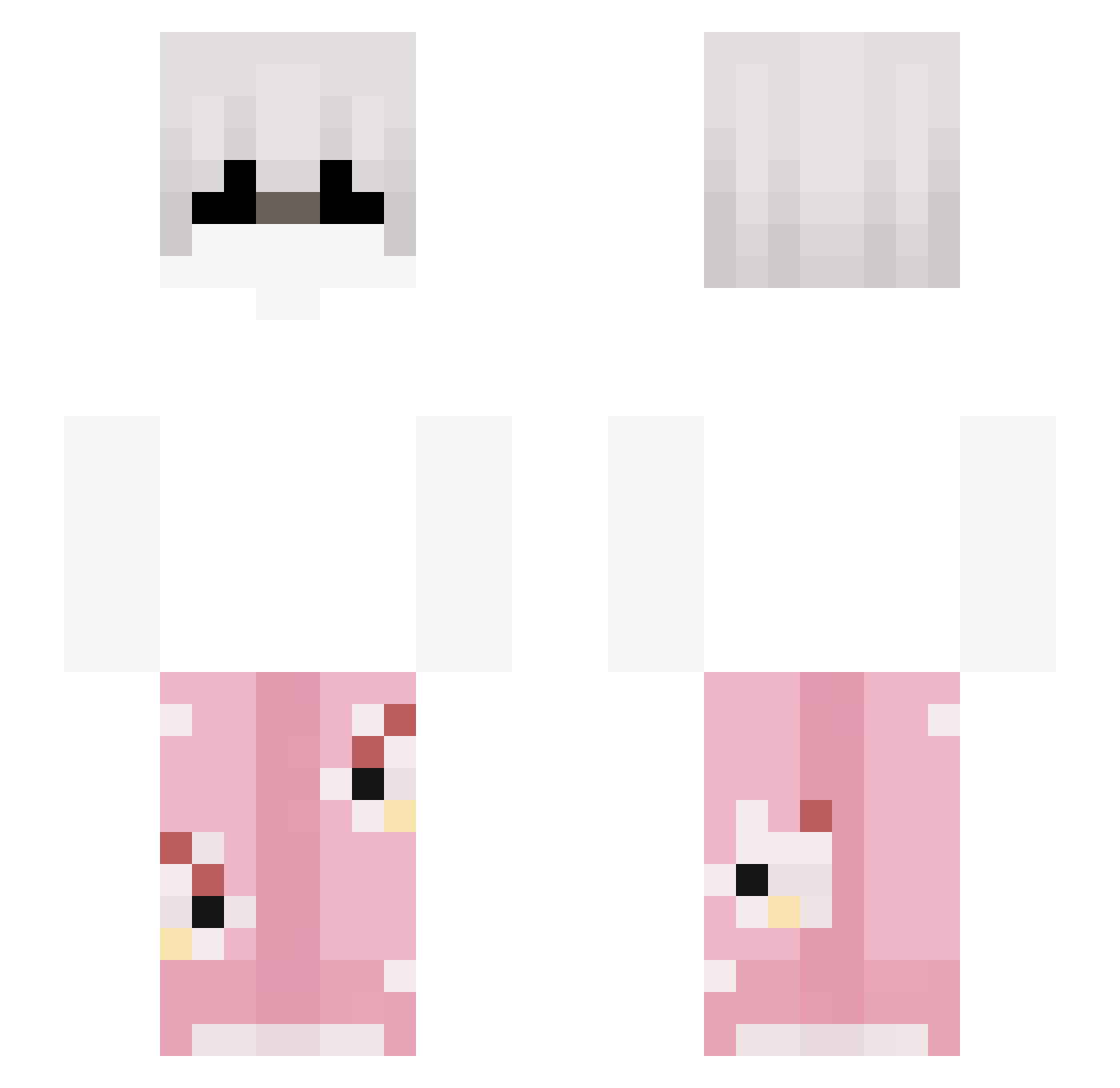
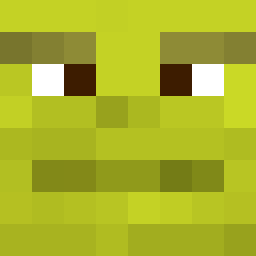
Current Minecraft skin of the player iooqr, loaded from the official Mojang API. Rotate the 3D model with your mouse or finger, then download the skin as a PNG file and use it in Minecraft: Bedrock Edition or Java Edition for free. When iooqr changes their skin, this page updates automatically and the old skin stays in the history below.
Other players with this skin (265)
iooqr was the 85th player we have seen with this skin, first spotted on 29.08.2026. The same skin was seen on these players. Open a nickname to see their current skin and skin history.
 reikux Mera0 turbopindour67 d1qe Rexxnz holyshltrekted 67gbr MMustang S_4INT zlosl1wy DinoHandSome RidZak _Nasta lzx0902 MoonlightAlley Przemo3620 sogaihT player_head
 Funkyboy12003294 KuWhyNi vertiii VADMAGYAR zzsc insomnia1312 Oskar9045 keonafx nash0_0
 lolgamer9273 Alesito_uss Lukier webofgodfathers Xenosect dominix77 IntensoHD Tautu Dorito2004 M8z__ sickpanda1 mtih36
 erpavro iloveNnine VoidGXZ Kaschberle SpiritualOpeum Daze_mk Theplugma f2qt The_Deniz0 Khaokhamu hanken_szynken wraxuu qMxchi_ D0ubl3DL0k1 yemui 1ccnt on1shii qvmb windett_ ItsHxe SighsforSolace
More Pyjamas Minecraft skins
How to install the iooqr skin
- Press the Download button above to save the skin as a PNG file.
- Minecraft: Bedrock Edition (PE): open the Dressing Room from the main menu (or tap your character → Edit Character), go to Classic Skins → Owned, press the + (new skin) button, choose the downloaded PNG and pick the Slim (Alex) model. Works on PC and mobile; consoles cannot import custom skins.
- Minecraft: Java Edition: open the Minecraft Launcher, go to the Skins tab, click New Skin, load the PNG, pick the Slim (Alex) model and press Save & Use. You can also upload it at minecraft.net → Profile → Change Skin.
The skin does not show up after import - what should I do?
Restart Minecraft and open the Dressing Room again - imported skins sometimes appear only after a restart. Also make sure you selected the imported skin and picked the Slim (Alex) model.
Which model should I choose, Classic or Slim?
This skin is designed for the Slim (Alex) model. If you pick the wrong model, the arms of the skin will look stretched or squeezed.
Is the skin of iooqr free to download?
Yes. Press Download, save the PNG file and use it in Minecraft: Bedrock Edition or Java Edition - no payment or registration needed. The skin also works on multiplayer servers and Realms.
More skins
Looking for more? Go back to all Minecraft skins and check the top skins of the week, month and all time, or find any player's skin by nickname.