
 Xnukky kaacperrr636 _kusuoo Kaktusikx Siexz_ susssofia iziniksia67 Fluphies d00pamine young1panda yikeslana itzz_CP89 Nezzyz juliasz2012 Moonlitamerie xxApfelsaft cha_paofan Sh1eaxy_ Leengji StrafeXDE l0velyzz zk9y 7yfu Gengaster1 amandinhamiau maliciouskatie AshleyVLT MxddieRW Korinha Ja_som_najslabsi Bxrkee seretio eikukaan123 Rezyxxxxx Kabeq_11 imoutosannn _seratna_ Ikms666 ciastojabkoweee Emeline_11 urfavmommy66 KattieLunar Outplace RavenTheBirb diahujhgdcawughj MaNNer_Dark Zeyxoron sqllz aciddoesaspirin Energy_love07 CreamiKittie Kryomi dirtycchai chxayne Hoanggiabao5211 Bxngwasser svinchi zuz3a Lena71015 Marl0n0
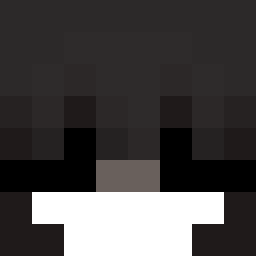
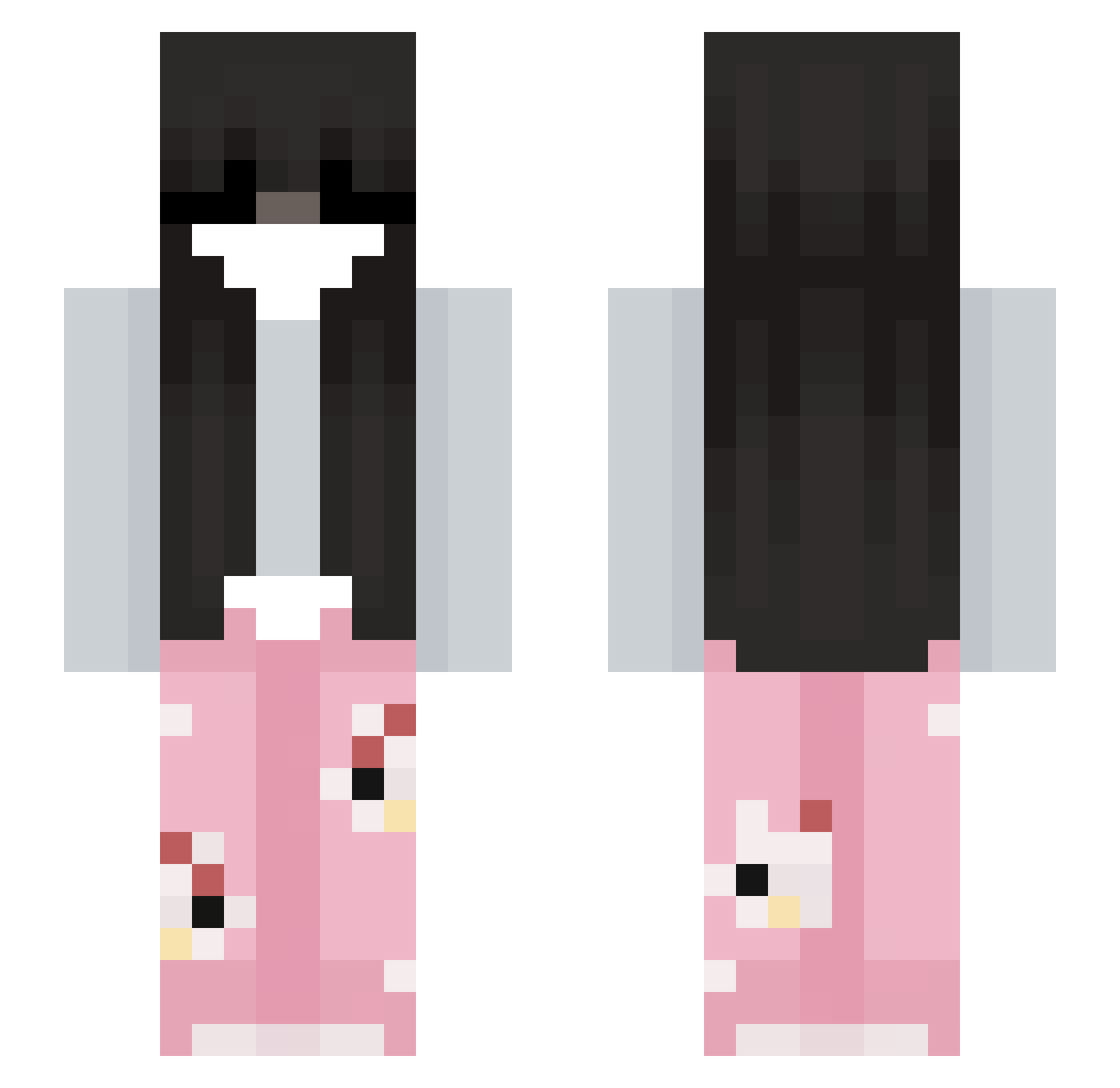
Minecraft skin of Vein_MC. Rotate the 3D model with your mouse or finger to view the skin from every angle, then download it as a PNG file and use it in Minecraft: Bedrock Edition or Java Edition for free. Rate the skin with stars to help other players find the best skins in our collection.
How to install the Vein_MC skin
- Press the Download button above to save the skin as a PNG file.
- Minecraft: Bedrock Edition (PE): open the Dressing Room from the main menu (or tap your character → Edit Character), go to Classic Skins → Owned, press the + (new skin) button, choose the downloaded PNG and pick the Slim (Alex) model. Works on PC and mobile; consoles cannot import custom skins.
- Minecraft: Java Edition: open the Minecraft Launcher, go to the Skins tab, click New Skin, load the PNG, pick the Slim (Alex) model and press Save & Use. You can also upload it at minecraft.net → Profile → Change Skin.
The skin does not show up after import - what should I do?
Restart Minecraft and open the Dressing Room again - imported skins sometimes appear only after a restart. Also make sure you selected the imported skin and picked the Slim (Alex) model.
Which model should I choose, Classic or Slim?
This skin is designed for the Slim (Alex) model. If you pick the wrong model, the arms of the skin will look stretched or squeezed.
Is this skin free to use?
Yes. Press Download, save the PNG file and use it in Minecraft: Bedrock Edition or Java Edition - no payment or registration needed. The skin also works on multiplayer servers and Realms.
More Pyjamas Minecraft skins
More skins
Looking for more? Go back to all Minecraft skins and check the top skins of the week, month and all time, or find any player's skin by nickname.