
ingamaus - Minecraft Skins & Skin History
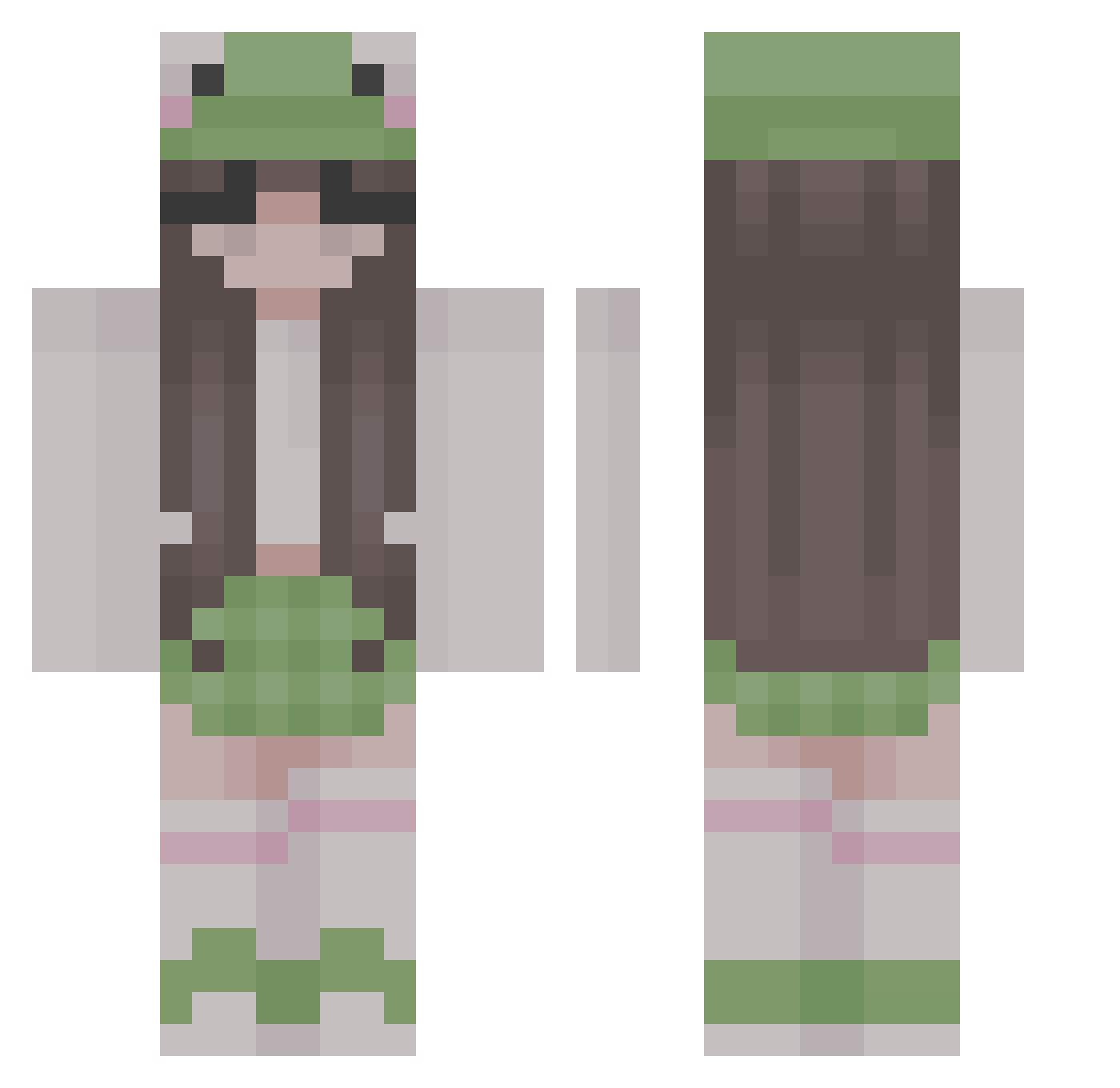
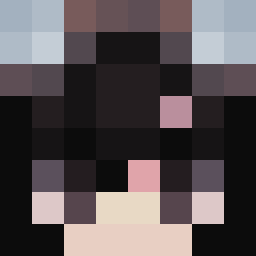
Current Minecraft skin of the player ingamaus, loaded from the official Mojang API. Rotate the 3D model with your mouse or finger, then download the skin as a PNG file and use it in Minecraft: Bedrock Edition or Java Edition for free. When ingamaus changes their skin, this page updates automatically and the old skin stays in the history below.
Other players with this skin (313)
ingamaus was the 15th player we have seen with this skin, first spotted on 30.07.2026. The same skin was seen on these players. Open a nickname to see their current skin and skin history.
 Kle1n_x phroggat Nexi22285 frogs11 Frany1521 BananPizza Arancia3 Zukitty0055 Moony_1302 Sage_Suki SixteenVanish
 Misiaczek2020 Lou_Lanna Ligita_ Rue8638
 EinsMandarine Jangchennn DieRoteKaiserin
 Noctera_ xtwinkleex mandylicious_ princeolii CatKittyCAT56 lucaplayz123 nwo1029 evasionrae JellybeanxXo puppychie bigchun3 leavewstan dakotams Gabitka123 Susaaaaa jiwoo_1 Csherok_Surd creamcheeseluvr MZiembo MacMagicc Holdsan JJU_NU isssa_lyssa sagexoxo OBlindBandit Liv1377 MyNameIsSpoon Kattiee__ savannahrei Nrns pheraas lollipop2806 caander_ Extrin0 lapaci BademeisterJan kaykay5 bbbov_v _Abbyv_ bagettei Owcajda EonNagima
More Frog Hat Minecraft skins
How to install the ingamaus skin
- Press the Download button above to save the skin as a PNG file.
- Minecraft: Bedrock Edition (PE): open the Dressing Room from the main menu (or tap your character → Edit Character), go to Classic Skins → Owned, press the + (new skin) button, choose the downloaded PNG and pick the Classic (Steve) model. Works on PC and mobile; consoles cannot import custom skins.
- Minecraft: Java Edition: open the Minecraft Launcher, go to the Skins tab, click New Skin, load the PNG, pick the Classic (Steve) model and press Save & Use. You can also upload it at minecraft.net → Profile → Change Skin.
The skin does not show up after import - what should I do?
Restart Minecraft and open the Dressing Room again - imported skins sometimes appear only after a restart. Also make sure you selected the imported skin and picked the Classic (Steve) model.
Which model should I choose, Classic or Slim?
This skin is designed for the Classic (Steve) model. If you pick the wrong model, the arms of the skin will look stretched or squeezed.
Is the skin of ingamaus free to download?
Yes. Press Download, save the PNG file and use it in Minecraft: Bedrock Edition or Java Edition - no payment or registration needed. The skin also works on multiplayer servers and Realms.
More skins
Looking for more? Go back to all Minecraft skins and check the top skins of the week, month and all time, or find any player's skin by nickname.