
illitminju - Minecraft Skins & Skin History
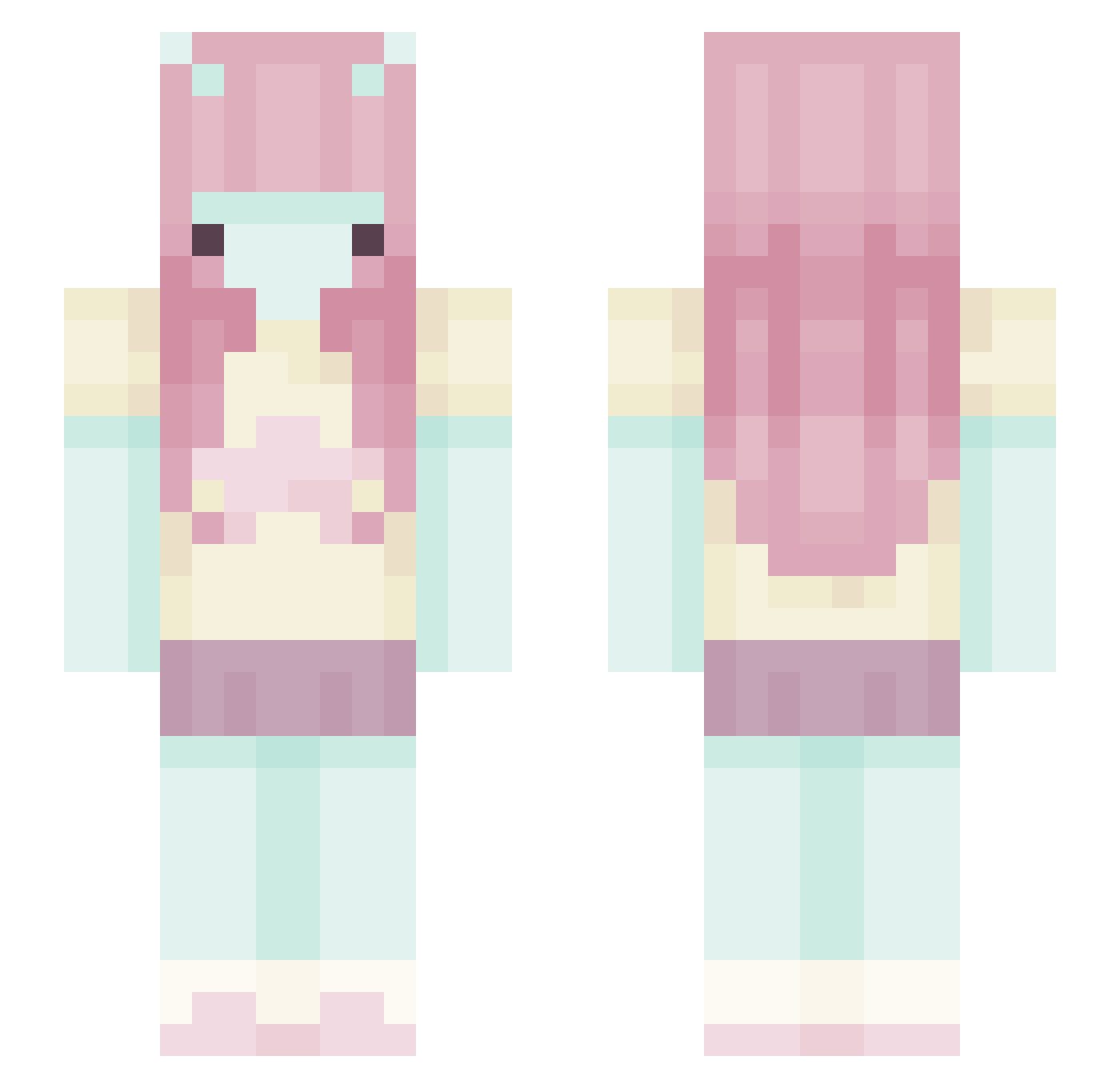
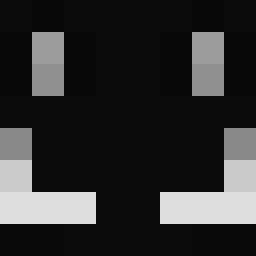
Current Minecraft skin of the player illitminju, loaded from the official Mojang API. Rotate the 3D model with your mouse or finger, then download the skin as a PNG file and use it in Minecraft: Bedrock Edition or Java Edition for free. When illitminju changes their skin, this page updates automatically and the old skin stays in the history below.
Other players with this skin (444)
illitminju was the 57th player we have seen with this skin, first spotted on 08.08.2026. The same skin was seen on these players. Open a nickname to see their current skin and skin history.
 bu505
bu505 juliyurs pipacs0202 lalalarks Dixagubu Zyxrr saltedsalm0n mqxster SquidInkky Dem0nSimps lemonbxrss zeyameow adcarrs Aspuris ppinku yeslose Connerman3390
 xHqna_ ItzAddieee Underground1066 Pippaa_ coiimbra lalosia77 Ethetta Bleshzomb karta_boss
 wendezoo Bia_ZzZ Ju0407 Fleoxole sigmamel ovullo 94oh LunaGirls licielinda 19onya
 Arik_i TulipTwolip griffindoe Vivien__ JunieEXE rokiewadks LenaGamer001 greynzz G4BIB1 Stuuby 444raen ren7yan
 bedeater6 NizukoRoyal Enderwinnin ayoumii noemimi0 watermelon1205 Mimikyute0w0 babehoven Precelek247 BloodBug01 torabora123
 abby2cooll
More Zero Two Minecraft skins
How to install the illitminju skin
- Press the Download button above to save the skin as a PNG file.
- Minecraft: Bedrock Edition (PE): open the Dressing Room from the main menu (or tap your character → Edit Character), go to Classic Skins → Owned, press the + (new skin) button, choose the downloaded PNG and pick the Slim (Alex) model. Works on PC and mobile; consoles cannot import custom skins.
- Minecraft: Java Edition: open the Minecraft Launcher, go to the Skins tab, click New Skin, load the PNG, pick the Slim (Alex) model and press Save & Use. You can also upload it at minecraft.net → Profile → Change Skin.
The skin does not show up after import - what should I do?
Restart Minecraft and open the Dressing Room again - imported skins sometimes appear only after a restart. Also make sure you selected the imported skin and picked the Slim (Alex) model.
Which model should I choose, Classic or Slim?
This skin is designed for the Slim (Alex) model. If you pick the wrong model, the arms of the skin will look stretched or squeezed.
Is the skin of illitminju free to download?
Yes. Press Download, save the PNG file and use it in Minecraft: Bedrock Edition or Java Edition - no payment or registration needed. The skin also works on multiplayer servers and Realms.
More skins
Looking for more? Go back to all Minecraft skins and check the top skins of the week, month and all time, or find any player's skin by nickname.