
iLe0s - Minecraft Skins & Skin History
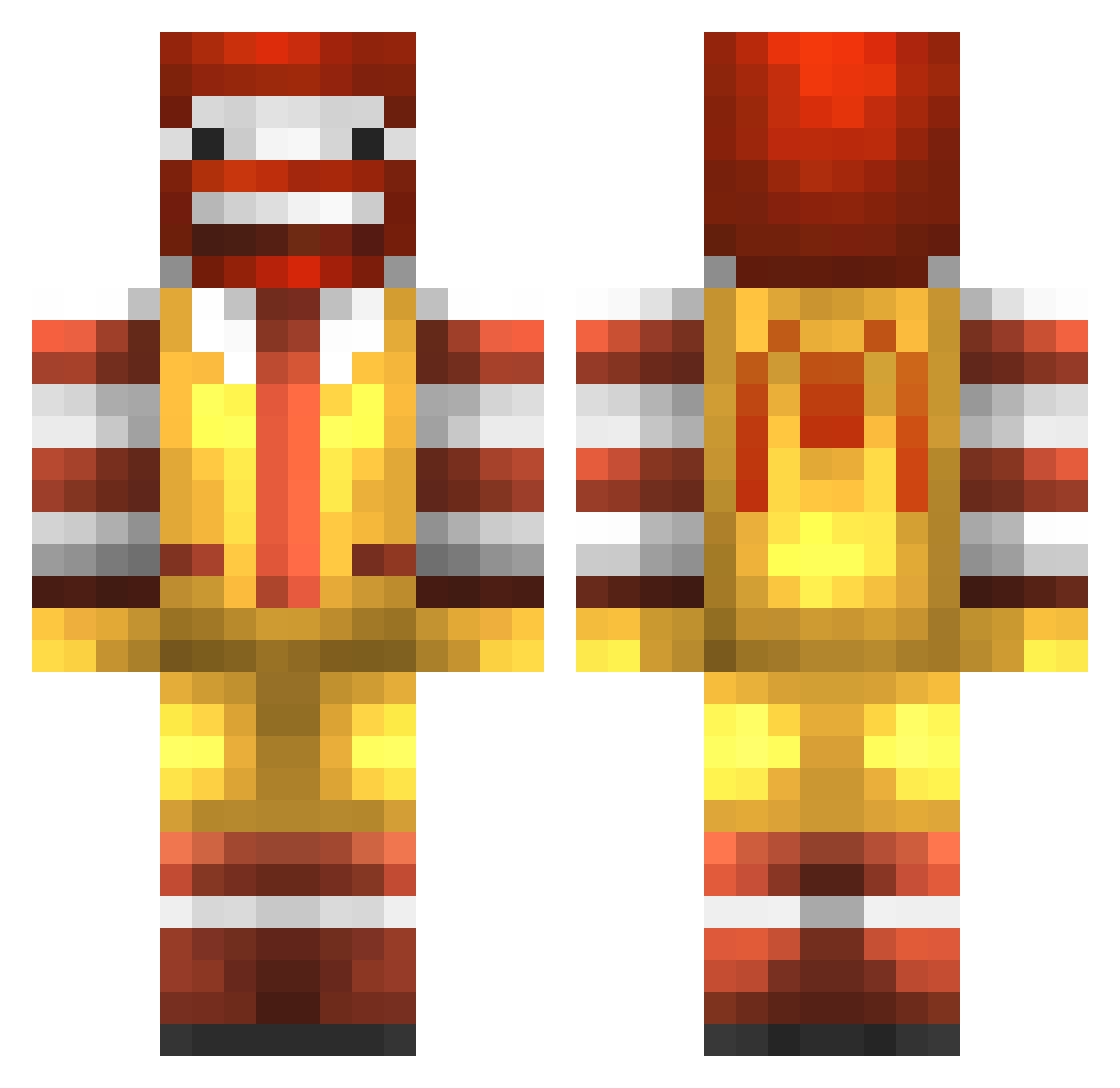
Current Minecraft skin of the player iLe0s, loaded from the official Mojang API. Rotate the 3D model with your mouse or finger, then download the skin as a PNG file and use it in Minecraft: Bedrock Edition or Java Edition for free. When iLe0s changes their skin, this page updates automatically and the old skin stays in the history below.
Other players with this skin (777)
iLe0s was the 168th player we have seen with this skin, first spotted on 13.08.2026. The same skin was seen on these players. Open a nickname to see their current skin and skin history.
 LV1atty kysaw_ PersilPower BarcaKid24 Cereal_The_Great LeGrosRonald Aliatil BananaPukeh cherryripelover1 Doodlink Chris_Bas love2mine QuackDonalds finalhome RoyallJegs Cup_Of_Cino DarkDogs45 PinguoinxD TheMajesticRonYT ZordWarrior12 mzx iAnarchia damien079 bigsimon22 Gijskannibaal Benigil R_Haks_15 looc343 Clems_07 Bukuk nloken Txlentify YuMauBing gewonegamers hyades2 yanonator victor0906 Hazardous_Bill jamiily DevilOf Slop_Job Maccess John703 RazorDeathAdder ArOm1995 lae_z ConnorH1 Cajon54 ukfagit Impulse_3 Plovatro_Esq_IV Blizzah RealismAlt68 canonb123 MikeRaia Dopeola DudeNamedIan Desertfox1911 ben_webster123 ElGiTaNoMC
More Ronald Mcdonald Minecraft skins
See all 126 Ronald Mcdonald skins
How to install the iLe0s skin
- Press the Download button above to save the skin as a PNG file.
- Minecraft: Bedrock Edition (PE): open the Dressing Room from the main menu (or tap your character → Edit Character), go to Classic Skins → Owned, press the + (new skin) button, choose the downloaded PNG and pick the Classic (Steve) model. Works on PC and mobile; consoles cannot import custom skins.
- Minecraft: Java Edition: open the Minecraft Launcher, go to the Skins tab, click New Skin, load the PNG, pick the Classic (Steve) model and press Save & Use. You can also upload it at minecraft.net → Profile → Change Skin.
The skin does not show up after import - what should I do?
Restart Minecraft and open the Dressing Room again - imported skins sometimes appear only after a restart. Also make sure you selected the imported skin and picked the Classic (Steve) model.
Which model should I choose, Classic or Slim?
This skin is designed for the Classic (Steve) model. If you pick the wrong model, the arms of the skin will look stretched or squeezed.
Is the skin of iLe0s free to download?
Yes. Press Download, save the PNG file and use it in Minecraft: Bedrock Edition or Java Edition - no payment or registration needed. The skin also works on multiplayer servers and Realms.
More skins
Looking for more? Go back to all Minecraft skins and check the top skins of the week, month and all time, or find any player's skin by nickname.