
henrysaurus4 - Minecraft Skins & Skin History
Current Minecraft skin of the player henrysaurus4, loaded from the official Mojang API. Rotate the 3D model with your mouse or finger, then download the skin as a PNG file and use it in Minecraft: Bedrock Edition or Java Edition for free. When henrysaurus4 changes their skin, this page updates automatically and the old skin stays in the history below.
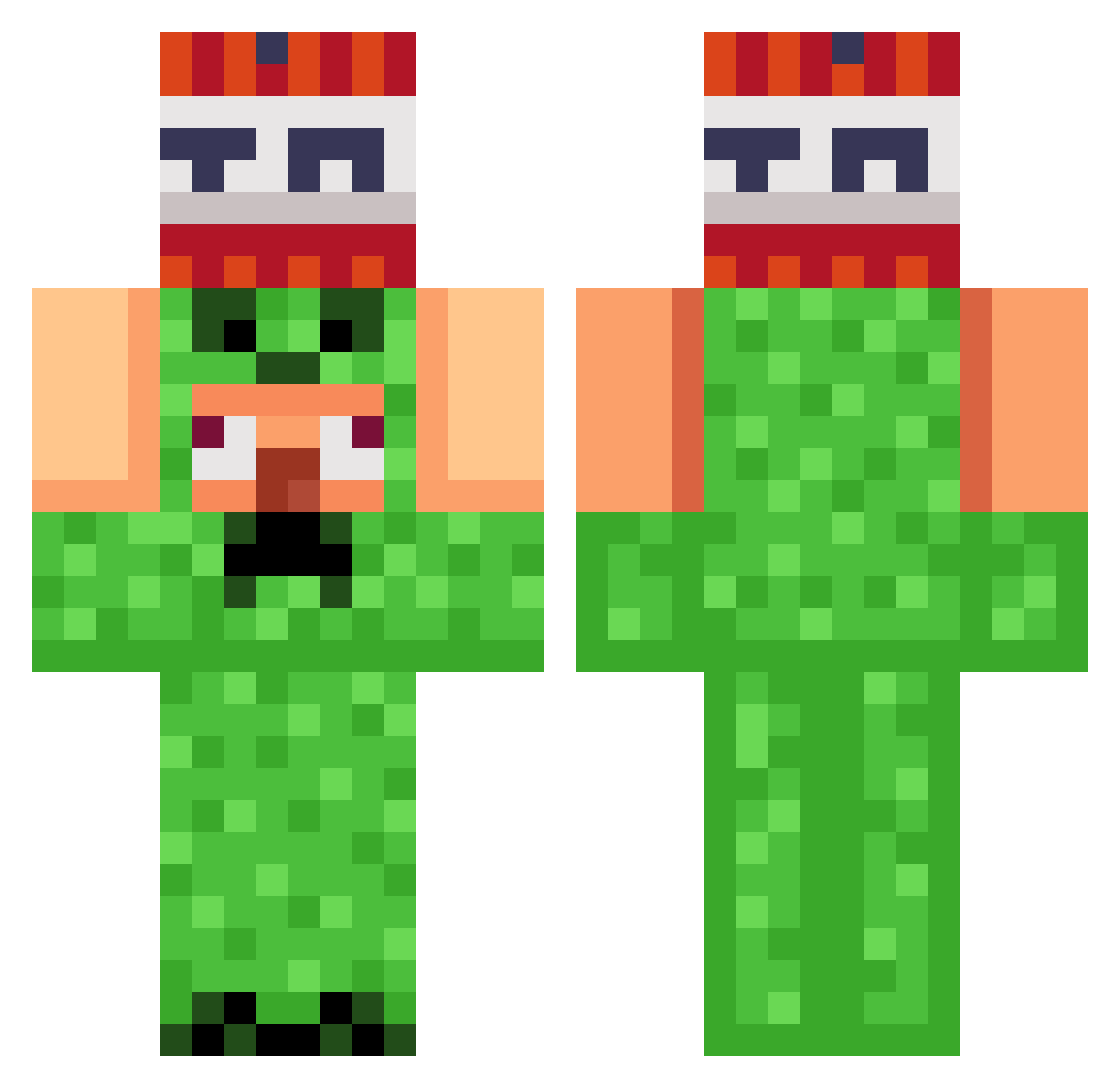
Other players with this skin (821)
henrysaurus4 was the 85th player we have seen with this skin, first spotted on 03.08.2026. The same skin was seen on these players. Open a nickname to see their current skin and skin history.
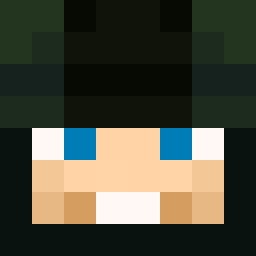 Jake3798
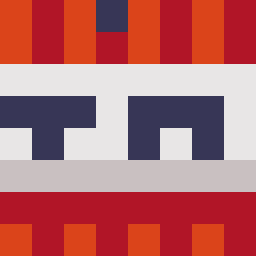 DeathKicker306 Sleepstm Licolico1111 skitter_ TimiboyK FortunatoC JavaSaturn TazaniVT gougougougua Its_Shivansh_yt minnexit 2Fastik2 WongKalahan67 Felix_2k18 swee_nie _ez_name_ Dlipe28 crafting_bluejay Bomberkid23 DrAncis gayeon0404 NewAcel YanZeraa asap_crisp salmondafish tylerca_07 RAZ1CHAN Privacy___ totks Effac jjh091312 zitn Krouga Jobrunn snowkid19 ShoTz37 KAKA69420 JHester Slapdash0906
 gerrox__YT iFoTi
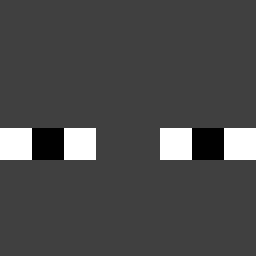 Dirtcomputer goat_creature X_Zelda boterhamworst33 klimcha Xxrzx007 Heinz1996 Wazawulf BING_CHILING_123 PrOGaMeR_a111 Eminemaly
 Marshmallowman7 Paninihead23 Riceboii4939 kdzinn puyopjc Minekart20 SchwarzeMaenner
More TNT Minecraft skins
How to install the henrysaurus4 skin
- Press the Download button above to save the skin as a PNG file.
- Minecraft: Bedrock Edition (PE): open the Dressing Room from the main menu (or tap your character → Edit Character), go to Classic Skins → Owned, press the + (new skin) button, choose the downloaded PNG and pick the Classic (Steve) model. Works on PC and mobile; consoles cannot import custom skins.
- Minecraft: Java Edition: open the Minecraft Launcher, go to the Skins tab, click New Skin, load the PNG, pick the Classic (Steve) model and press Save & Use. You can also upload it at minecraft.net → Profile → Change Skin.
The skin does not show up after import - what should I do?
Restart Minecraft and open the Dressing Room again - imported skins sometimes appear only after a restart. Also make sure you selected the imported skin and picked the Classic (Steve) model.
Which model should I choose, Classic or Slim?
This skin is designed for the Classic (Steve) model. If you pick the wrong model, the arms of the skin will look stretched or squeezed.
Is the skin of henrysaurus4 free to download?
Yes. Press Download, save the PNG file and use it in Minecraft: Bedrock Edition or Java Edition - no payment or registration needed. The skin also works on multiplayer servers and Realms.
More skins
Looking for more? Go back to all Minecraft skins and check the top skins of the week, month and all time, or find any player's skin by nickname.