
gufetto0707 - Minecraft Skins & Skin History
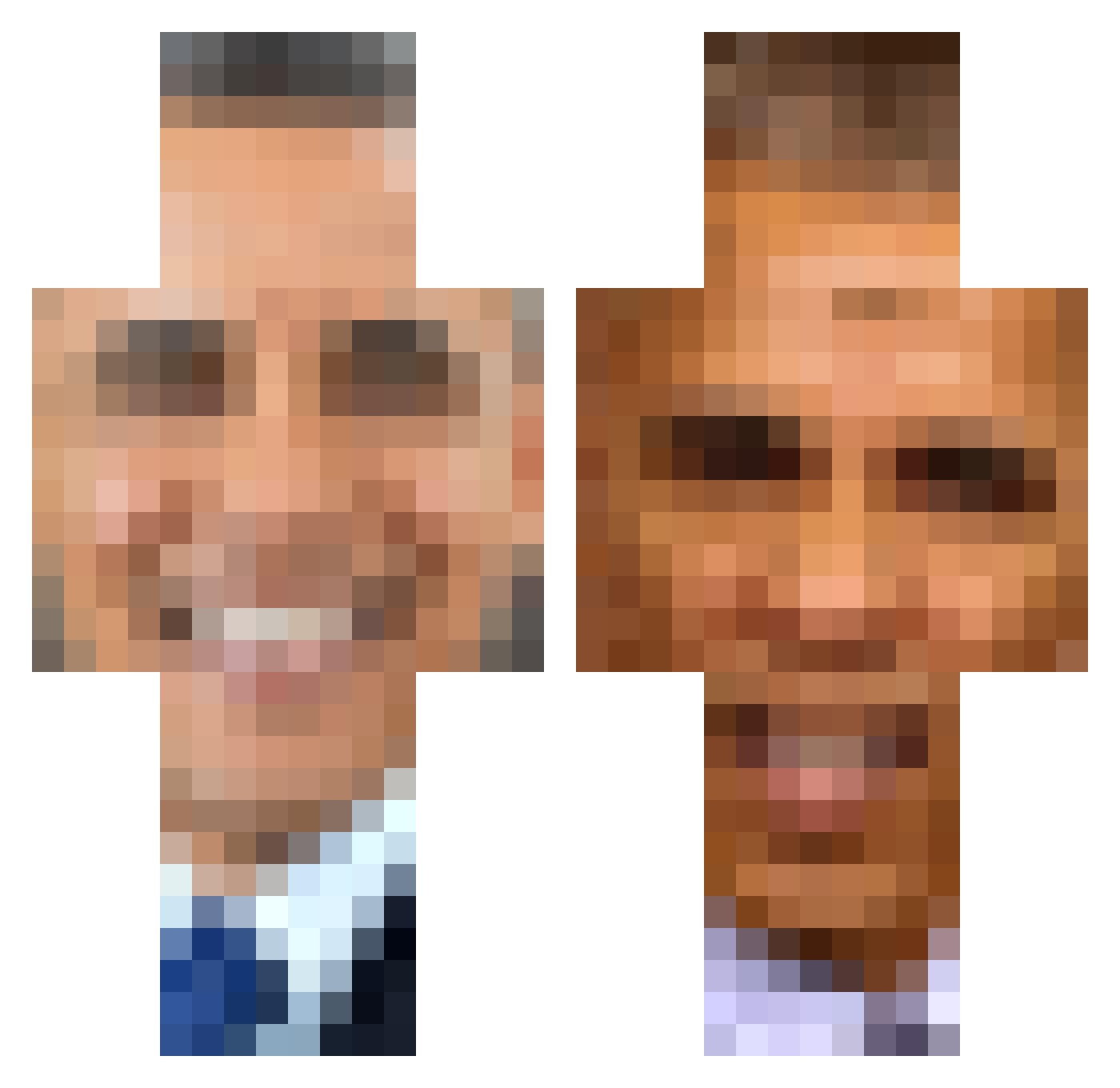
Current Minecraft skin of the player gufetto0707, loaded from the official Mojang API. Rotate the 3D model with your mouse or finger, then download the skin as a PNG file and use it in Minecraft: Bedrock Edition or Java Edition for free. When gufetto0707 changes their skin, this page updates automatically and the old skin stays in the history below.
Other players with this skin (419)
gufetto0707 was the 42nd player we have seen with this skin, first spotted on 06.08.2026. The same skin was seen on these players. Open a nickname to see their current skin and skin history.
 Schwarn_oder_so
 ronnyorsh skilletpan Crypt552 el_kubixo IF270 DeetCaprio Tserenbaatar Suad_006 Ferphas necknik AYAN_CHUBBY kryslewan farmer4440 TheTinmanMan yungdiddy123 Chillitomato_16 yumeakumu Teenis6969 HMOperator smeggygamer11 toastyjew 69BarackObama69 gumpycat114 Vigilant_Mercy jesseh1234569 Koolbattle
 spiro177 Natedagreat3579 hhhazzzzz LexM4 _Dolos_ DeathRayZz Draugrr bez2 _G4bl_ oliviaiguess Chitus CullenP07 RubyDragon274 psychedelicdogs SteelingCow437 eggofroggo Prismatize pustynia spicysao Dancikaa ezeky_96 DeZkE juju7673 sodduh dreamerzs nloverduin ComittedCobra9 BigMan228 AIiester Kinfani ofcourseyouwont _CT_5555 conkers0
More Barack Obama Minecraft skins
See all 258 Barack Obama skins
How to install the gufetto0707 skin
- Press the Download button above to save the skin as a PNG file.
- Minecraft: Bedrock Edition (PE): open the Dressing Room from the main menu (or tap your character → Edit Character), go to Classic Skins → Owned, press the + (new skin) button, choose the downloaded PNG and pick the Classic (Steve) model. Works on PC and mobile; consoles cannot import custom skins.
- Minecraft: Java Edition: open the Minecraft Launcher, go to the Skins tab, click New Skin, load the PNG, pick the Classic (Steve) model and press Save & Use. You can also upload it at minecraft.net → Profile → Change Skin.
The skin does not show up after import - what should I do?
Restart Minecraft and open the Dressing Room again - imported skins sometimes appear only after a restart. Also make sure you selected the imported skin and picked the Classic (Steve) model.
Which model should I choose, Classic or Slim?
This skin is designed for the Classic (Steve) model. If you pick the wrong model, the arms of the skin will look stretched or squeezed.
Is the skin of gufetto0707 free to download?
Yes. Press Download, save the PNG file and use it in Minecraft: Bedrock Edition or Java Edition - no payment or registration needed. The skin also works on multiplayer servers and Realms.
More skins
Looking for more? Go back to all Minecraft skins and check the top skins of the week, month and all time, or find any player's skin by nickname.