
gtxm - Minecraft Skins & Skin History
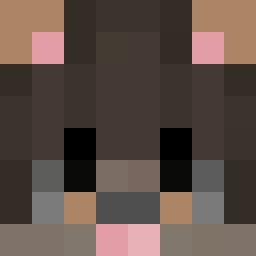
Current Minecraft skin of the player gtxm, loaded from the official Mojang API. Rotate the 3D model with your mouse or finger, then download the skin as a PNG file and use it in Minecraft: Bedrock Edition or Java Edition for free. When gtxm changes their skin, this page updates automatically and the old skin stays in the history below.
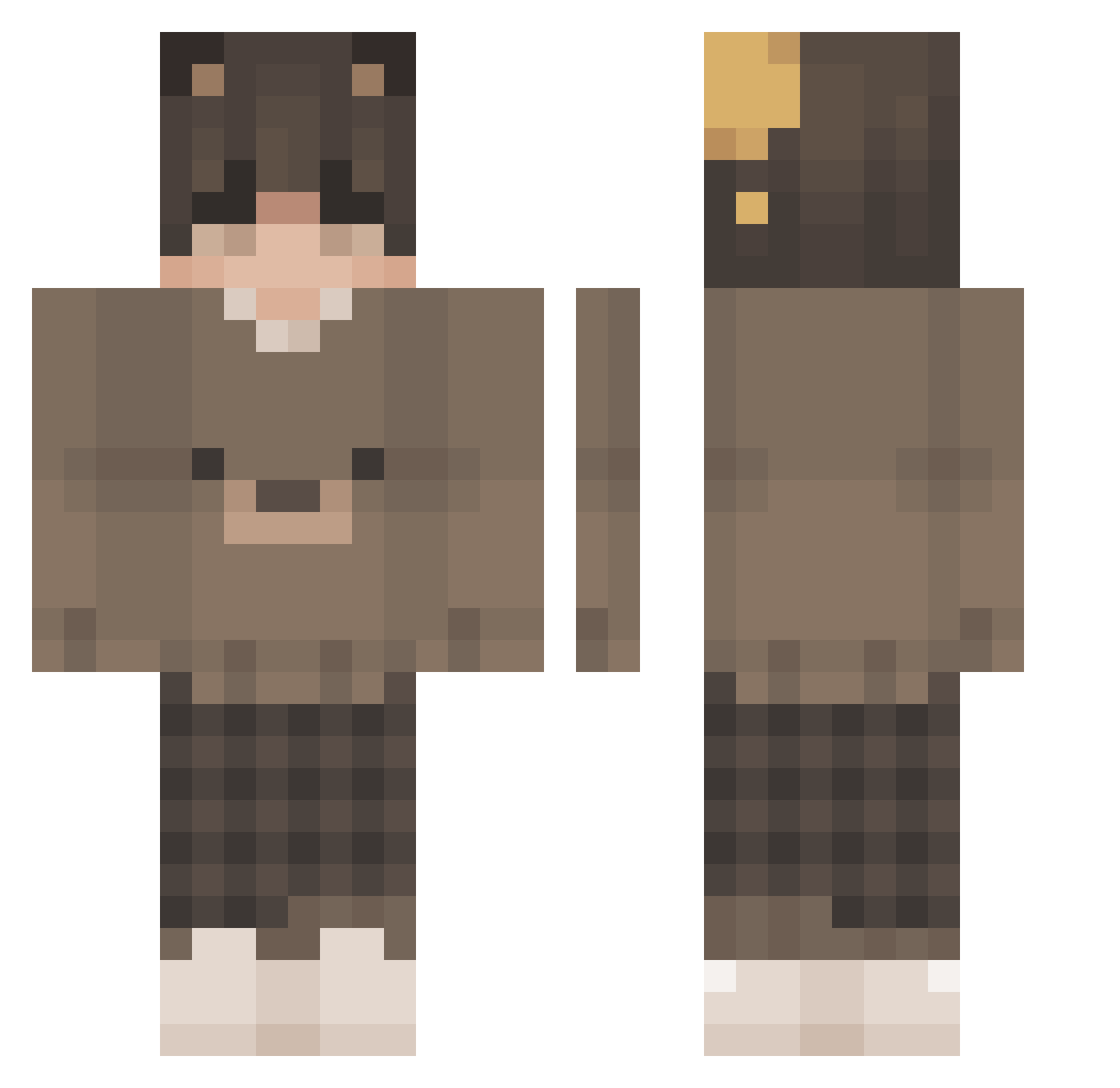
Other players with this skin (201)
gtxm was the 19th player we have seen with this skin, first spotted on 06.08.2026. The same skin was seen on these players. Open a nickname to see their current skin and skin history.
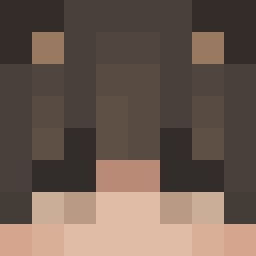 MrPrince22 Puckitoss SolarROX GamerBoySCG Kra5313 xBlaSTz_ 548Tito
 ExLoVd
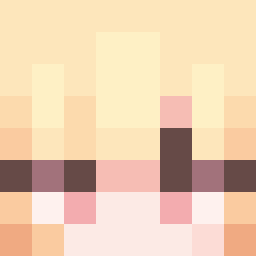 Kyll01 chidxri BlazeQ01 stratarush
 nichgaa1 HongKonger_ zAndrewfly
 IPhoneMinus CobearJr Reself ax8t
 ST_Koffer
 Fasku tommyphobic vrqxxsu ShiningM3w Nicky5 Halkrog Refect Ilxn_ lliliililll LxrdKami michaltak
 nightlyarchavist char_two arf4a_ encore13 Thai187 Facneer venxith FriendlyTap
 Bez3LuTa ImGhetto cytoplasm3 NaoSeen IzzyThaBoi Cakeenjoyer420 xiaokai203 L00KS Cirdec369
 V3xity_ sgstripey
 JJ5421 Grind_on_top Eisbaer_Starky milkywilly Tsukunome hyeun_exclusive Learninggg ObscureUmbrella ninnandos
 MrThug7l
More Bear Ears Minecraft skins
How to install the gtxm skin
- Press the Download button above to save the skin as a PNG file.
- Minecraft: Bedrock Edition (PE): open the Dressing Room from the main menu (or tap your character → Edit Character), go to Classic Skins → Owned, press the + (new skin) button, choose the downloaded PNG and pick the Classic (Steve) model. Works on PC and mobile; consoles cannot import custom skins.
- Minecraft: Java Edition: open the Minecraft Launcher, go to the Skins tab, click New Skin, load the PNG, pick the Classic (Steve) model and press Save & Use. You can also upload it at minecraft.net → Profile → Change Skin.
The skin does not show up after import - what should I do?
Restart Minecraft and open the Dressing Room again - imported skins sometimes appear only after a restart. Also make sure you selected the imported skin and picked the Classic (Steve) model.
Which model should I choose, Classic or Slim?
This skin is designed for the Classic (Steve) model. If you pick the wrong model, the arms of the skin will look stretched or squeezed.
Is the skin of gtxm free to download?
Yes. Press Download, save the PNG file and use it in Minecraft: Bedrock Edition or Java Edition - no payment or registration needed. The skin also works on multiplayer servers and Realms.
More skins
Looking for more? Go back to all Minecraft skins and check the top skins of the week, month and all time, or find any player's skin by nickname.