
Learninggg - Minecraft Skins & Skin History
Current Minecraft skin of the player Learninggg, loaded from the official Mojang API. Rotate the 3D model with your mouse or finger, then download the skin as a PNG file and use it in Minecraft: Bedrock Edition or Java Edition for free. When Learninggg changes their skin, this page updates automatically and the old skin stays in the history below.
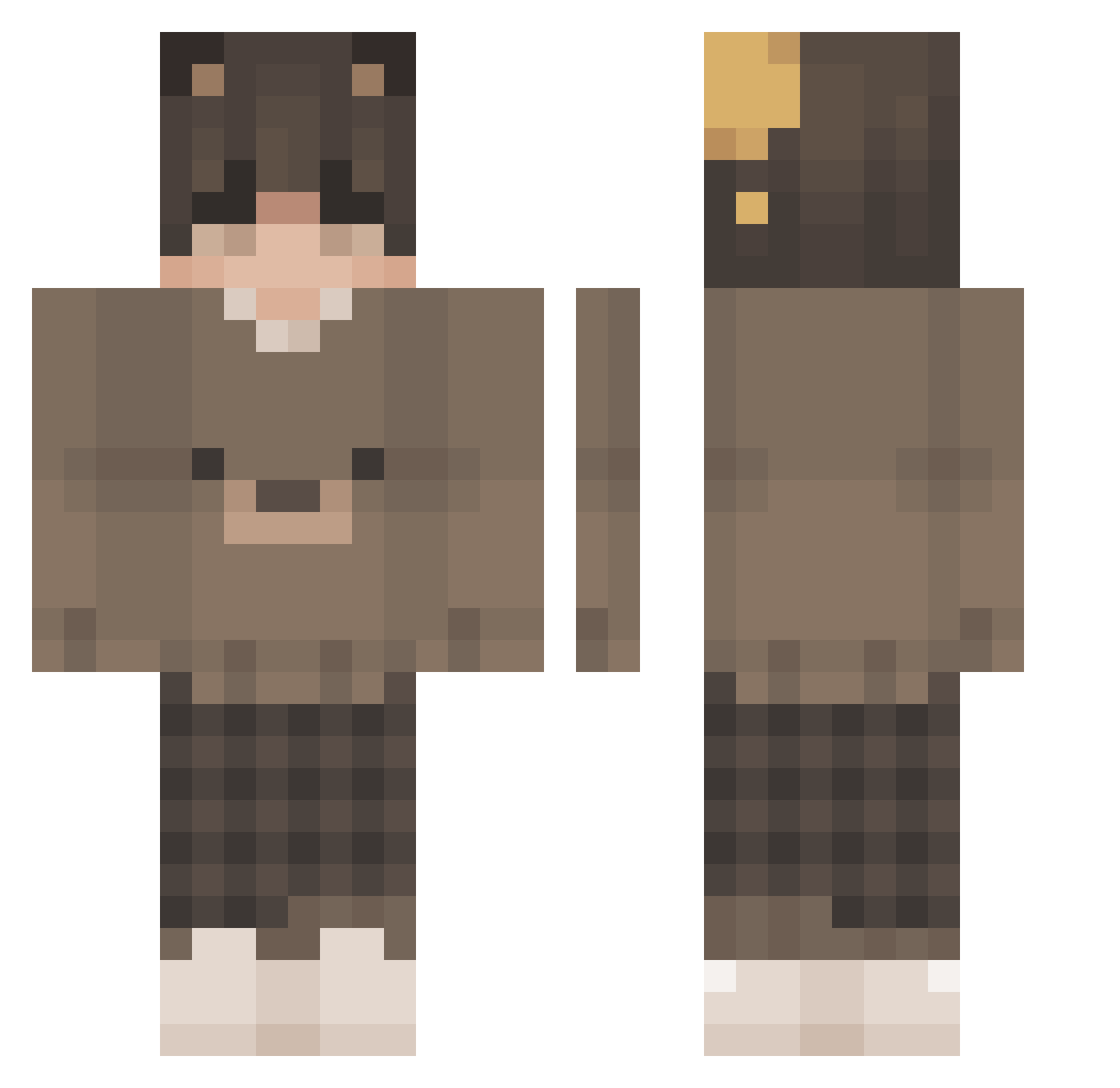
Other players with this skin (201)
Learninggg was the 58th player we have seen with this skin, first spotted on 28.08.2026. The same skin was seen on these players. Open a nickname to see their current skin and skin history.
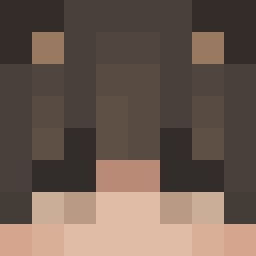 ObscureUmbrella hyeun_exclusive ninnandos
 MrThug7l daxtonio Amiczusia Erenidos Tsukunome milkywilly YousCous vex_py TamikoGamer_Br Eisbaer_Starky alfredothefather Grind_on_top 13lacky_ ViperSolvic sgstripey Cirdec369 MrMeowgy12 lwlix Flutter_1 PuiTak Honey_IU L00KS xiaokai203 nionochill Cakeenjoyer420 Fti_ ImJesuD Naagsinho IzzyThaBoi NaoSeen LovingPotato babo_markuwu tian_0808 ImGhetto FriendlyTap venxith Facneer Thai187 encore13 BigDaddySnack arf4a_ char_two luvsophiii TheBmanBeast nrz_0 K1xS michaltak LxrdKami
 Wheezed tiredwhale Ilxn_ Halkrog Nicky5 vrqxxsu tommyphobic kurvaa
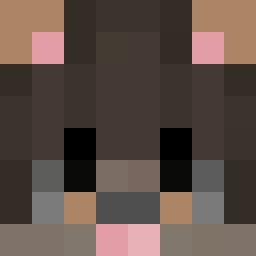 Fasku
FaskuMore Bear Ears Minecraft skins
How to install the Learninggg skin
- Press the Download button above to save the skin as a PNG file.
- Minecraft: Bedrock Edition (PE): open the Dressing Room from the main menu (or tap your character → Edit Character), go to Classic Skins → Owned, press the + (new skin) button, choose the downloaded PNG and pick the Classic (Steve) model. Works on PC and mobile; consoles cannot import custom skins.
- Minecraft: Java Edition: open the Minecraft Launcher, go to the Skins tab, click New Skin, load the PNG, pick the Classic (Steve) model and press Save & Use. You can also upload it at minecraft.net → Profile → Change Skin.
The skin does not show up after import - what should I do?
Restart Minecraft and open the Dressing Room again - imported skins sometimes appear only after a restart. Also make sure you selected the imported skin and picked the Classic (Steve) model.
Which model should I choose, Classic or Slim?
This skin is designed for the Classic (Steve) model. If you pick the wrong model, the arms of the skin will look stretched or squeezed.
Is the skin of Learninggg free to download?
Yes. Press Download, save the PNG file and use it in Minecraft: Bedrock Edition or Java Edition - no payment or registration needed. The skin also works on multiplayer servers and Realms.
More skins
Looking for more? Go back to all Minecraft skins and check the top skins of the week, month and all time, or find any player's skin by nickname.