
gksmf232 - Minecraft Skins & Skin History
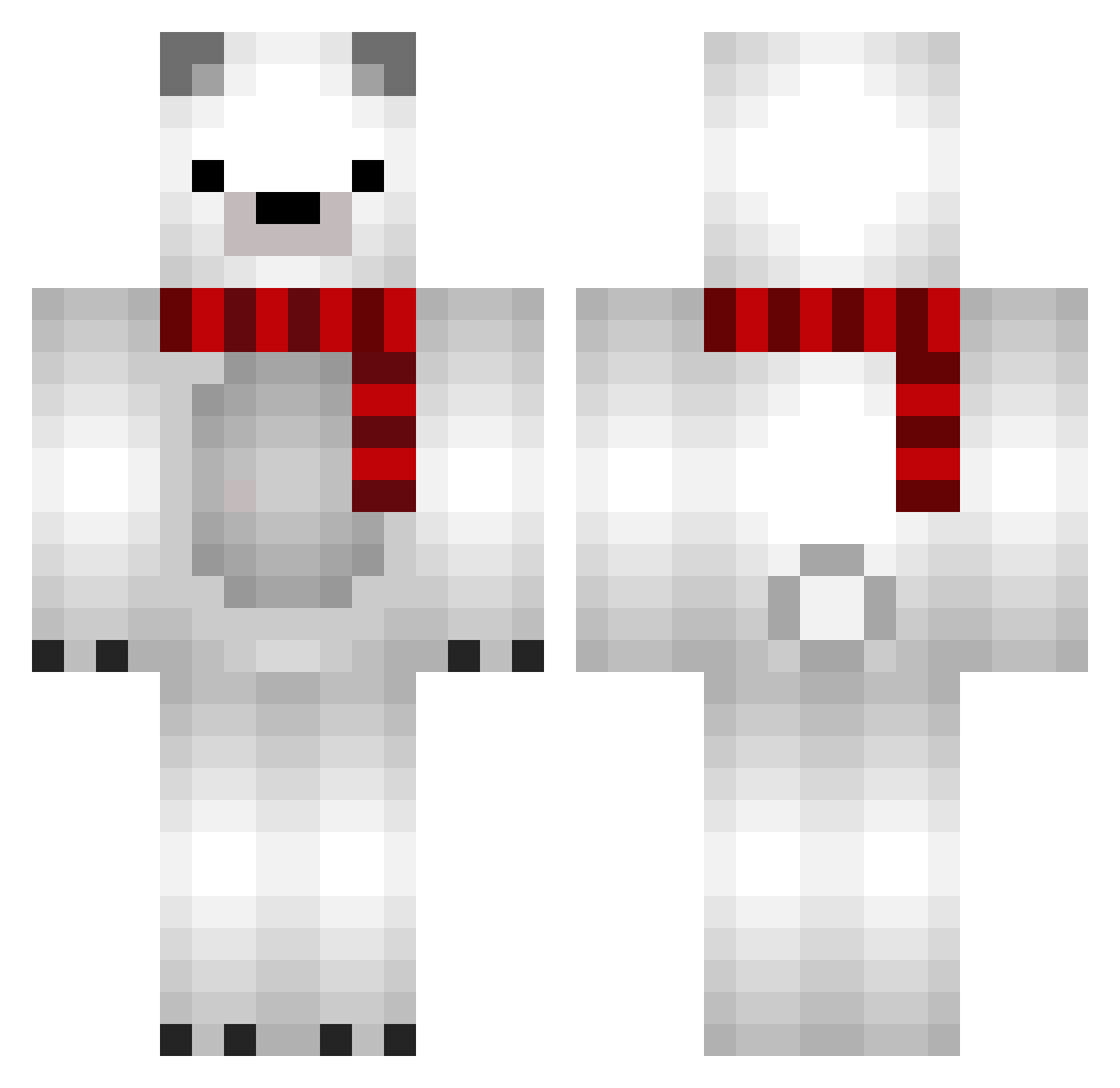
Current Minecraft skin of the player gksmf232, loaded from the official Mojang API. Rotate the 3D model with your mouse or finger, then download the skin as a PNG file and use it in Minecraft: Bedrock Edition or Java Edition for free. When gksmf232 changes their skin, this page updates automatically and the old skin stays in the history below.
Other players with this skin (689)
gksmf232 was the 19th player we have seen with this skin, first spotted on 25.07.2026. The same skin was seen on these players. Open a nickname to see their current skin and skin history.
 Mitsul2u Didi715 Pavlof Yangma0 CLAEIOU Aureia Req014 Comfortt zCqbra MikoX327 jellymango jungyoon11 VladTKD endermanxxxmc Pongzhi lun58 moongsil_S Normalty Luzrok_ wanpara caricter PickleSuccer HornyBrahman Easytrex susubao jvffw EasySsu hanl0l0 PerritoGG8 lewis_base WooGom_ Jaamo14 eliasfv numbxy Kiiyu3 potterboy89 M_Putin ImaMeanPerson itsragnarr rhy111 Noobpin9 FearSeven Panamera1981 Eathin Syabuhara_Kimeko MrFumos_ falbear Abe1436 Granatox Labrado09 Collixsion BlackP3rson Meganova_ Baegion Shandamon A5WXP kkaoh liang_lian acedfsf kowakeudon
More Polar Bear Minecraft skins
How to install the gksmf232 skin
- Press the Download button above to save the skin as a PNG file.
- Minecraft: Bedrock Edition (PE): open the Dressing Room from the main menu (or tap your character → Edit Character), go to Classic Skins → Owned, press the + (new skin) button, choose the downloaded PNG and pick the Classic (Steve) model. Works on PC and mobile; consoles cannot import custom skins.
- Minecraft: Java Edition: open the Minecraft Launcher, go to the Skins tab, click New Skin, load the PNG, pick the Classic (Steve) model and press Save & Use. You can also upload it at minecraft.net → Profile → Change Skin.
The skin does not show up after import - what should I do?
Restart Minecraft and open the Dressing Room again - imported skins sometimes appear only after a restart. Also make sure you selected the imported skin and picked the Classic (Steve) model.
Which model should I choose, Classic or Slim?
This skin is designed for the Classic (Steve) model. If you pick the wrong model, the arms of the skin will look stretched or squeezed.
Is the skin of gksmf232 free to download?
Yes. Press Download, save the PNG file and use it in Minecraft: Bedrock Edition or Java Edition - no payment or registration needed. The skin also works on multiplayer servers and Realms.
More skins
Looking for more? Go back to all Minecraft skins and check the top skins of the week, month and all time, or find any player's skin by nickname.