
ghostyfish - Minecraft Skins & Skin History
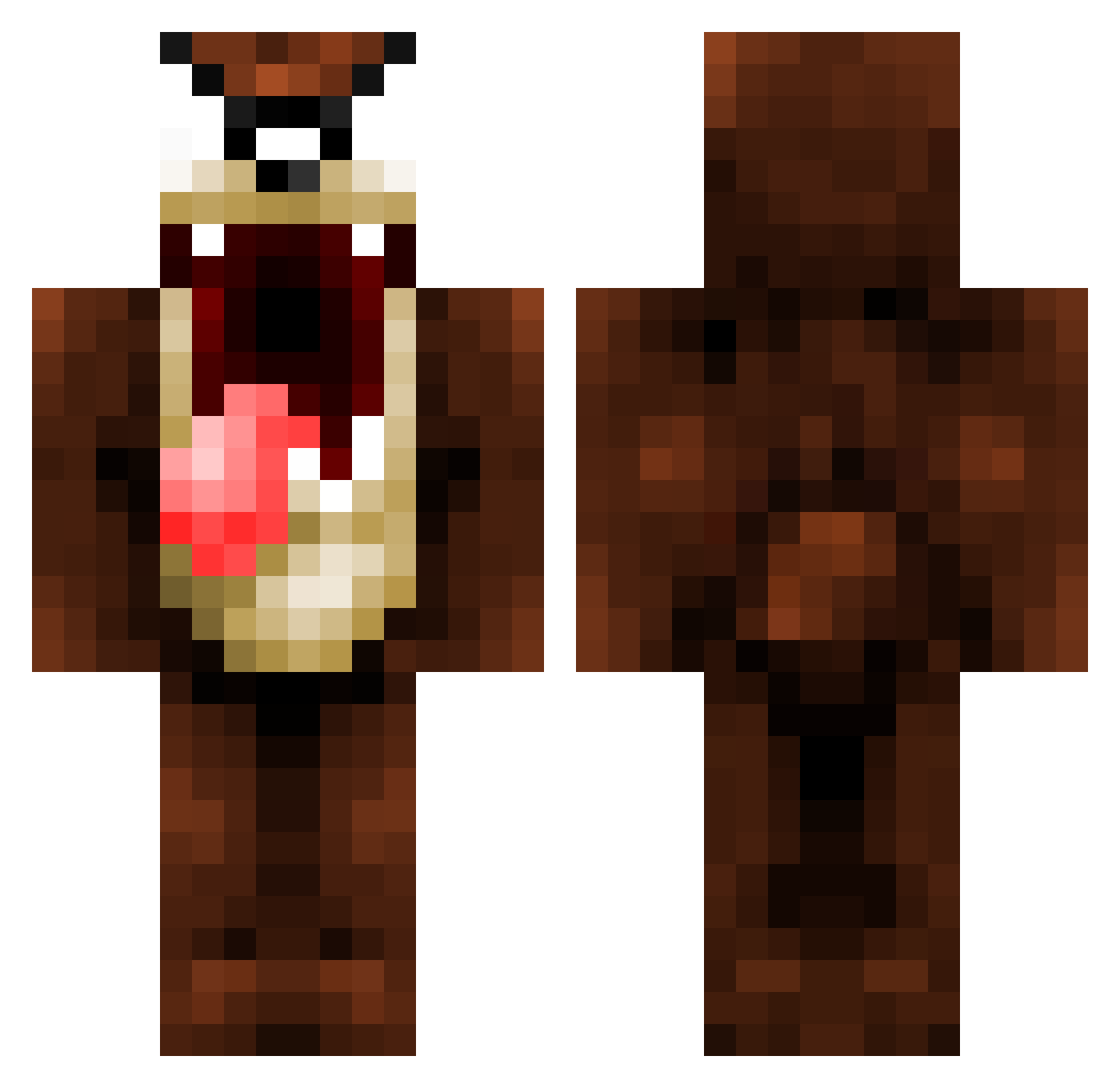
Current Minecraft skin of the player ghostyfish, loaded from the official Mojang API. Rotate the 3D model with your mouse or finger, then download the skin as a PNG file and use it in Minecraft: Bedrock Edition or Java Edition for free. When ghostyfish changes their skin, this page updates automatically and the old skin stays in the history below.
Other players with this skin (1076)
ghostyfish was the 514th player we have seen with this skin, first spotted on 17.09.2026. The same skin was seen on these players. Open a nickname to see their current skin and skin history.
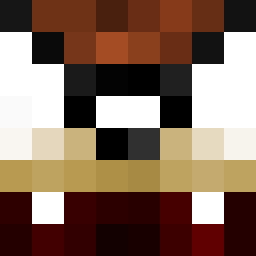 xRin tonykordatos Danidyner Bombenleger21 codymunnich logantj ChampagneDream Chunaimon MrJeffreyH YouTopic Chatpristie MySys 11olaf11 Smokeez HAD3S22 kbeecham Nuwh tonyelcurioso NaWeiZ_ centoni71 tamgros Xratch Titleist31 MichaelVick34 TEUCH007 KraytosXG KimDani AndrewO93 BearRight Beeenjaaamiiin trebor62 cebrice 4thFloor ScottishPhoenix Skogsvokteren TommyIsLegit Enormhi Kleopatra patsboem UnicornEdd Canadian_ Tazz18stout yoppio Pitchka danman82 shiftyp gavlarN Kbredvig Dewwlo chostdog babboy1 CocoCrazz TheMainGiraffe favr343ver Damonbiker XxHorilxX willf800 lol123456 Nivenator1797 craZbeast
More Taz Minecraft skins
How to install the ghostyfish skin
- Press the Download button above to save the skin as a PNG file.
- Minecraft: Bedrock Edition (PE): open the Dressing Room from the main menu (or tap your character → Edit Character), go to Classic Skins → Owned, press the + (new skin) button, choose the downloaded PNG and pick the Classic (Steve) model. Works on PC and mobile; consoles cannot import custom skins.
- Minecraft: Java Edition: open the Minecraft Launcher, go to the Skins tab, click New Skin, load the PNG, pick the Classic (Steve) model and press Save & Use. You can also upload it at minecraft.net → Profile → Change Skin.
The skin does not show up after import - what should I do?
Restart Minecraft and open the Dressing Room again - imported skins sometimes appear only after a restart. Also make sure you selected the imported skin and picked the Classic (Steve) model.
Which model should I choose, Classic or Slim?
This skin is designed for the Classic (Steve) model. If you pick the wrong model, the arms of the skin will look stretched or squeezed.
Is the skin of ghostyfish free to download?
Yes. Press Download, save the PNG file and use it in Minecraft: Bedrock Edition or Java Edition - no payment or registration needed. The skin also works on multiplayer servers and Realms.
More skins
Looking for more? Go back to all Minecraft skins and check the top skins of the week, month and all time, or find any player's skin by nickname.