
gf0927 - Minecraft Skins & Skin History
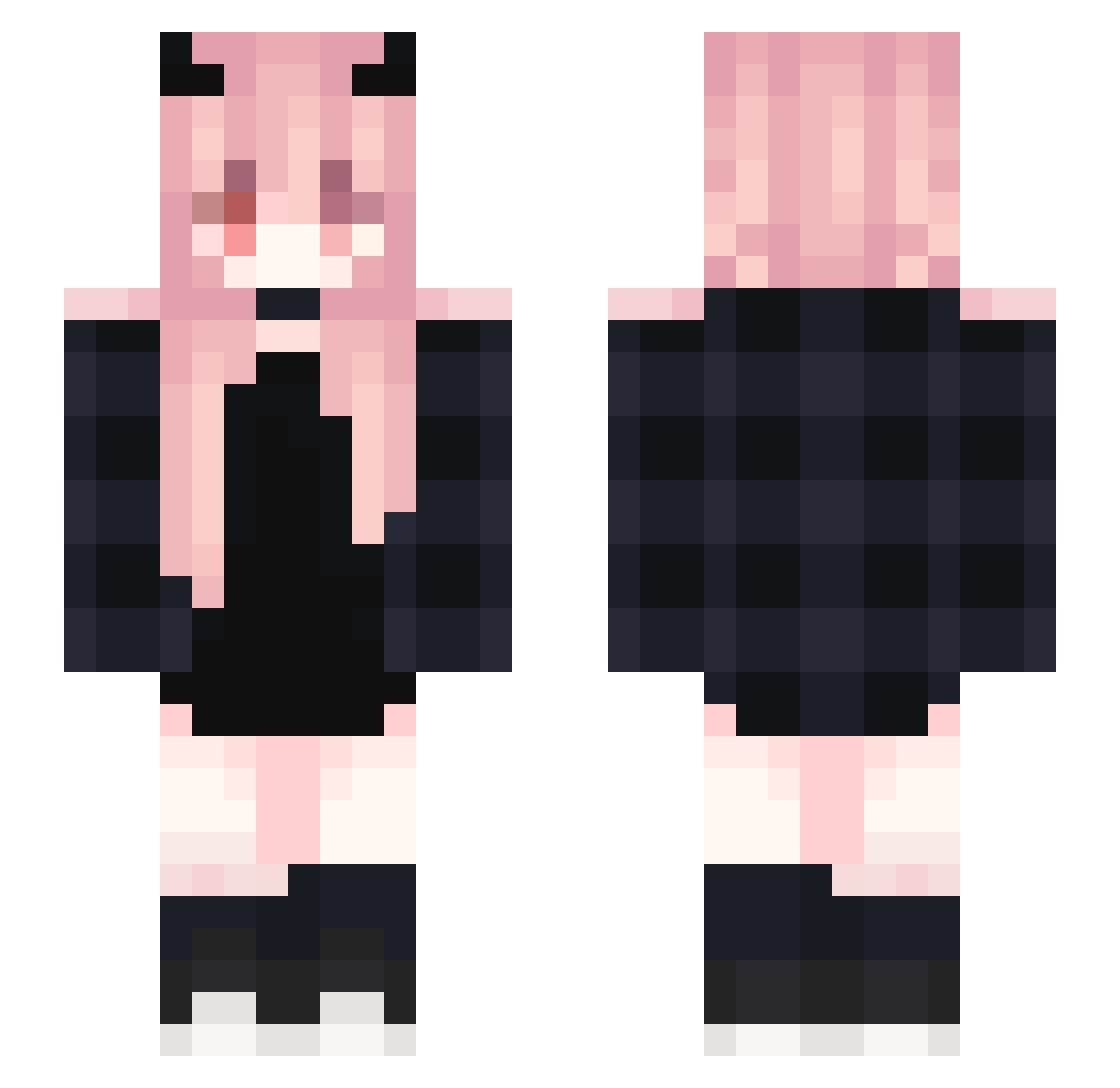
Current Minecraft skin of the player gf0927, loaded from the official Mojang API. Rotate the 3D model with your mouse or finger, then download the skin as a PNG file and use it in Minecraft: Bedrock Edition or Java Edition for free. When gf0927 changes their skin, this page updates automatically and the old skin stays in the history below.
Other players with this skin (368)
gf0927 was the 68th player we have seen with this skin, first spotted on 13.08.2026. The same skin was seen on these players. Open a nickname to see their current skin and skin history.
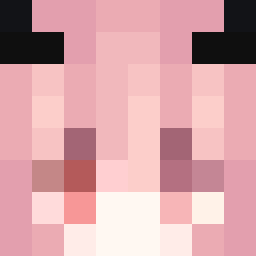 ILoveDasha KuiKui_o_o psfantasy oLittleCoolGuy Lizazo Haming2 shykissa cookiemonster082 blhx0206 ErminMasterDemon LilYuri LEGITISTHEBEST Ashley_Bay JLr2000 Musher95 subaru_1006 M0ch1aM Zullia MoonKittyMay Amy_zm xwejos Triple_MoonKK ScarletBnnuy XiangShuisheng avawtf TheDaddyDanny Destrolock Ayllaa 1_KreazY_1 Juju237 MaNiuBi629 zirlancelotPVP nannnooo Zz_oh_lol_zZ LostACOG TalikXD kitont Mayuex_ling Nyr0w FroggieWaffles wzpxx ArisakaBanzai Weiu UMI_023 Lineczkaa QwQ_1118 E_2Yun Dim4ik552 Kasumi90 Jatzen Masterayaca IKiana AradiaZatian syt123 ohsaycheese Lilish OhYeahBaud Dccdf Youzi_070504 Lucky_Cat77
More Demon Horns Minecraft skins
How to install the gf0927 skin
- Press the Download button above to save the skin as a PNG file.
- Minecraft: Bedrock Edition (PE): open the Dressing Room from the main menu (or tap your character → Edit Character), go to Classic Skins → Owned, press the + (new skin) button, choose the downloaded PNG and pick the Slim (Alex) model. Works on PC and mobile; consoles cannot import custom skins.
- Minecraft: Java Edition: open the Minecraft Launcher, go to the Skins tab, click New Skin, load the PNG, pick the Slim (Alex) model and press Save & Use. You can also upload it at minecraft.net → Profile → Change Skin.
The skin does not show up after import - what should I do?
Restart Minecraft and open the Dressing Room again - imported skins sometimes appear only after a restart. Also make sure you selected the imported skin and picked the Slim (Alex) model.
Which model should I choose, Classic or Slim?
This skin is designed for the Slim (Alex) model. If you pick the wrong model, the arms of the skin will look stretched or squeezed.
Is the skin of gf0927 free to download?
Yes. Press Download, save the PNG file and use it in Minecraft: Bedrock Edition or Java Edition - no payment or registration needed. The skin also works on multiplayer servers and Realms.
More skins
Looking for more? Go back to all Minecraft skins and check the top skins of the week, month and all time, or find any player's skin by nickname.