
geto21 - Minecraft Skins & Skin History
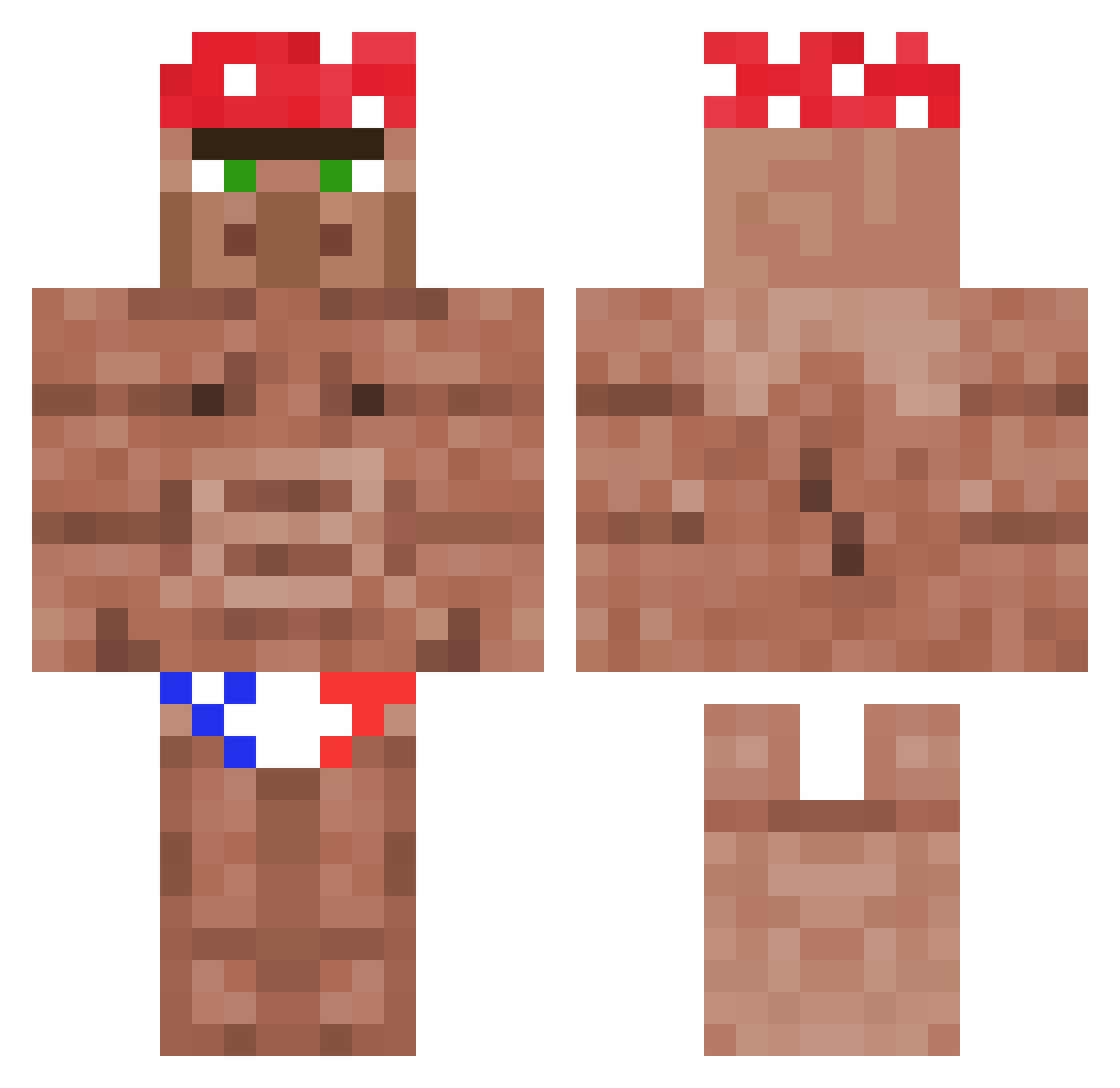
Current Minecraft skin of the player geto21, loaded from the official Mojang API. Rotate the 3D model with your mouse or finger, then download the skin as a PNG file and use it in Minecraft: Bedrock Edition or Java Edition for free. When geto21 changes their skin, this page updates automatically and the old skin stays in the history below.
Other players with this skin (1178)
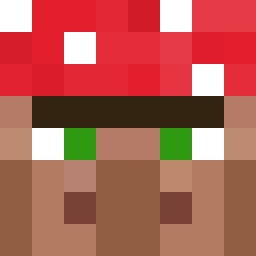
geto21 was the 300th player we have seen with this skin, first spotted on 22.08.2026. The same skin was seen on these players. Open a nickname to see their current skin and skin history.
 kattdestroyer blutiks thelaier19 crountryboy24 Skart999 privtwt Madperso Falco0ver to_coria ItsAllGravy brottemsmo TheStinge Fila_Flip_Flops PvtSnailman starksmann 4wojtek GigaDwarf ItsBrunoooo dax6203 FruitBoot Und33r Love_IcE Bobiah4667 Nickopold WilyNaylor
 Arkund14 acroscythe TEETOWAJAY Nebill ThatBackus maltinha321 jiri026 Empreurdivin Lexl0ck
 NumberOneChamp Axlcore Bunker237 bean641 qDxmi kst8921 NightOwlM1911 Markyy1000 SUGOIDESKA TastyHaywood TimerSlave10 Darthrobocop IIIIINGgimotti Saverio99 JUMBO95 ismouche 8DGAR Solesitoi trento116 dinaengesvikk manofthemines Ahmad_1211 SnakeEaster Ultrajake419 SloppyFloppyMush PieterB2002
More Ricardo Milos Minecraft skins
See all 100 Ricardo Milos skins
How to install the geto21 skin
- Press the Download button above to save the skin as a PNG file.
- Minecraft: Bedrock Edition (PE): open the Dressing Room from the main menu (or tap your character → Edit Character), go to Classic Skins → Owned, press the + (new skin) button, choose the downloaded PNG and pick the Classic (Steve) model. Works on PC and mobile; consoles cannot import custom skins.
- Minecraft: Java Edition: open the Minecraft Launcher, go to the Skins tab, click New Skin, load the PNG, pick the Classic (Steve) model and press Save & Use. You can also upload it at minecraft.net → Profile → Change Skin.
The skin does not show up after import - what should I do?
Restart Minecraft and open the Dressing Room again - imported skins sometimes appear only after a restart. Also make sure you selected the imported skin and picked the Classic (Steve) model.
Which model should I choose, Classic or Slim?
This skin is designed for the Classic (Steve) model. If you pick the wrong model, the arms of the skin will look stretched or squeezed.
Is the skin of geto21 free to download?
Yes. Press Download, save the PNG file and use it in Minecraft: Bedrock Edition or Java Edition - no payment or registration needed. The skin also works on multiplayer servers and Realms.
More skins
Looking for more? Go back to all Minecraft skins and check the top skins of the week, month and all time, or find any player's skin by nickname.