
garamindaeyo - Minecraft Skins & Skin History
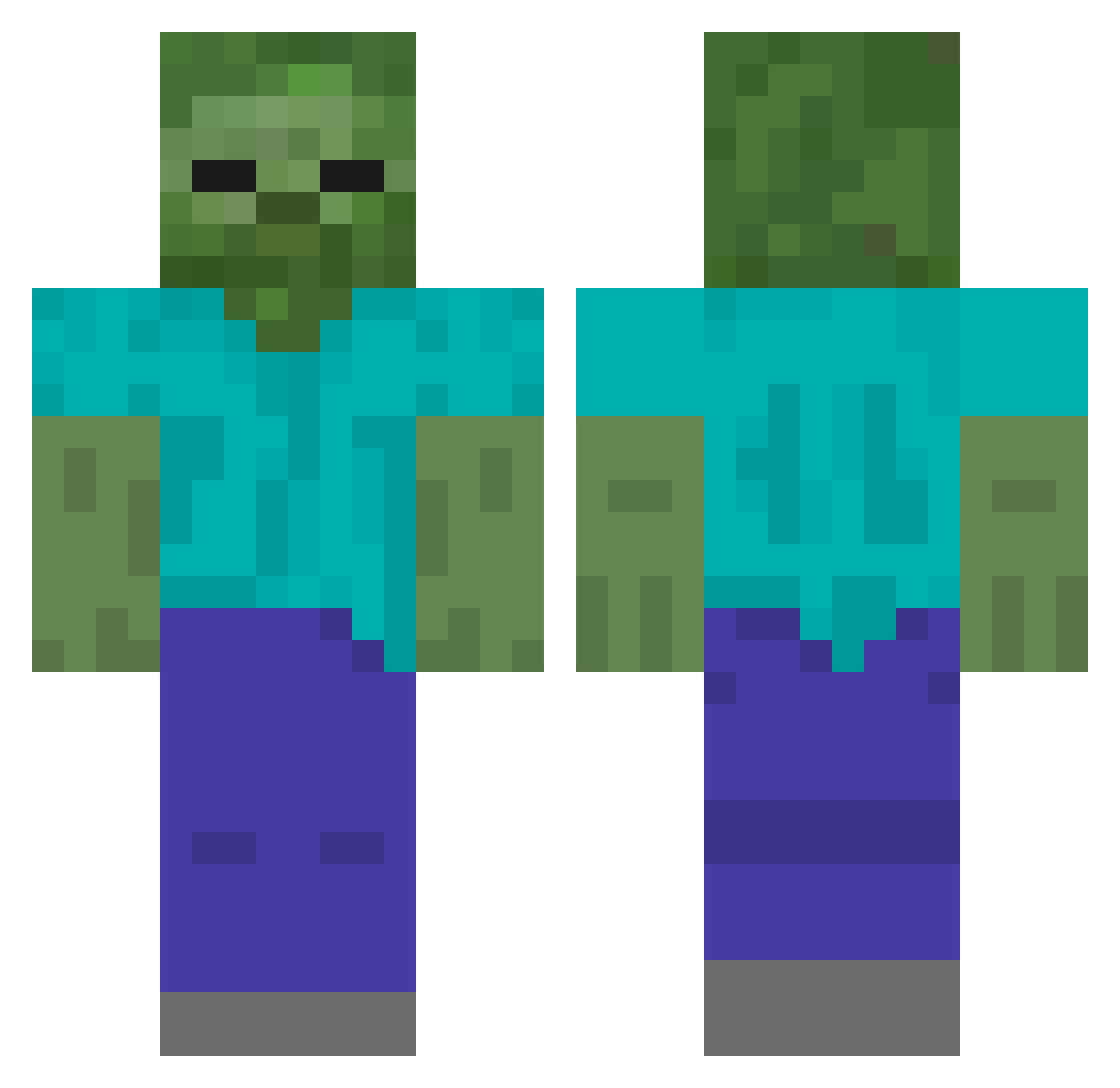
Current Minecraft skin of the player garamindaeyo, loaded from the official Mojang API. Rotate the 3D model with your mouse or finger, then download the skin as a PNG file and use it in Minecraft: Bedrock Edition or Java Edition for free. When garamindaeyo changes their skin, this page updates automatically and the old skin stays in the history below.
Other players with this skin (58)
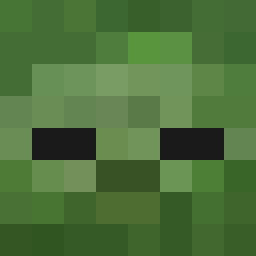
garamindaeyo was the 4th player we have seen with this skin, first spotted on 07.08.2026. The same skin was seen on these players. Open a nickname to see their current skin and skin history.
 udinnoob123
 MantosPrime
 JJAE0418 Andrielly1
 geoisastinkyboi3
 77kk TigerBunny battlethebest244 Ryothh
 Hsunnnn
 ResistiveBoar
 Tomoya22 dimitirmakaro
 creeest kvrlpogi na2321a TobyDoggo backflipfv Sxppier joris_locked pnkv_v rlarkdus0702
 muckwormPC Les4332 ooizal hoon_ee1 paulthebaul SimaPavel classicEGG6652 cubic1nch beaber321 robinmojo goosyn EXSIDUS CycloonZero Refacing UndockedPuma Shinigami456 Ribbit2205 dxllixa GatoPai d_ep Une_Poiree hihafn cutie1207 Infinity7x2020 skyxym ardeluu estevvvmmm ChistoOleg2 dzag22 korean_dogpig KMOR70 ChocoBintz lsylsy_tv TeenSpirit_42 taekook0001 lsc_constanta2
More Undead Minecraft skins
How to install the garamindaeyo skin
- Press the Download button above to save the skin as a PNG file.
- Minecraft: Bedrock Edition (PE): open the Dressing Room from the main menu (or tap your character → Edit Character), go to Classic Skins → Owned, press the + (new skin) button, choose the downloaded PNG and pick the Classic (Steve) model. Works on PC and mobile; consoles cannot import custom skins.
- Minecraft: Java Edition: open the Minecraft Launcher, go to the Skins tab, click New Skin, load the PNG, pick the Classic (Steve) model and press Save & Use. You can also upload it at minecraft.net → Profile → Change Skin.
The skin does not show up after import - what should I do?
Restart Minecraft and open the Dressing Room again - imported skins sometimes appear only after a restart. Also make sure you selected the imported skin and picked the Classic (Steve) model.
Which model should I choose, Classic or Slim?
This skin is designed for the Classic (Steve) model. If you pick the wrong model, the arms of the skin will look stretched or squeezed.
Is the skin of garamindaeyo free to download?
Yes. Press Download, save the PNG file and use it in Minecraft: Bedrock Edition or Java Edition - no payment or registration needed. The skin also works on multiplayer servers and Realms.
More skins
Looking for more? Go back to all Minecraft skins and check the top skins of the week, month and all time, or find any player's skin by nickname.