
gapom005 - Minecraft Skins & Skin History
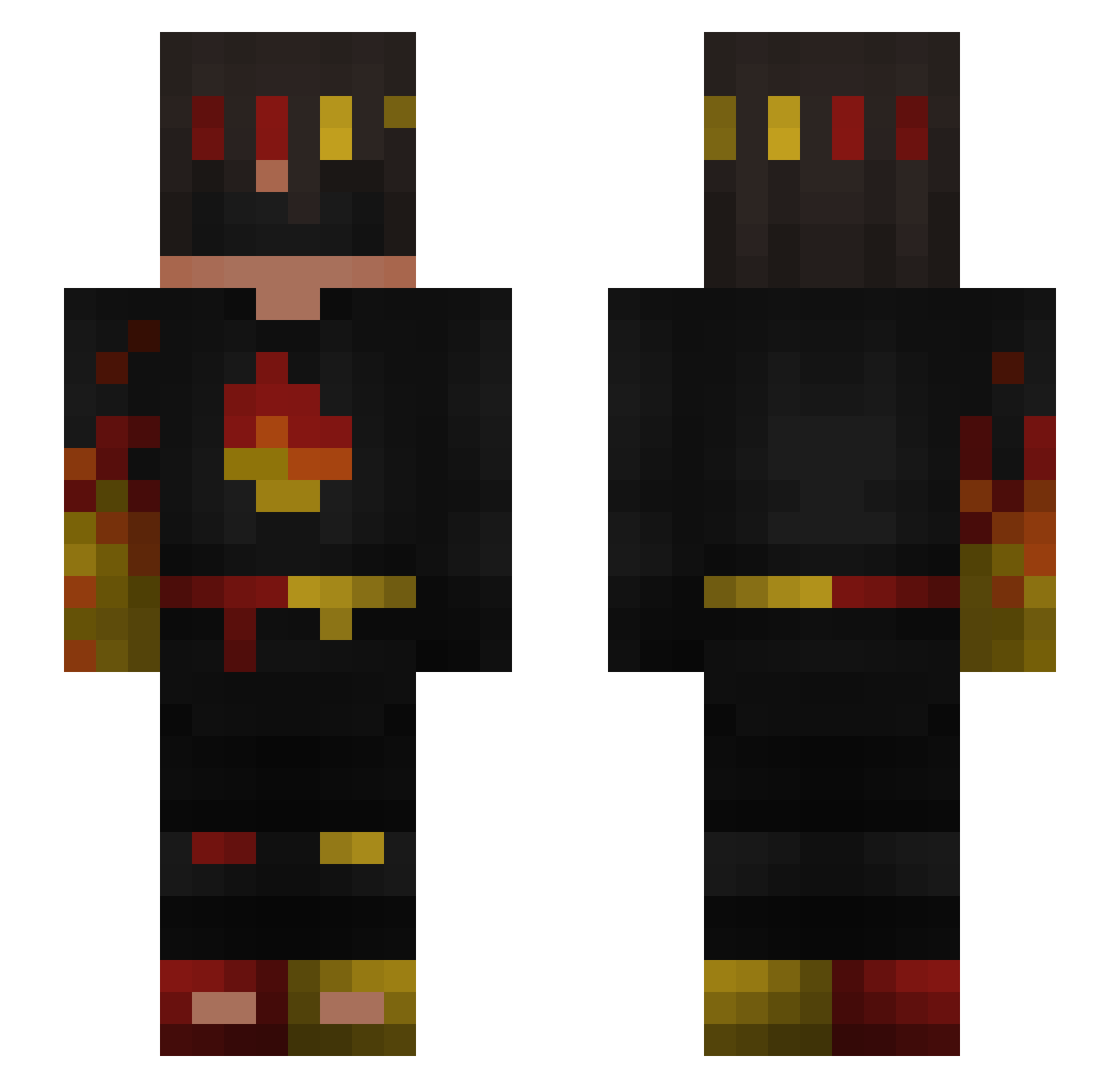
Current Minecraft skin of the player gapom005, loaded from the official Mojang API. Rotate the 3D model with your mouse or finger, then download the skin as a PNG file and use it in Minecraft: Bedrock Edition or Java Edition for free. When gapom005 changes their skin, this page updates automatically and the old skin stays in the history below.
Other players with this skin (254)
gapom005 was the 106th player we have seen with this skin, first spotted on 03.09.2026. The same skin was seen on these players. Open a nickname to see their current skin and skin history.
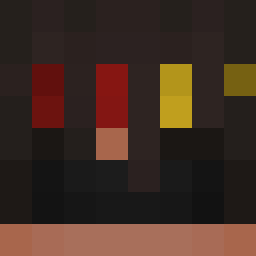 itz_Ayn boom1564456 Micutzu67 CrucksLykSnuzs M2s1afa61 DrSchubbert SnoxoX Tryhard_Fabi Pancake101888 Arronik3322 mangocat_real yuichioor Lootinglll Juvyl LokiCas
 Flamefr7gs_ iAyazz RayFrags ShoYa13
 Ran6019 Flame_Imrtall FireyBoii EconomyJungle65 ovi3456 Wild_cat67 FlamerFlags Diamant102030 Tazzem FlamePiercerer
 Spiyo HoshiumiMC veys069 MeerKadaver4063 dimisoukou
 Kajzereczkaa xXLostGamerXx supertamas2022 Skitezz WaterSun02468 DemonStay4Ever nbdyyuh pix_pox beanzisback2006
 0kartka__ nomaphobia
 MuhammedMYG yohan16_
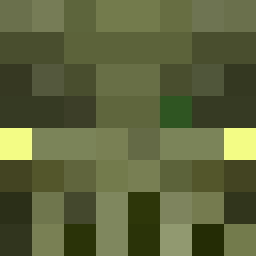 double_aitch SzybkiWarden T_o_mm_y villaget Jaguar_Godz imafanumtaxyou erakaz123
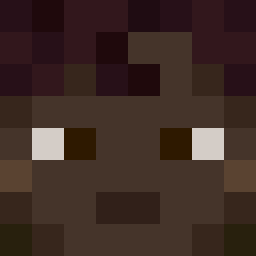 J1ndra14 Samupro29 Fort_king12121 TunaFishGamer15 pietrus_on_top69
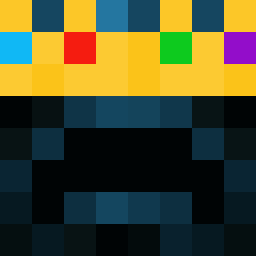 josh0729
More Fire Ninja Minecraft skins
How to install the gapom005 skin
- Press the Download button above to save the skin as a PNG file.
- Minecraft: Bedrock Edition (PE): open the Dressing Room from the main menu (or tap your character → Edit Character), go to Classic Skins → Owned, press the + (new skin) button, choose the downloaded PNG and pick the Slim (Alex) model. Works on PC and mobile; consoles cannot import custom skins.
- Minecraft: Java Edition: open the Minecraft Launcher, go to the Skins tab, click New Skin, load the PNG, pick the Slim (Alex) model and press Save & Use. You can also upload it at minecraft.net → Profile → Change Skin.
The skin does not show up after import - what should I do?
Restart Minecraft and open the Dressing Room again - imported skins sometimes appear only after a restart. Also make sure you selected the imported skin and picked the Slim (Alex) model.
Which model should I choose, Classic or Slim?
This skin is designed for the Slim (Alex) model. If you pick the wrong model, the arms of the skin will look stretched or squeezed.
Is the skin of gapom005 free to download?
Yes. Press Download, save the PNG file and use it in Minecraft: Bedrock Edition or Java Edition - no payment or registration needed. The skin also works on multiplayer servers and Realms.
More skins
Looking for more? Go back to all Minecraft skins and check the top skins of the week, month and all time, or find any player's skin by nickname.