
funnyman116 - Minecraft Skins & Skin History
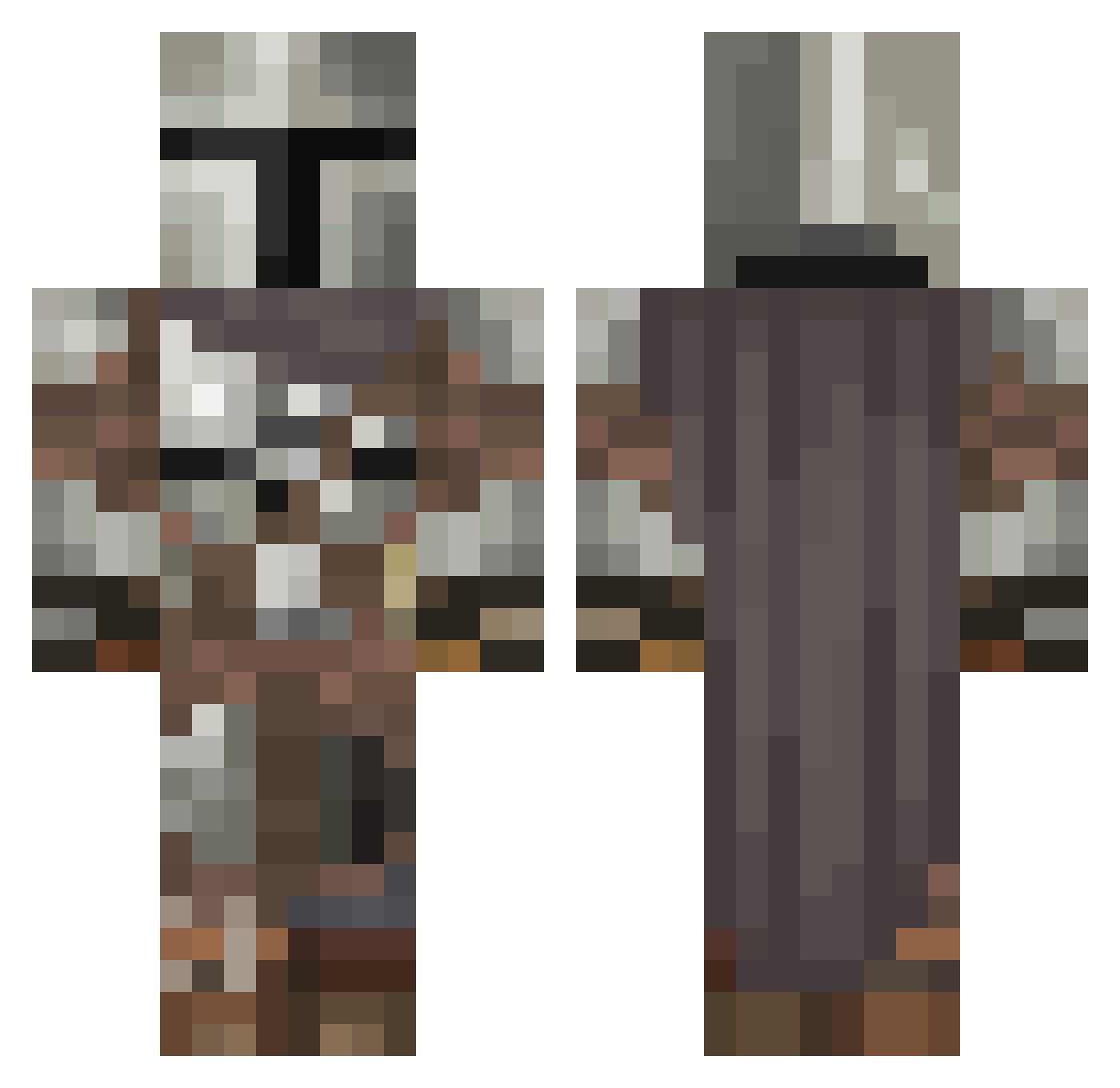
Current Minecraft skin of the player funnyman116, loaded from the official Mojang API. Rotate the 3D model with your mouse or finger, then download the skin as a PNG file and use it in Minecraft: Bedrock Edition or Java Edition for free. When funnyman116 changes their skin, this page updates automatically and the old skin stays in the history below.
Other players with this skin (546)
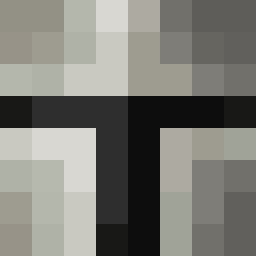
funnyman116 was the 89th player we have seen with this skin, first spotted on 11.08.2026. The same skin was seen on these players. Open a nickname to see their current skin and skin history.
 TheWitnessed ItsPerspctiv MandalorianoP2 Crackmonster Hitman391 AtomicWinter muckinfuggles SpyroMonk cyberlux2021 meatywack097 Biggranny000 St0lenSkill hawkz0r instructful slayer_32 FireZilla0 BeingMrCulotten Drip_Bayless fightgurke angelemerkel Assassin1732 HighJacker5225 z3r0SAN miserychick22 SuperSucculent Nein_99 ITS_0VER_JOHN Gloede95 Winnieigor Goischd brooke1627 isaurus tzymb TheBlameHD Vbigboys WirePulledWolf nedaxas2 Chickenspit2 iobus_ Rahlball Elsecaller_ Ton00 YouUghLee chl0r0phyll Grogu_69 watts223 prjoe Mr_Ryan527 SKIRADOR txic_ Cxllenz_ John1921 Rombot_77 Scamotron Patch_997 rachel_heron HaconBaconator Dobbystar Avenal Birkheart
More The Mandalorian Minecraft skins
See all 591 The Mandalorian skins
How to install the funnyman116 skin
- Press the Download button above to save the skin as a PNG file.
- Minecraft: Bedrock Edition (PE): open the Dressing Room from the main menu (or tap your character → Edit Character), go to Classic Skins → Owned, press the + (new skin) button, choose the downloaded PNG and pick the Classic (Steve) model. Works on PC and mobile; consoles cannot import custom skins.
- Minecraft: Java Edition: open the Minecraft Launcher, go to the Skins tab, click New Skin, load the PNG, pick the Classic (Steve) model and press Save & Use. You can also upload it at minecraft.net → Profile → Change Skin.
The skin does not show up after import - what should I do?
Restart Minecraft and open the Dressing Room again - imported skins sometimes appear only after a restart. Also make sure you selected the imported skin and picked the Classic (Steve) model.
Which model should I choose, Classic or Slim?
This skin is designed for the Classic (Steve) model. If you pick the wrong model, the arms of the skin will look stretched or squeezed.
Is the skin of funnyman116 free to download?
Yes. Press Download, save the PNG file and use it in Minecraft: Bedrock Edition or Java Edition - no payment or registration needed. The skin also works on multiplayer servers and Realms.
More skins
Looking for more? Go back to all Minecraft skins and check the top skins of the week, month and all time, or find any player's skin by nickname.