
fscounterrr - Minecraft Skins & Skin History
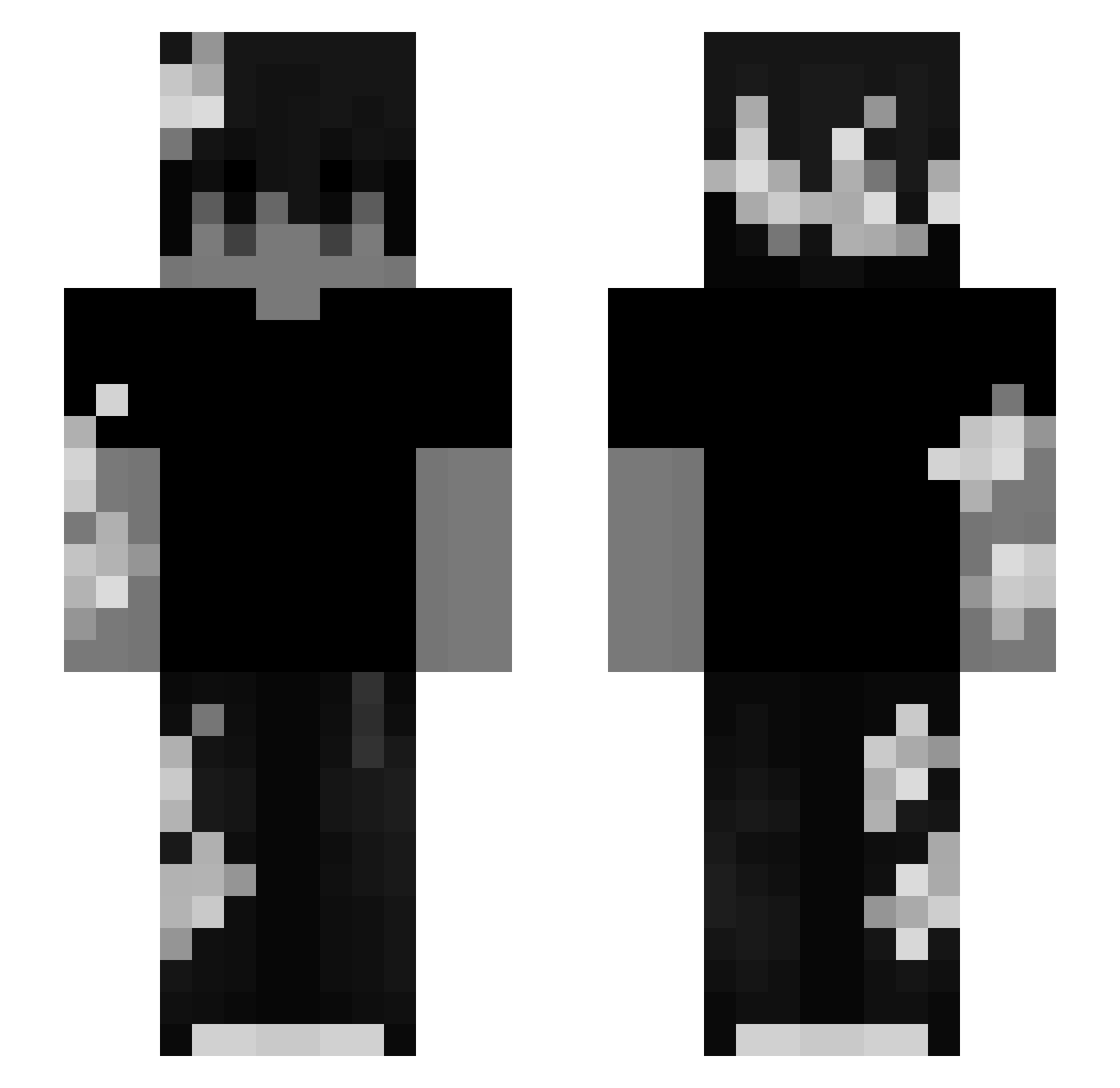
Current Minecraft skin of the player fscounterrr, loaded from the official Mojang API. Rotate the 3D model with your mouse or finger, then download the skin as a PNG file and use it in Minecraft: Bedrock Edition or Java Edition for free. When fscounterrr changes their skin, this page updates automatically and the old skin stays in the history below.
Other players with this skin (220)
fscounterrr was the 117th player we have seen with this skin, first spotted on 22.09.2026. The same skin was seen on these players. Open a nickname to see their current skin and skin history.
 new2019 Makson_Pcholkin obabasou745uy Venx__ lord453 Michichambea67 HXMJ X9Blitz leinad28 1asa1Q Bennane15 pxlsar PurpleTrim klumzzyy YungTezix FAL505 OoRightClick_ U4Play AsDasNikes Bestvplusmain Agusroj2511 krakersxyzz MindHacker4615 Abyss_184 Turkey0614 krijchera Tw01095359 Mikiiiii_03 door619 slaweke21 Zedgers Terrorl3ytes CrazyStor szaryx YAN_FINN SpawN115 OfficerSerXus Comafps A7saif99 geliossss Cz4rnuszek elooon15 e2k arolyks oEnrager Mohmmed_O PingwinJ ericcodenlol331 xzLegit MustardManner
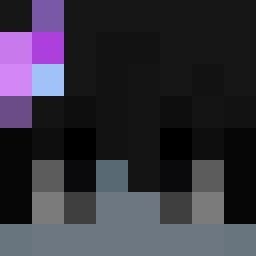 Drmnnn TulipsOwner fezztrayz axelek34 wakatta_solution eecraa 67xf
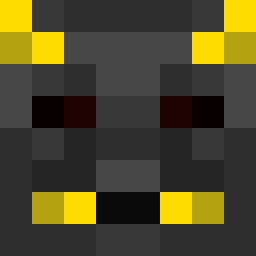 phantom26x IsThisShadow Rynthh
More Monochrome Minecraft skins
How to install the fscounterrr skin
- Press the Download button above to save the skin as a PNG file.
- Minecraft: Bedrock Edition (PE): open the Dressing Room from the main menu (or tap your character → Edit Character), go to Classic Skins → Owned, press the + (new skin) button, choose the downloaded PNG and pick the Slim (Alex) model. Works on PC and mobile; consoles cannot import custom skins.
- Minecraft: Java Edition: open the Minecraft Launcher, go to the Skins tab, click New Skin, load the PNG, pick the Slim (Alex) model and press Save & Use. You can also upload it at minecraft.net → Profile → Change Skin.
The skin does not show up after import - what should I do?
Restart Minecraft and open the Dressing Room again - imported skins sometimes appear only after a restart. Also make sure you selected the imported skin and picked the Slim (Alex) model.
Which model should I choose, Classic or Slim?
This skin is designed for the Slim (Alex) model. If you pick the wrong model, the arms of the skin will look stretched or squeezed.
Is the skin of fscounterrr free to download?
Yes. Press Download, save the PNG file and use it in Minecraft: Bedrock Edition or Java Edition - no payment or registration needed. The skin also works on multiplayer servers and Realms.
More skins
Looking for more? Go back to all Minecraft skins and check the top skins of the week, month and all time, or find any player's skin by nickname.