
frw1302 - Minecraft Skins & Skin History
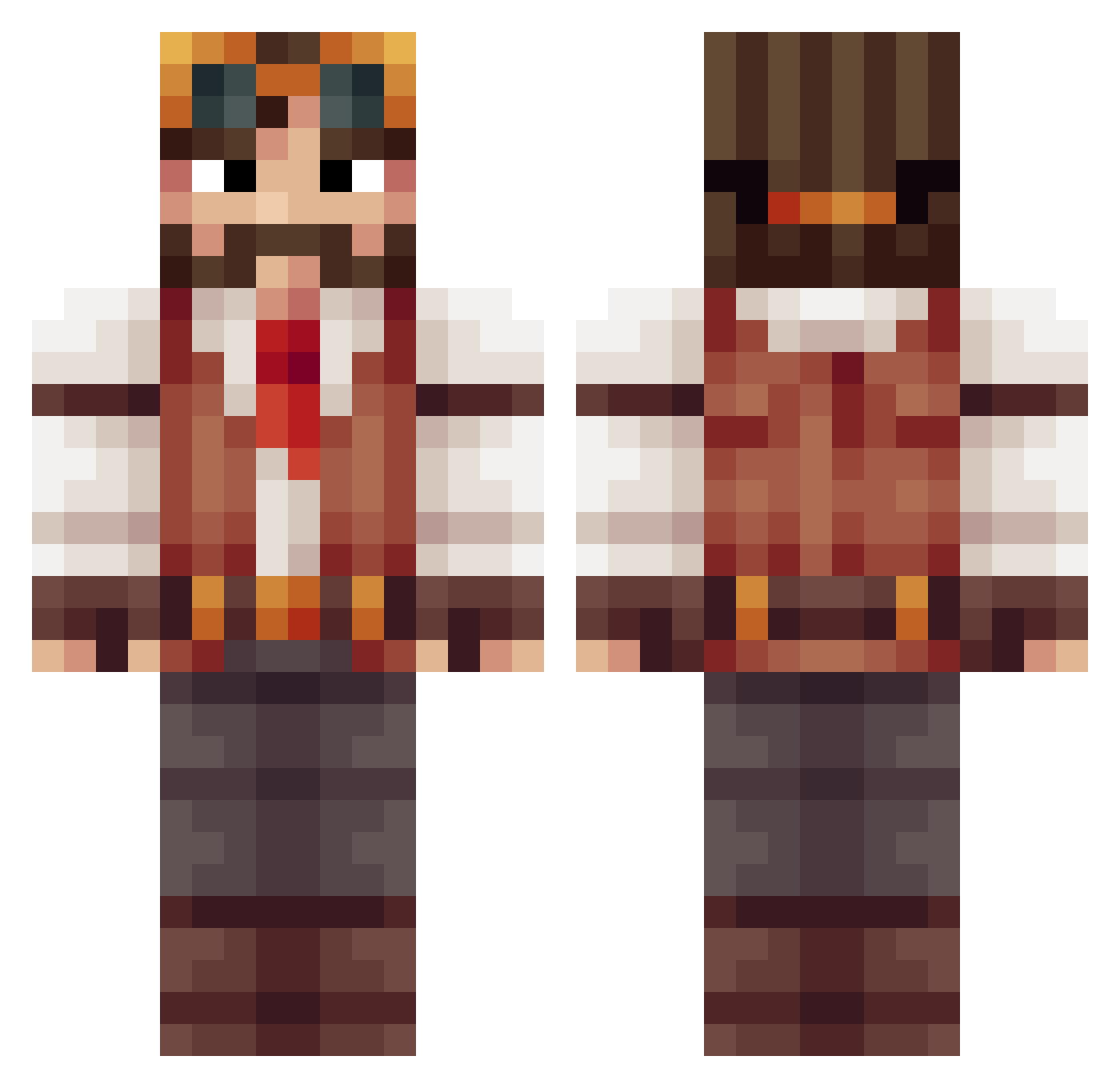
Current Minecraft skin of the player frw1302, loaded from the official Mojang API. Rotate the 3D model with your mouse or finger, then download the skin as a PNG file and use it in Minecraft: Bedrock Edition or Java Edition for free. When frw1302 changes their skin, this page updates automatically and the old skin stays in the history below.
Other players with this skin (415)
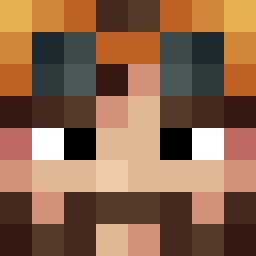
frw1302 was the 294th player we have seen with this skin, first spotted on 11.10.2026. The same skin was seen on these players. Open a nickname to see their current skin and skin history.
 Vatsolk MrNoggs Thevampyrehunter Thunderjohn Faden971 ddx310 39Jango93 kaspy49 pamilak DjDiablik Blackbeard08 Thegreendevil96 josephrooks P__P__ Kaddylicious __Archive__ freizeit2000 Deadmire Saluto123 Hadenbury Epic_Suchar_ CrusaderSoup AquariusApe Stever004 Emtwise Mr_B_2 Sasha2dx MrUnk_ MamieTurtle TimOther1 Nuke_0FF Uno_da_Cat tilapiaJin RamseyBarmaley SlySalimander TheHumanFraz tnesbitt Kaddyc Sintafe Taikj HugganBuggan SeraphimToaster Chuck9941 WOLFENSTElN XnightriderX0 Bannak4ffalatta Lotushammer Mimewin Vister123 ITRO02 VosReynaert Edofanti DukeSelius zipookie antmantonks nattywwc Dennis_711 ProphetHova kulerdash webfly2
More Explorer Minecraft skins
How to install the frw1302 skin
- Press the Download button above to save the skin as a PNG file.
- Minecraft: Bedrock Edition (PE): open the Dressing Room from the main menu (or tap your character → Edit Character), go to Classic Skins → Owned, press the + (new skin) button, choose the downloaded PNG and pick the Classic (Steve) model. Works on PC and mobile; consoles cannot import custom skins.
- Minecraft: Java Edition: open the Minecraft Launcher, go to the Skins tab, click New Skin, load the PNG, pick the Classic (Steve) model and press Save & Use. You can also upload it at minecraft.net → Profile → Change Skin.
The skin does not show up after import - what should I do?
Restart Minecraft and open the Dressing Room again - imported skins sometimes appear only after a restart. Also make sure you selected the imported skin and picked the Classic (Steve) model.
Which model should I choose, Classic or Slim?
This skin is designed for the Classic (Steve) model. If you pick the wrong model, the arms of the skin will look stretched or squeezed.
Is the skin of frw1302 free to download?
Yes. Press Download, save the PNG file and use it in Minecraft: Bedrock Edition or Java Edition - no payment or registration needed. The skin also works on multiplayer servers and Realms.
More skins
Looking for more? Go back to all Minecraft skins and check the top skins of the week, month and all time, or find any player's skin by nickname.