
 skyefyre b4rry11 Hliftus connmer VaterEl Stormsword13 CHLEFF Outragedparker candyman1980 ap3xMeister Fujiste Morgelam coragon DaftEndive BroodjeKibbeling Dzika_Maslanka Wooski LegalizeKiwiEis nokapanda Saltygiff legendchicken03 ForteFornix crris233 PessimisticLemon killshot99887744 Pixel_Jerry Cerberus1384 Sirius_Canicula AntheosAD TheLazy_One TempesTV Cerberus_2012 Firelook C7921 TiredBeer JerryFilho _laufeyson vetoki Bellobog Viking_Engineer tankhopper Orion3373 Sagang V4Vinny DaviidResina Minover RexdalePark Zestolory9 BananaTrama Goofy_Kitten fred568 Desriac Bassve moustiche xmxhh JokerRocker Takka_Kunavarra Shark_Mako Mister_Te_ Simon_314
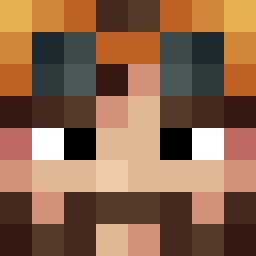
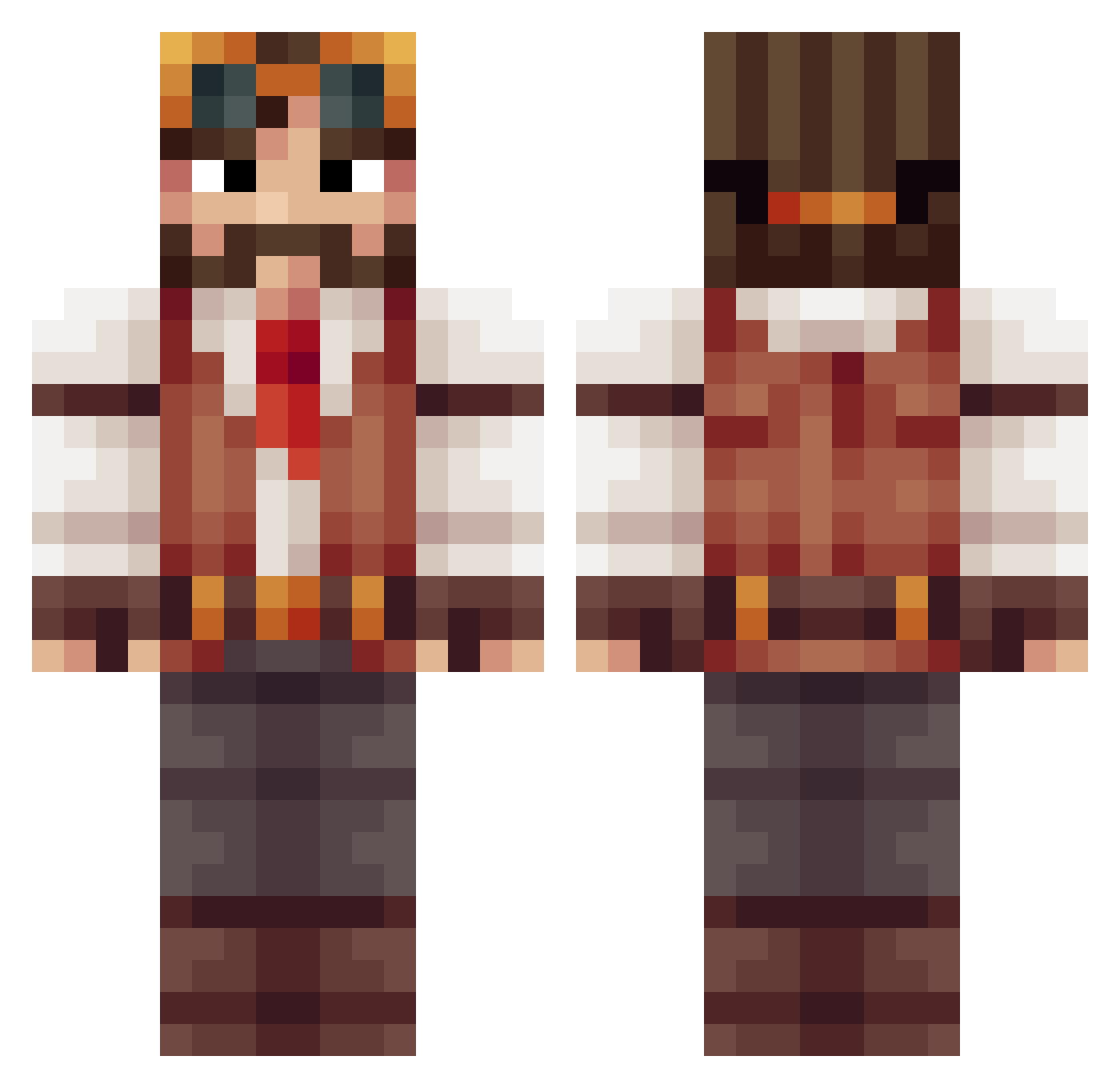
Minecraft skin of DziadekNyasashi. Rotate the 3D model with your mouse or finger to view the skin from every angle, then download it as a PNG file and use it in Minecraft: Bedrock Edition or Java Edition for free. Rate the skin with stars to help other players find the best skins in our collection.
How to install the DziadekNyasashi skin
- Press the Download button above to save the skin as a PNG file.
- Minecraft: Bedrock Edition (PE): open the Dressing Room from the main menu (or tap your character → Edit Character), go to Classic Skins → Owned, press the + (new skin) button, choose the downloaded PNG and pick the Classic (Steve) model. Works on PC and mobile; consoles cannot import custom skins.
- Minecraft: Java Edition: open the Minecraft Launcher, go to the Skins tab, click New Skin, load the PNG, pick the Classic (Steve) model and press Save & Use. You can also upload it at minecraft.net → Profile → Change Skin.
The skin does not show up after import - what should I do?
Restart Minecraft and open the Dressing Room again - imported skins sometimes appear only after a restart. Also make sure you selected the imported skin and picked the Classic (Steve) model.
Which model should I choose, Classic or Slim?
This skin is designed for the Classic (Steve) model. If you pick the wrong model, the arms of the skin will look stretched or squeezed.
Is this skin free to use?
Yes. Press Download, save the PNG file and use it in Minecraft: Bedrock Edition or Java Edition - no payment or registration needed. The skin also works on multiplayer servers and Realms.
More Explorer Minecraft skins
More skins
Looking for more? Go back to all Minecraft skins and check the top skins of the week, month and all time, or find any player's skin by nickname.