
froggypie213 - Minecraft Skins & Skin History
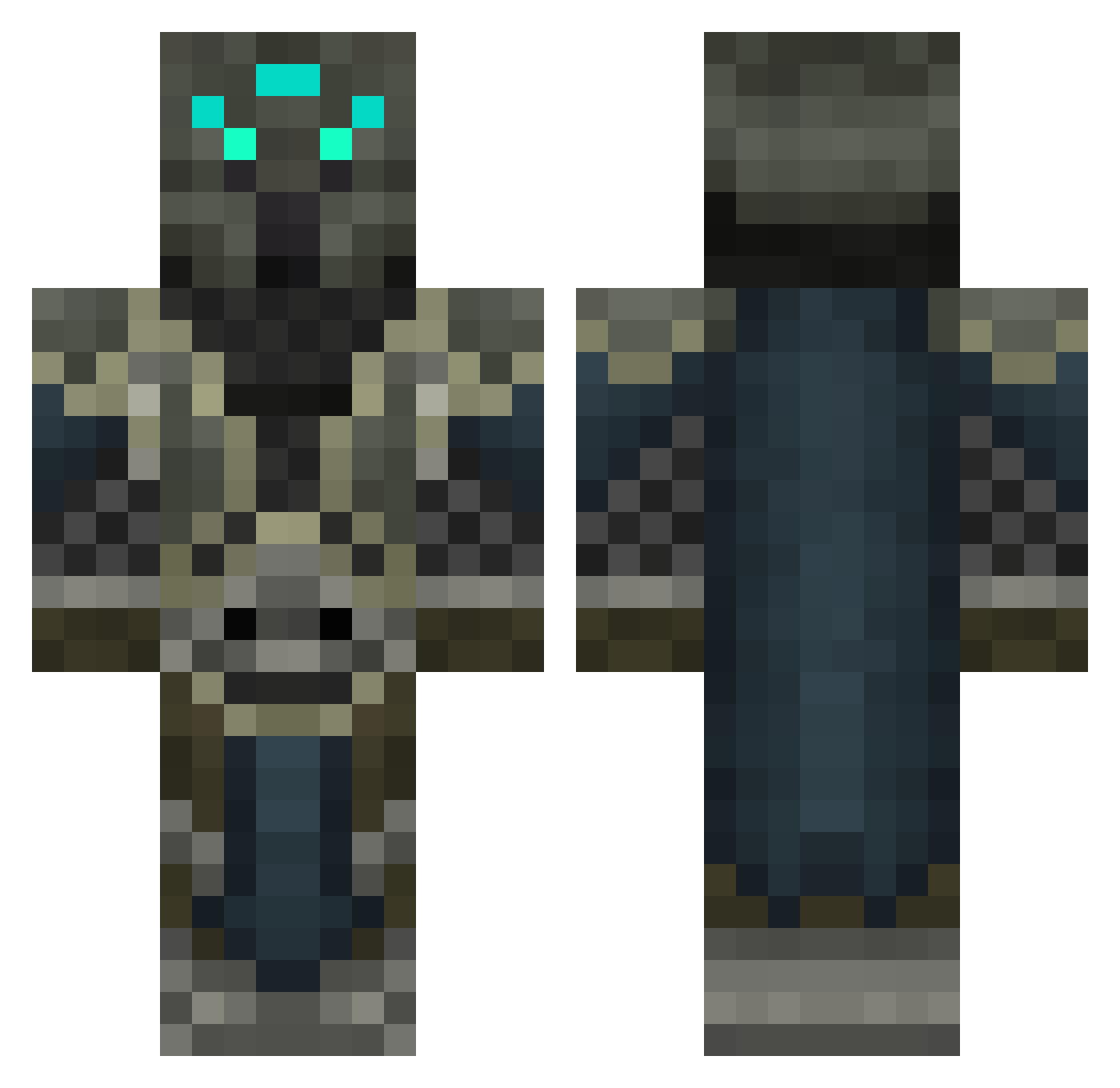
Current Minecraft skin of the player froggypie213, loaded from the official Mojang API. Rotate the 3D model with your mouse or finger, then download the skin as a PNG file and use it in Minecraft: Bedrock Edition or Java Edition for free. When froggypie213 changes their skin, this page updates automatically and the old skin stays in the history below.
Other players with this skin (455)
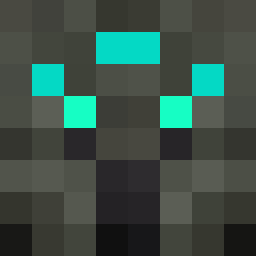
froggypie213 was the 380th player we have seen with this skin, first spotted on 16.10.2026. The same skin was seen on these players. Open a nickname to see their current skin and skin history.
 Doge_King docteur_nemo Weslix souleater771 ValornUTD JediMasterBen VenousWings MyDogElmo AvengingSerenity AndreasTornell CutmanReturns vetm0de Rikkieboy13 Weisserozen DragonMaster220 Asheritte TheGasie Xarukum DaerFred Strikkerz Vayne10 Simchaos Eddiestone StarletStorm 52Mark MRHeavenN Suzaku999 Cybitzer Spectrum006 FlesJ Exoctane king_bob2 TxCstewart RozerZeDictator Heritic546 maxitaxi1700 Rogoranee Rothalinos sniffmyburrito Woiski Bourear Rhyseyboi Jayum hyperman6 nilsleon123 COLTHORRION Cristoffle MrGoodPops flat_cow Fennema2012 Njep Chris_Falk brennanners Feremn JeffCompton Taurgan ShdL Xpilia Worgen_Death CastoreZ
More Medieval Minecraft skins
How to install the froggypie213 skin
- Press the Download button above to save the skin as a PNG file.
- Minecraft: Bedrock Edition (PE): open the Dressing Room from the main menu (or tap your character → Edit Character), go to Classic Skins → Owned, press the + (new skin) button, choose the downloaded PNG and pick the Classic (Steve) model. Works on PC and mobile; consoles cannot import custom skins.
- Minecraft: Java Edition: open the Minecraft Launcher, go to the Skins tab, click New Skin, load the PNG, pick the Classic (Steve) model and press Save & Use. You can also upload it at minecraft.net → Profile → Change Skin.
The skin does not show up after import - what should I do?
Restart Minecraft and open the Dressing Room again - imported skins sometimes appear only after a restart. Also make sure you selected the imported skin and picked the Classic (Steve) model.
Which model should I choose, Classic or Slim?
This skin is designed for the Classic (Steve) model. If you pick the wrong model, the arms of the skin will look stretched or squeezed.
Is the skin of froggypie213 free to download?
Yes. Press Download, save the PNG file and use it in Minecraft: Bedrock Edition or Java Edition - no payment or registration needed. The skin also works on multiplayer servers and Realms.
More skins
Looking for more? Go back to all Minecraft skins and check the top skins of the week, month and all time, or find any player's skin by nickname.