
flymemoon - Minecraft Skins & Skin History
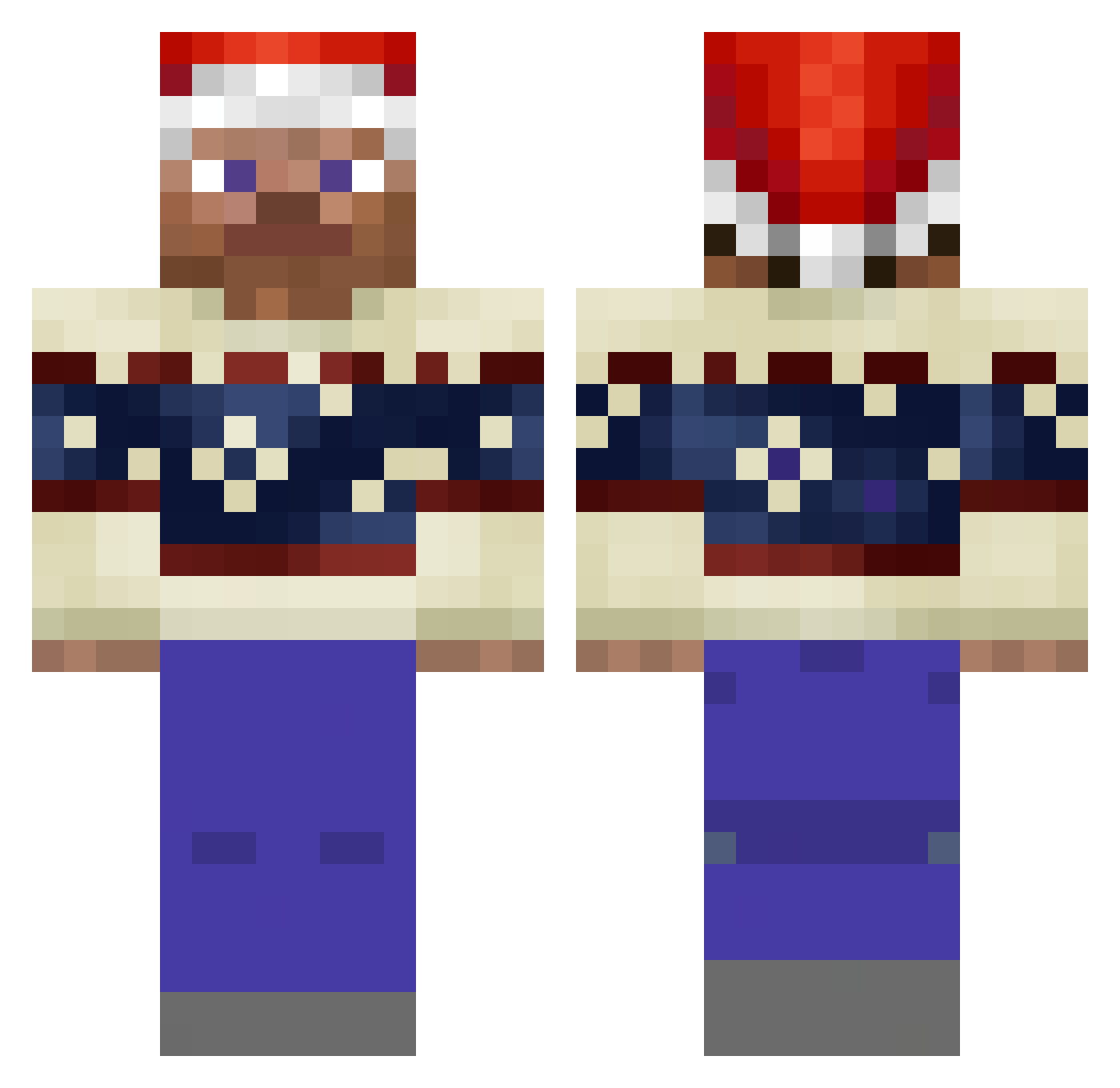
Current Minecraft skin of the player flymemoon, loaded from the official Mojang API. Rotate the 3D model with your mouse or finger, then download the skin as a PNG file and use it in Minecraft: Bedrock Edition or Java Edition for free. When flymemoon changes their skin, this page updates automatically and the old skin stays in the history below.
Other players with this skin (250)
flymemoon was the 227th player we have seen with this skin, first spotted on 10.11.2026. The same skin was seen on these players. Open a nickname to see their current skin and skin history.
 Formica_09 massivecowpoop Carpevinum30 _dANIK_S GiggleGamer25 excitedUnicorn9 Choulias SaKiLeMiJa ZenoXE12345 daddadd logic_PF TwaKyyyyy Dead365 TheTop_G2 C0LINY Martnxz1 jucliamroz LInxChannel Bughir CUSTARD___ Eugy2008 30daysC Kluched Energus2557 silentcringe Overlay_118 TreeckoBE chiefkeeff420 Tueezyy bn2bwld3 Sauronnn senhorgatinho Ni888aTron228 xdLo_Ho xFilo296 JACKMAC21 olkafiolka Error0101001 poppybobby Birdzzzzzz NeoneX_ Eniluap fingtry rbdelas asavid Fustiaantje Liiammmm Retos12 Yosutech Tammo172 pmdw Mati4s SnowyRacer3219 Spotzenfalter96 Clasicturk Brodenheimer fudgeyballs iNT12 Nspect Flexycraft_
More Winter Minecraft skins
How to install the flymemoon skin
- Press the Download button above to save the skin as a PNG file.
- Minecraft: Bedrock Edition (PE): open the Dressing Room from the main menu (or tap your character → Edit Character), go to Classic Skins → Owned, press the + (new skin) button, choose the downloaded PNG and pick the Classic (Steve) model. Works on PC and mobile; consoles cannot import custom skins.
- Minecraft: Java Edition: open the Minecraft Launcher, go to the Skins tab, click New Skin, load the PNG, pick the Classic (Steve) model and press Save & Use. You can also upload it at minecraft.net → Profile → Change Skin.
The skin does not show up after import - what should I do?
Restart Minecraft and open the Dressing Room again - imported skins sometimes appear only after a restart. Also make sure you selected the imported skin and picked the Classic (Steve) model.
Which model should I choose, Classic or Slim?
This skin is designed for the Classic (Steve) model. If you pick the wrong model, the arms of the skin will look stretched or squeezed.
Is the skin of flymemoon free to download?
Yes. Press Download, save the PNG file and use it in Minecraft: Bedrock Edition or Java Edition - no payment or registration needed. The skin also works on multiplayer servers and Realms.
More skins
Looking for more? Go back to all Minecraft skins and check the top skins of the week, month and all time, or find any player's skin by nickname.