
film_1 - Minecraft Skins & Skin History
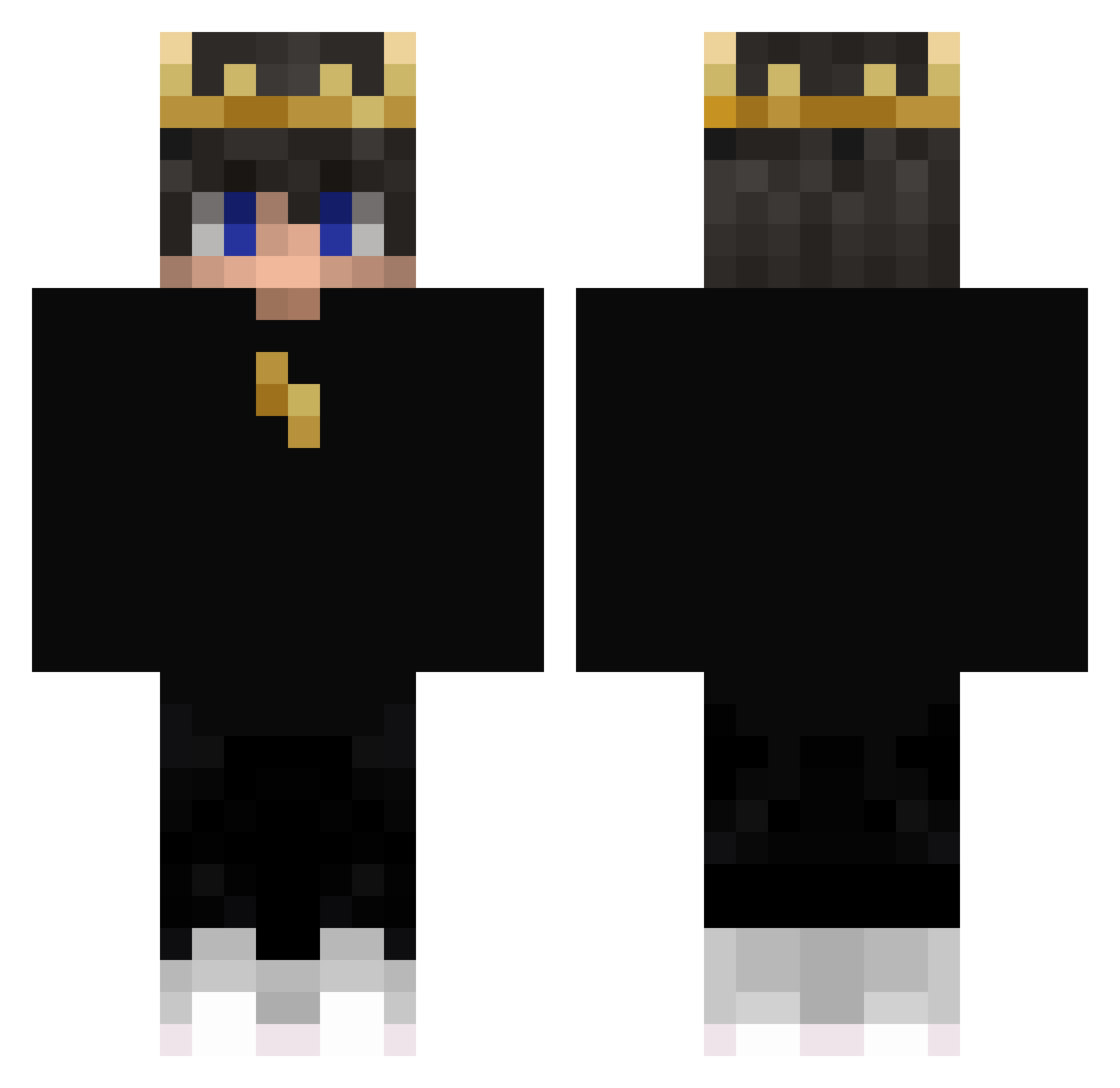
Current Minecraft skin of the player film_1, loaded from the official Mojang API. Rotate the 3D model with your mouse or finger, then download the skin as a PNG file and use it in Minecraft: Bedrock Edition or Java Edition for free. When film_1 changes their skin, this page updates automatically and the old skin stays in the history below.
Other players with this skin (405)
film_1 was the 48th player we have seen with this skin, first spotted on 05.08.2026. The same skin was seen on these players. Open a nickname to see their current skin and skin history.
 RadBears _seekers Paulkm T0N1NH0 Muselmannbrot63 Lennox378 Forick SaucierHydra375 TH_MasTerJB NoctemXI Ritvik_OP MBLKGAMING Hanyee54870302 arshia189_YT
 NcL_23 AZz07 Caixant ShadowKing_29 druzman876 Frisma High_E gorzki UltronBr_PvP Glazz99 6ixSp33d Goshawk101
 IAce6917 ipakun Davide200616 Datil_2 AsxraWrath EXD_lixeu 1_dd ScapxOP IsmaelDraws Luban234 Varyks RiotSS16 manaudlucas strong_light DriestHorse77 iXkarmaa arda030 RedGhost66 RX71 Zaliex Wastel_
 ANDYx99 CrazyzadaX NZLith Baztiii KingYunusYt5 Dralot_K Pxndelxs LiuQuQ xMatiFz jonaspro312 AziejYT tuti_XD SylvaTerran
More Lightning Minecraft skins
How to install the film_1 skin
- Press the Download button above to save the skin as a PNG file.
- Minecraft: Bedrock Edition (PE): open the Dressing Room from the main menu (or tap your character → Edit Character), go to Classic Skins → Owned, press the + (new skin) button, choose the downloaded PNG and pick the Classic (Steve) model. Works on PC and mobile; consoles cannot import custom skins.
- Minecraft: Java Edition: open the Minecraft Launcher, go to the Skins tab, click New Skin, load the PNG, pick the Classic (Steve) model and press Save & Use. You can also upload it at minecraft.net → Profile → Change Skin.
The skin does not show up after import - what should I do?
Restart Minecraft and open the Dressing Room again - imported skins sometimes appear only after a restart. Also make sure you selected the imported skin and picked the Classic (Steve) model.
Which model should I choose, Classic or Slim?
This skin is designed for the Classic (Steve) model. If you pick the wrong model, the arms of the skin will look stretched or squeezed.
Is the skin of film_1 free to download?
Yes. Press Download, save the PNG file and use it in Minecraft: Bedrock Edition or Java Edition - no payment or registration needed. The skin also works on multiplayer servers and Realms.
More skins
Looking for more? Go back to all Minecraft skins and check the top skins of the week, month and all time, or find any player's skin by nickname.