
fiigd - Minecraft Skins & Skin History
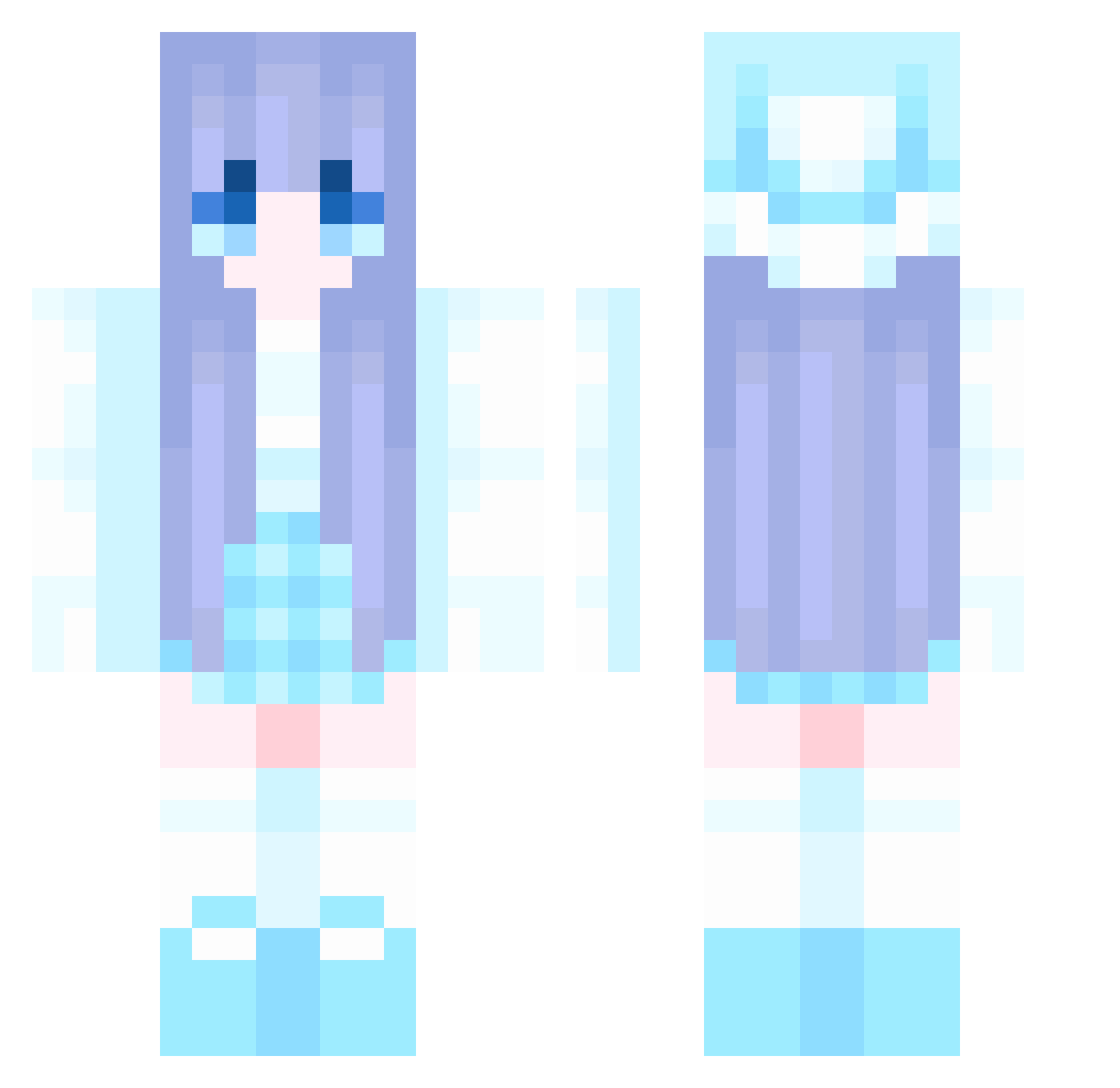
Current Minecraft skin of the player fiigd, loaded from the official Mojang API. Rotate the 3D model with your mouse or finger, then download the skin as a PNG file and use it in Minecraft: Bedrock Edition or Java Edition for free. When fiigd changes their skin, this page updates automatically and the old skin stays in the history below.
Other players with this skin (910)
fiigd was the 156th player we have seen with this skin, first spotted on 11.08.2026. The same skin was seen on these players. Open a nickname to see their current skin and skin history.
 jeani_yum Ruu27 ojbk254 BGxiaohei Ch1no_meow Azy333 9SIA8D aaa_bxm KavanNain ZZ211 zhiqiu123 sumi0402 CanDey1i BlueStreak1515 TFNJL zqx125 kungelixi Axilia Kos1ikSW YoitsmeJae9 luckice hlzy123 Kuiyn123 xiaoyi1106 HenneGamer121211 sis1106 Nahida131 Weiss233 oxxfreddyxxo skyhtk666 wcafg karuoii nAmE1eSs010 Narpia miku9998 __VIS__ hairyrat454 juzzz1
 chotera chiliang pinkybubu QUNICY666 CinDY_8 ACGG50 quanquanyuanyuan yuni46 weijx o0o1116 Yeobooda xiaoran27 Parsifal123 dgcy azad7 ccx521 davidapple RockPlains liuyzz haonanna Bunnie_Fury MHXK6
More Winter Minecraft skins
How to install the fiigd skin
- Press the Download button above to save the skin as a PNG file.
- Minecraft: Bedrock Edition (PE): open the Dressing Room from the main menu (or tap your character → Edit Character), go to Classic Skins → Owned, press the + (new skin) button, choose the downloaded PNG and pick the Classic (Steve) model. Works on PC and mobile; consoles cannot import custom skins.
- Minecraft: Java Edition: open the Minecraft Launcher, go to the Skins tab, click New Skin, load the PNG, pick the Classic (Steve) model and press Save & Use. You can also upload it at minecraft.net → Profile → Change Skin.
The skin does not show up after import - what should I do?
Restart Minecraft and open the Dressing Room again - imported skins sometimes appear only after a restart. Also make sure you selected the imported skin and picked the Classic (Steve) model.
Which model should I choose, Classic or Slim?
This skin is designed for the Classic (Steve) model. If you pick the wrong model, the arms of the skin will look stretched or squeezed.
Is the skin of fiigd free to download?
Yes. Press Download, save the PNG file and use it in Minecraft: Bedrock Edition or Java Edition - no payment or registration needed. The skin also works on multiplayer servers and Realms.
More skins
Looking for more? Go back to all Minecraft skins and check the top skins of the week, month and all time, or find any player's skin by nickname.