
errrrrrrrrrrrrr - Minecraft Skins & Skin History
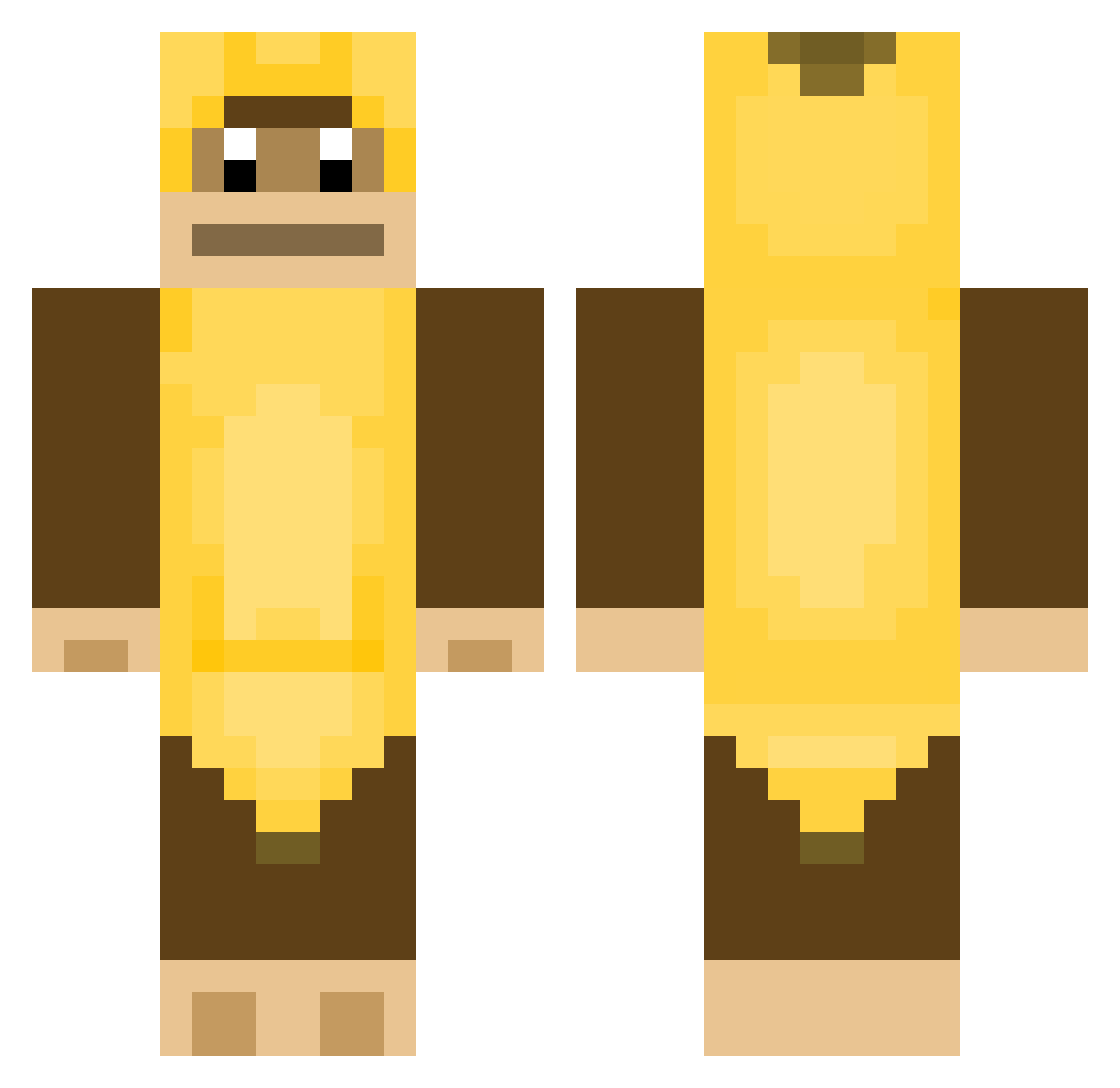
Current Minecraft skin of the player errrrrrrrrrrrrr, loaded from the official Mojang API. Rotate the 3D model with your mouse or finger, then download the skin as a PNG file and use it in Minecraft: Bedrock Edition or Java Edition for free. When errrrrrrrrrrrrr changes their skin, this page updates automatically and the old skin stays in the history below.
Other players with this skin (455)
errrrrrrrrrrrrr was the 387th player we have seen with this skin, first spotted on 03.11.2026. The same skin was seen on these players. Open a nickname to see their current skin and skin history.
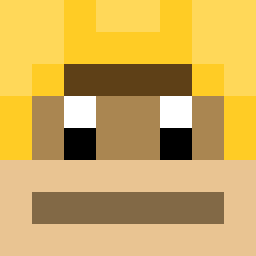 CHAZA007 kloudsoju CarlosARROMBADOR DudsTop CircusBanana Revre aaron5555555 neombeo margus_ Redikss 5uph Todong00 Washyoursocks D0YE0P Kaspe_Zz nikishin Hydaria GUMMYWORMS KhanyeEast APESONTOP kenny_nn Kailab B1lues TheLordQaz pete379550 Dylantheking1 ToeBroEats Bananek12_3 Mister_Monkey Dannipower martin25737 Chunkym0nkey837 jin_young01 Julerz Yulia_0726 majoannicc ArchFeather397 Trix72 Mcboomba rockhead0918 dding01 ThroughBlock _HaCo4eK_ GG_W_P MockaMocka Leopardo9724 unknown_0_0 Vanz8147 gliitch_ Jozu_ Buccinatorr THEAPESARECOMING yejun_mta Thebeat0 batmonkeyx AnJiHwan MONKEYCHUU QuentinTaddl Nafleek RudyBob47
More Animal Minecraft skins
How to install the errrrrrrrrrrrrr skin
- Press the Download button above to save the skin as a PNG file.
- Minecraft: Bedrock Edition (PE): open the Dressing Room from the main menu (or tap your character → Edit Character), go to Classic Skins → Owned, press the + (new skin) button, choose the downloaded PNG and pick the Classic (Steve) model. Works on PC and mobile; consoles cannot import custom skins.
- Minecraft: Java Edition: open the Minecraft Launcher, go to the Skins tab, click New Skin, load the PNG, pick the Classic (Steve) model and press Save & Use. You can also upload it at minecraft.net → Profile → Change Skin.
The skin does not show up after import - what should I do?
Restart Minecraft and open the Dressing Room again - imported skins sometimes appear only after a restart. Also make sure you selected the imported skin and picked the Classic (Steve) model.
Which model should I choose, Classic or Slim?
This skin is designed for the Classic (Steve) model. If you pick the wrong model, the arms of the skin will look stretched or squeezed.
Is the skin of errrrrrrrrrrrrr free to download?
Yes. Press Download, save the PNG file and use it in Minecraft: Bedrock Edition or Java Edition - no payment or registration needed. The skin also works on multiplayer servers and Realms.
More skins
Looking for more? Go back to all Minecraft skins and check the top skins of the week, month and all time, or find any player's skin by nickname.