
equ0 - Minecraft Skins & Skin History
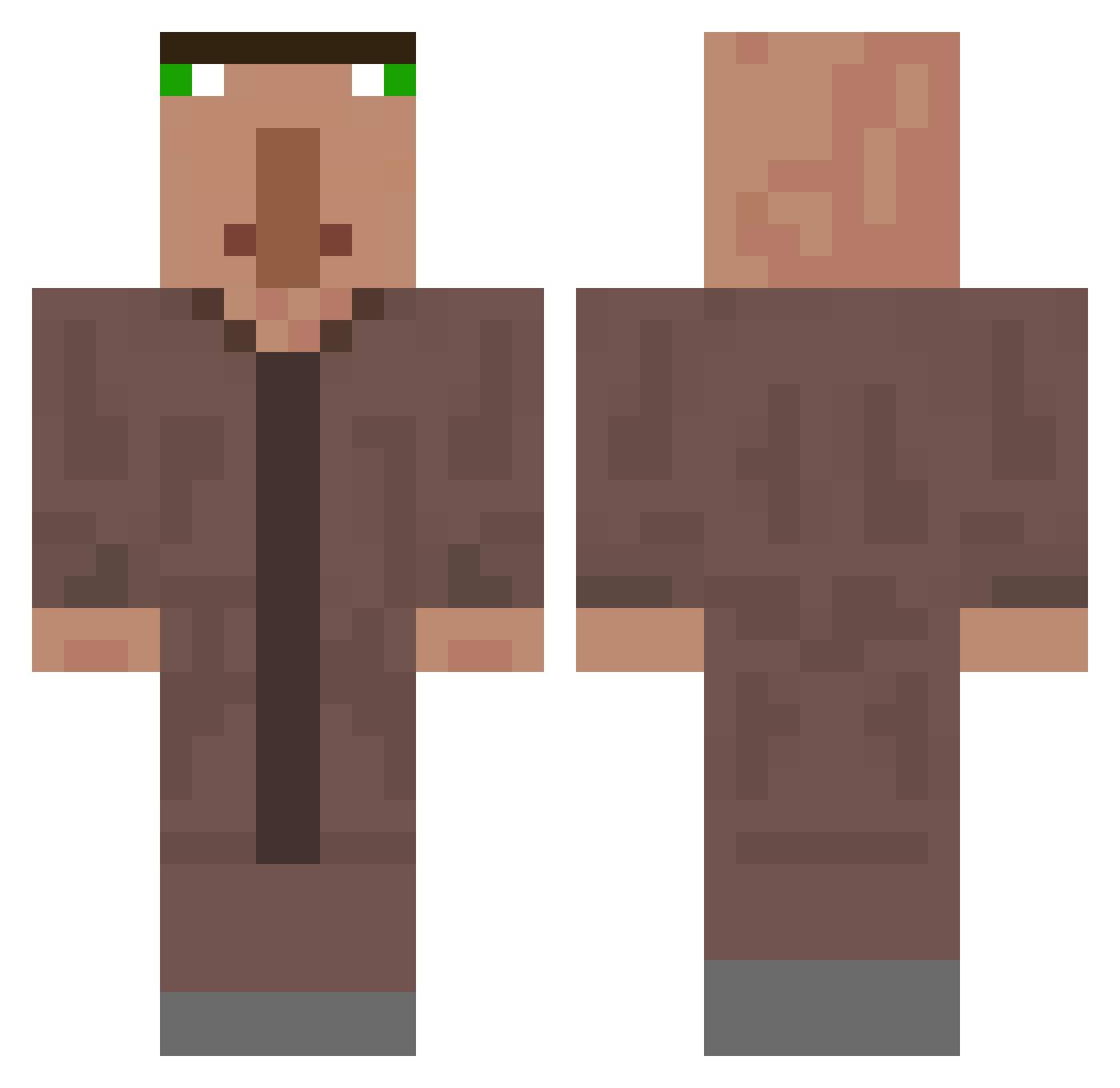
Current Minecraft skin of the player equ0, loaded from the official Mojang API. Rotate the 3D model with your mouse or finger, then download the skin as a PNG file and use it in Minecraft: Bedrock Edition or Java Edition for free. When equ0 changes their skin, this page updates automatically and the old skin stays in the history below.
Other players with this skin (63)
equ0 was the 34th player we have seen with this skin, first spotted on 17.09.2026. The same skin was seen on these players. Open a nickname to see their current skin and skin history.
 AboSami2 _benjamin14_ keepD MasterD10 redemptorist LucKy7869 tofdubois OLOC0 wwwcn66 KadenTheNoob1313 Saulo_roel_bava Jinmo1 itzFoamy Yasser123ABC rawr221 xxx_jane EnekoGonzalez Tjxrk milanokrl R106 SCHLAGUE seizure312 ShymniiChel qwlv ITASHOW Lil_Bro_Bream D0O0M bananaaaaa_ axlqwq1221 samotny_tatuspl mufolio _pears lisbeni Empteus_x SK8_Trixx kizers_ KapitanKebs Ieuanzz Onumaki Bagopa Cherub_FX yesung23 NectarDeMango AIX111 DapperToff pietruuu Marcelko_1212 InrogerX Yogurt_ing LuiKing_11 stwaspe katloholms Zwebble Nexusjac harumakisama Hollowsoul64 Dead16 GGkokos Gucci0070
 Salamwesh
More Villager Minecraft skins
How to install the equ0 skin
- Press the Download button above to save the skin as a PNG file.
- Minecraft: Bedrock Edition (PE): open the Dressing Room from the main menu (or tap your character → Edit Character), go to Classic Skins → Owned, press the + (new skin) button, choose the downloaded PNG and pick the Classic (Steve) model. Works on PC and mobile; consoles cannot import custom skins.
- Minecraft: Java Edition: open the Minecraft Launcher, go to the Skins tab, click New Skin, load the PNG, pick the Classic (Steve) model and press Save & Use. You can also upload it at minecraft.net → Profile → Change Skin.
The skin does not show up after import - what should I do?
Restart Minecraft and open the Dressing Room again - imported skins sometimes appear only after a restart. Also make sure you selected the imported skin and picked the Classic (Steve) model.
Which model should I choose, Classic or Slim?
This skin is designed for the Classic (Steve) model. If you pick the wrong model, the arms of the skin will look stretched or squeezed.
Is the skin of equ0 free to download?
Yes. Press Download, save the PNG file and use it in Minecraft: Bedrock Edition or Java Edition - no payment or registration needed. The skin also works on multiplayer servers and Realms.
More skins
Looking for more? Go back to all Minecraft skins and check the top skins of the week, month and all time, or find any player's skin by nickname.