
elsalouise - Minecraft Skins & Skin History
Current Minecraft skin of the player elsalouise, loaded from the official Mojang API. Rotate the 3D model with your mouse or finger, then download the skin as a PNG file and use it in Minecraft: Bedrock Edition or Java Edition for free. When elsalouise changes their skin, this page updates automatically and the old skin stays in the history below.
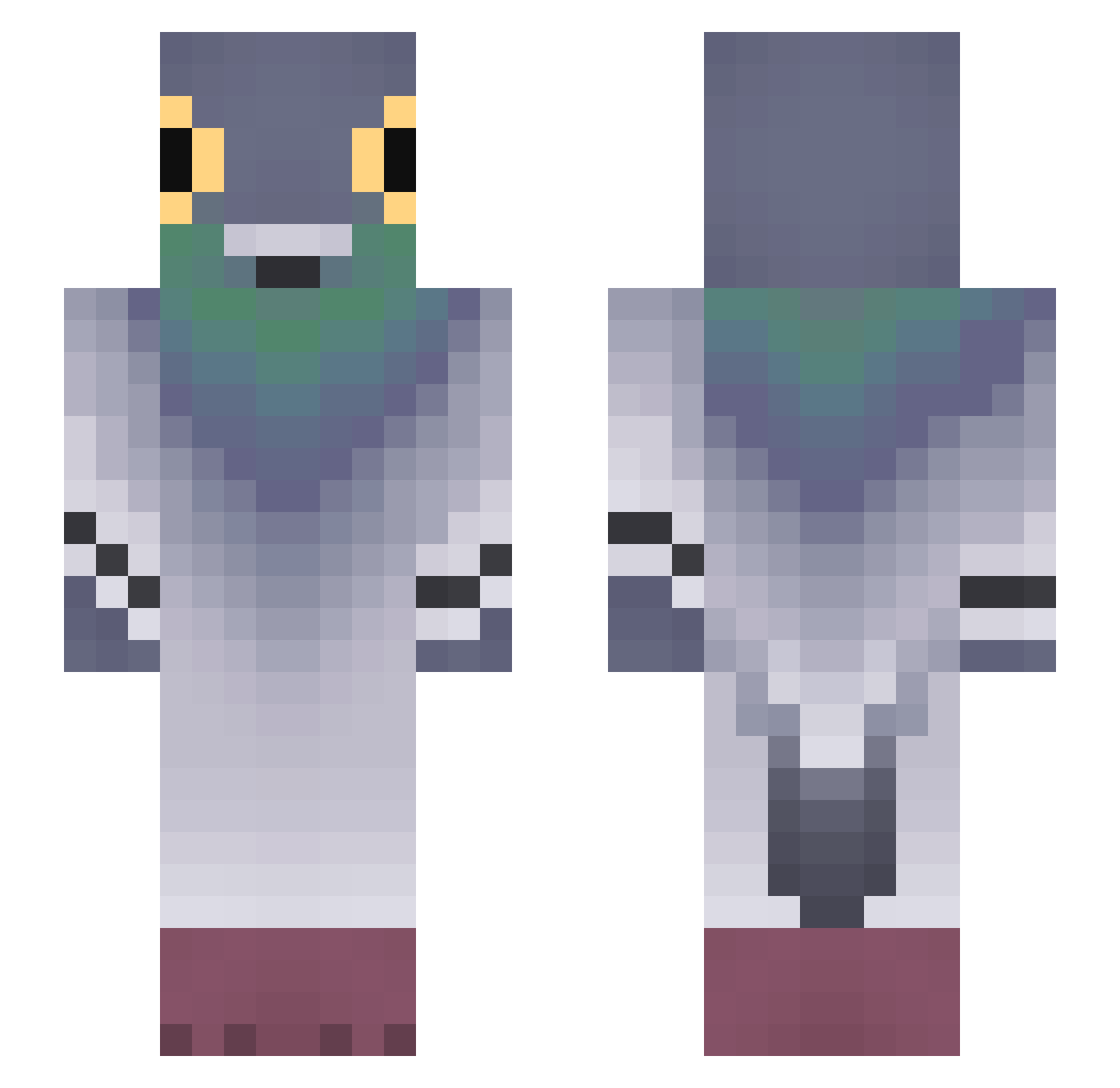
Other players with this skin (793)
elsalouise was the 278th player we have seen with this skin, first spotted on 30.08.2026. The same skin was seen on these players. Open a nickname to see their current skin and skin history.
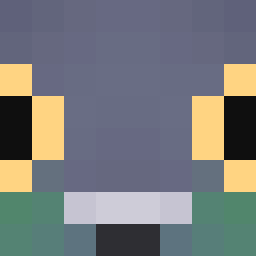 Tiboenter
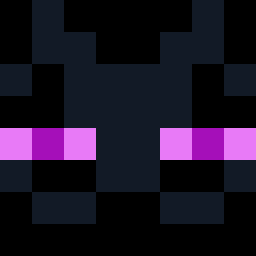 Wasim012 bltdbird N_elio 74ar0l BLACKCHOCO1130 Popovac Azconn _l1merence0 BenjiMeBoi Bauppy nifecat Yikesu ViGhosted w0rmindirt Pigeon1013 potato240 Taubenmittel KingOfSigeonPex PecanPinwheel VXMPC0REE
 ginipiggy hardstxck Dexisflex Oscar_FBL ThatDababy Anophon eeertrteee rossakura Donkibot Konecno Dezthegreatt
 JPGamer6375 kelvinwsh
 warehouser benjam1netanyahu darthpotatoe8 onnanokoDIEsuki SpecialBoy3249 Stea1thyID ElPepino668 ZZAnteKK XSarex CacalandHD
 id3ophobia _GURE DolphinPL
 Grzegorz_doradca FluteBanderino q9o6 TitledGem9146 Spuntik12 Eljest WaterLife326 PresumedSteam89 Lindawg_ TheLiterary53 Checter Bajilagkalgugsu stlaaaas
More Pigeon Minecraft skins
How to install the elsalouise skin
- Press the Download button above to save the skin as a PNG file.
- Minecraft: Bedrock Edition (PE): open the Dressing Room from the main menu (or tap your character → Edit Character), go to Classic Skins → Owned, press the + (new skin) button, choose the downloaded PNG and pick the Slim (Alex) model. Works on PC and mobile; consoles cannot import custom skins.
- Minecraft: Java Edition: open the Minecraft Launcher, go to the Skins tab, click New Skin, load the PNG, pick the Slim (Alex) model and press Save & Use. You can also upload it at minecraft.net → Profile → Change Skin.
The skin does not show up after import - what should I do?
Restart Minecraft and open the Dressing Room again - imported skins sometimes appear only after a restart. Also make sure you selected the imported skin and picked the Slim (Alex) model.
Which model should I choose, Classic or Slim?
This skin is designed for the Slim (Alex) model. If you pick the wrong model, the arms of the skin will look stretched or squeezed.
Is the skin of elsalouise free to download?
Yes. Press Download, save the PNG file and use it in Minecraft: Bedrock Edition or Java Edition - no payment or registration needed. The skin also works on multiplayer servers and Realms.
More skins
Looking for more? Go back to all Minecraft skins and check the top skins of the week, month and all time, or find any player's skin by nickname.