
elchris0v0 - Minecraft Skins & Skin History
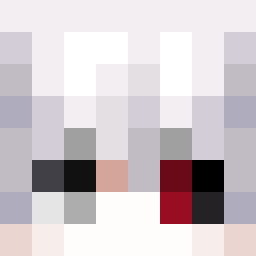
Current Minecraft skin of the player elchris0v0, loaded from the official Mojang API. Rotate the 3D model with your mouse or finger, then download the skin as a PNG file and use it in Minecraft: Bedrock Edition or Java Edition for free. When elchris0v0 changes their skin, this page updates automatically and the old skin stays in the history below.
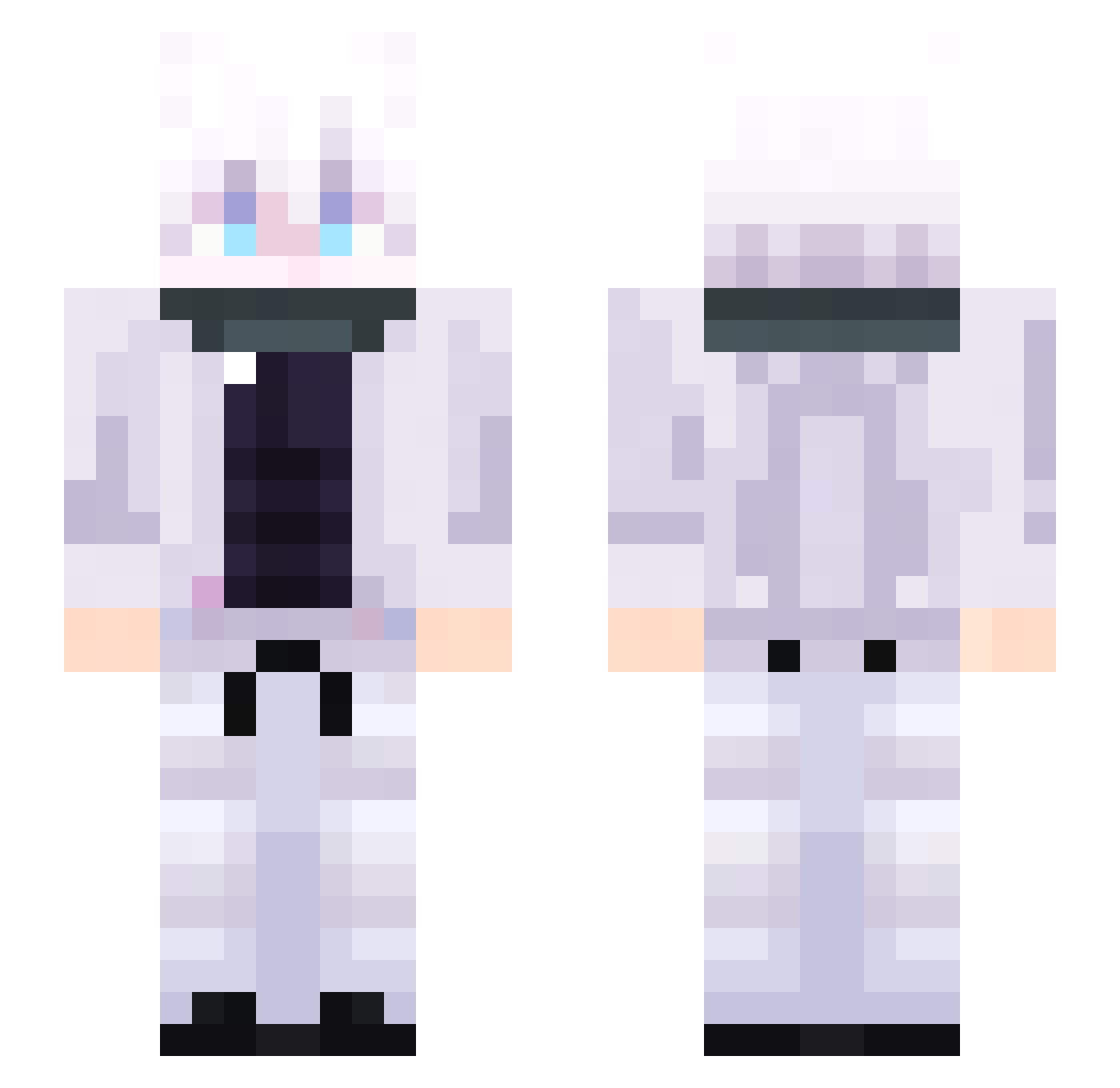
Other players with this skin (52)
elchris0v0 was the 15th player we have seen with this skin, first spotted on 25.08.2026. The same skin was seen on these players. Open a nickname to see their current skin and skin history.
 zSebxaa Bigbost2014 stevemj12 Green_Ninja92 MAKSss1 Seaul _AndreYT KapGamerLive QAN3xus muffinkundayo O_o_Cookie hA2EZ1 tamares nahaoth GOJOPVPFNAF Erixal
 TalhaPoH NEKOnyanyanG Satxru
 Tor4oK67 SEOI0712 DerMolb Jmanuel1010 max2motioned Mutetube0809 plantae28 J1nga Kiri056
 4wiz Shimura062 zOEndBeast
 _aptekarz_ Zeus1457Z EightPandora726 FRezIK2284 _Itzmario koma_1428 AVEEEEEEE Lil_Chuan WlkndedXI khunhoy blankcanvas_ Sxngm1n_xx chengshiming1 Triunal diving1 Alimations2750 Vice4 zerlingxyz KR_Charles Deanojy OliverMine
More Satoru Gojo Minecraft skins
See all 1317 Satoru Gojo skins
How to install the elchris0v0 skin
- Press the Download button above to save the skin as a PNG file.
- Minecraft: Bedrock Edition (PE): open the Dressing Room from the main menu (or tap your character → Edit Character), go to Classic Skins → Owned, press the + (new skin) button, choose the downloaded PNG and pick the Slim (Alex) model. Works on PC and mobile; consoles cannot import custom skins.
- Minecraft: Java Edition: open the Minecraft Launcher, go to the Skins tab, click New Skin, load the PNG, pick the Slim (Alex) model and press Save & Use. You can also upload it at minecraft.net → Profile → Change Skin.
The skin does not show up after import - what should I do?
Restart Minecraft and open the Dressing Room again - imported skins sometimes appear only after a restart. Also make sure you selected the imported skin and picked the Slim (Alex) model.
Which model should I choose, Classic or Slim?
This skin is designed for the Slim (Alex) model. If you pick the wrong model, the arms of the skin will look stretched or squeezed.
Is the skin of elchris0v0 free to download?
Yes. Press Download, save the PNG file and use it in Minecraft: Bedrock Edition or Java Edition - no payment or registration needed. The skin also works on multiplayer servers and Realms.
More skins
Looking for more? Go back to all Minecraft skins and check the top skins of the week, month and all time, or find any player's skin by nickname.