
eggsanfr - Minecraft Skins & Skin History
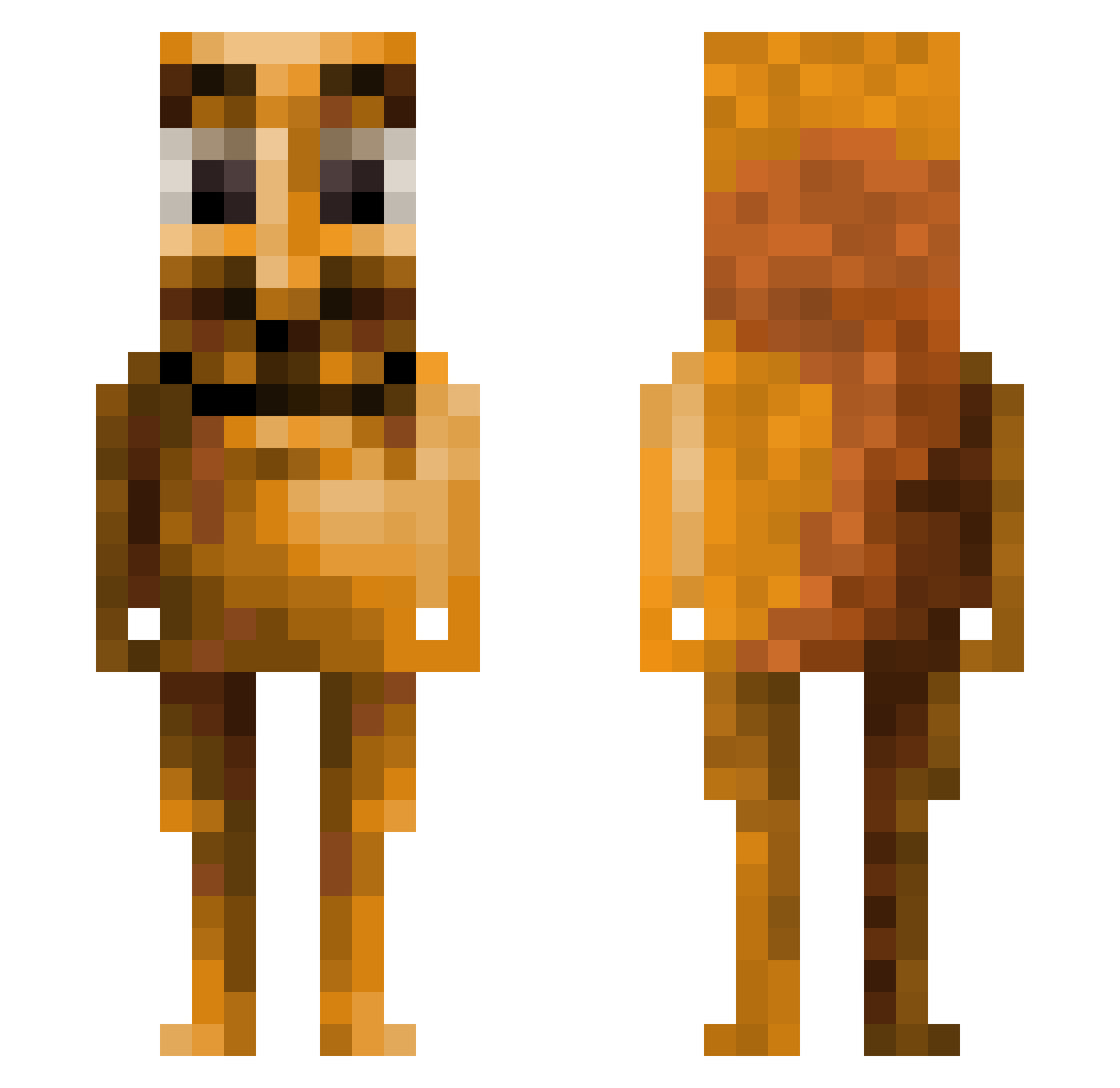
Current Minecraft skin of the player eggsanfr, loaded from the official Mojang API. Rotate the 3D model with your mouse or finger, then download the skin as a PNG file and use it in Minecraft: Bedrock Edition or Java Edition for free. When eggsanfr changes their skin, this page updates automatically and the old skin stays in the history below.
Other players with this skin (170)
eggsanfr was the 36th player we have seen with this skin, first spotted on 15.08.2026. The same skin was seen on these players. Open a nickname to see their current skin and skin history.
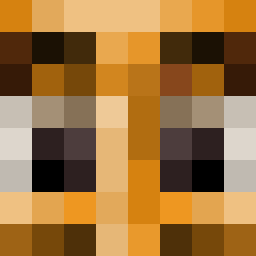 Flyorium Nijshenkie Trustycookie PuddingGottDeniz CavalierTunic80 RealBrick_ Stretch___ Miss_Mystery_ olobolo1 WestPoleee
 toobann Verycoolclara
 Tuviejaxd1
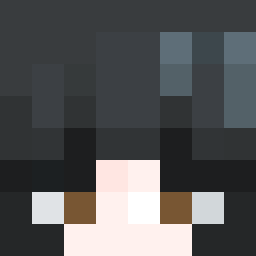 kolii114 Lackschuh_Larry Pain4all ivansty daramram1 Ch4verinn Laraprinceza8
 SheniShen
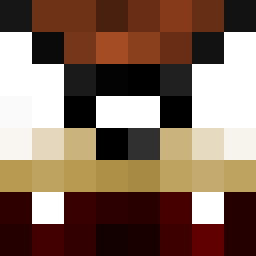 MetroArto
 DjFartSkull52 Gamo_chan_UWU NIMMOD123 peGOrg Negro676767 tokoispoco13 _Triple_T_ MATUTwt
 MrBeans29 Envyofstars 47nyga BRANDON58 Timantti_Paroni Ftguresonance haileylee mkearbey84
 FakedCell896322 Blinkonchain LeFou_DuMetro
 LeoTheGameboy MrTrippleT jonatans88 RNosya SleepyBoom_ thekirkstein Darkred42 Mazaah92 Textbookprawn slime1221 XAim4309 marley2222
 Svela123 SIRFARQAUD LTBlake ch3xt filllllll
 M00ND3Vl PassTheButter22
More Squirrel Minecraft skins
How to install the eggsanfr skin
- Press the Download button above to save the skin as a PNG file.
- Minecraft: Bedrock Edition (PE): open the Dressing Room from the main menu (or tap your character → Edit Character), go to Classic Skins → Owned, press the + (new skin) button, choose the downloaded PNG and pick the Classic (Steve) model. Works on PC and mobile; consoles cannot import custom skins.
- Minecraft: Java Edition: open the Minecraft Launcher, go to the Skins tab, click New Skin, load the PNG, pick the Classic (Steve) model and press Save & Use. You can also upload it at minecraft.net → Profile → Change Skin.
The skin does not show up after import - what should I do?
Restart Minecraft and open the Dressing Room again - imported skins sometimes appear only after a restart. Also make sure you selected the imported skin and picked the Classic (Steve) model.
Which model should I choose, Classic or Slim?
This skin is designed for the Classic (Steve) model. If you pick the wrong model, the arms of the skin will look stretched or squeezed.
Is the skin of eggsanfr free to download?
Yes. Press Download, save the PNG file and use it in Minecraft: Bedrock Edition or Java Edition - no payment or registration needed. The skin also works on multiplayer servers and Realms.
More skins
Looking for more? Go back to all Minecraft skins and check the top skins of the week, month and all time, or find any player's skin by nickname.