
efect67 - Minecraft Skins & Skin History
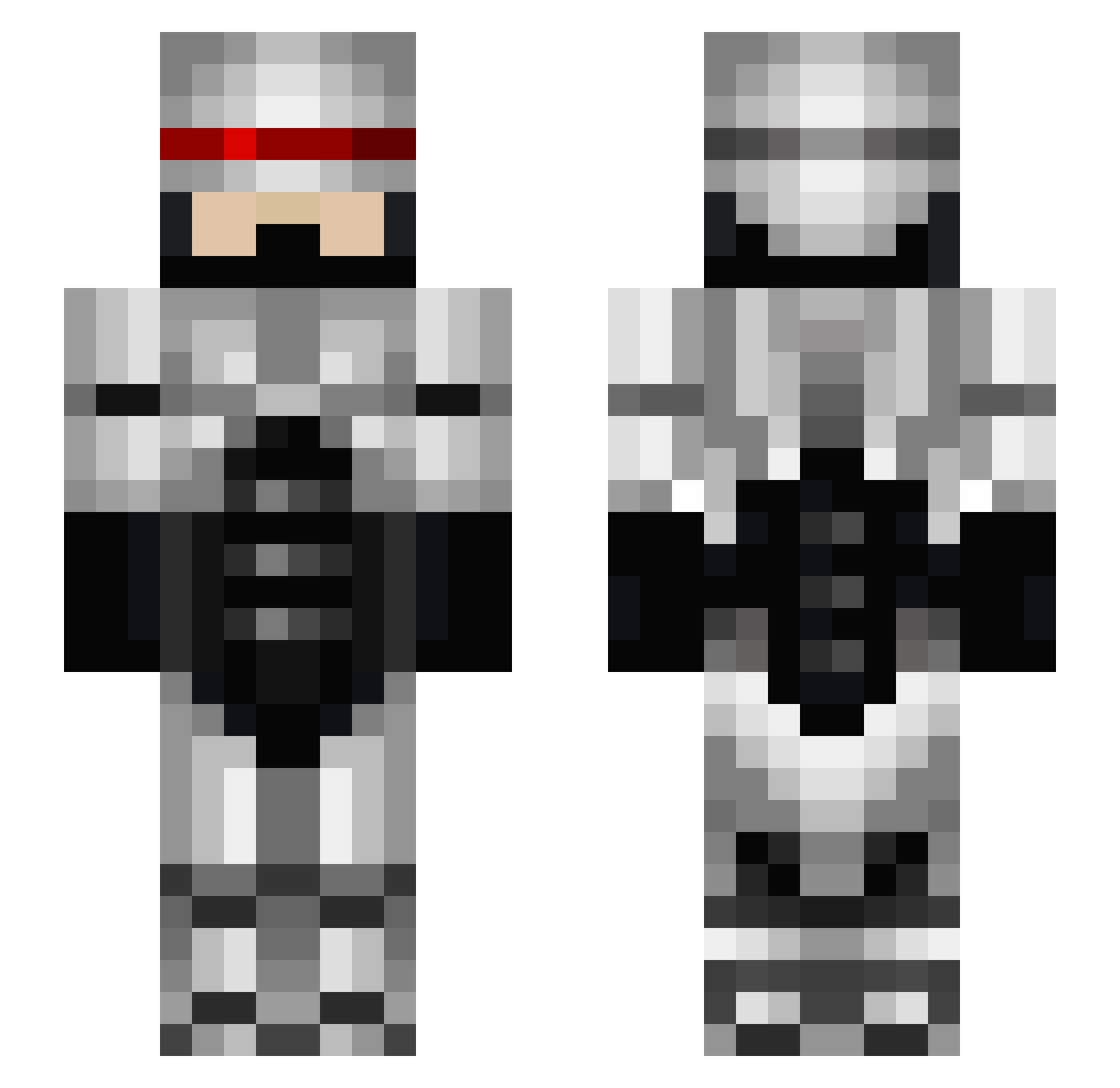
Current Minecraft skin of the player efect67, loaded from the official Mojang API. Rotate the 3D model with your mouse or finger, then download the skin as a PNG file and use it in Minecraft: Bedrock Edition or Java Edition for free. When efect67 changes their skin, this page updates automatically and the old skin stays in the history below.
Other players with this skin (672)
efect67 was the 262nd player we have seen with this skin, first spotted on 12.09.2026. The same skin was seen on these players. Open a nickname to see their current skin and skin history.
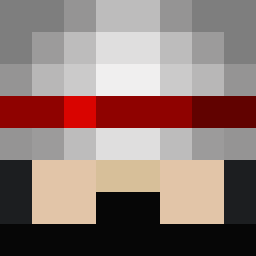 barbarious2011 Henkodino MrXeno789 almighty_isaac rachetman Mr_Yipster Ordt13 church23232 CamoKiller0137 sharktamer Trollra02 bi0hazard1980 Kyoshiro340 RecklessGamb1t sepiso pixiepetal ItzConor97 NoofaM komoto1214 jesshan MrBigSpewn jayleland mistah AxeKillJoy GABWEJ Levon1234 Averajoe12 NaserAlHerz stuart_marshall VanillaNaeNae blackjaguar77 Nosehole lyconi13 JahmeFR MohawkeeXandru BDJensen manbearpig1984 Nato429 Remoody juuymobile Releaux Chandler2802 Nashida God_Error pappysassafras MyungGwan roach456 Kaleokai malibu1109 bayliss2580 craigtankcmdr hirose_tan Viper2150 Almighty_sG Darukan hhhh1123 maderman Morbid0n3 Jim_E_Russell peacefuldsnds
More Robocop Minecraft skins
How to install the efect67 skin
- Press the Download button above to save the skin as a PNG file.
- Minecraft: Bedrock Edition (PE): open the Dressing Room from the main menu (or tap your character → Edit Character), go to Classic Skins → Owned, press the + (new skin) button, choose the downloaded PNG and pick the Slim (Alex) model. Works on PC and mobile; consoles cannot import custom skins.
- Minecraft: Java Edition: open the Minecraft Launcher, go to the Skins tab, click New Skin, load the PNG, pick the Slim (Alex) model and press Save & Use. You can also upload it at minecraft.net → Profile → Change Skin.
The skin does not show up after import - what should I do?
Restart Minecraft and open the Dressing Room again - imported skins sometimes appear only after a restart. Also make sure you selected the imported skin and picked the Slim (Alex) model.
Which model should I choose, Classic or Slim?
This skin is designed for the Slim (Alex) model. If you pick the wrong model, the arms of the skin will look stretched or squeezed.
Is the skin of efect67 free to download?
Yes. Press Download, save the PNG file and use it in Minecraft: Bedrock Edition or Java Edition - no payment or registration needed. The skin also works on multiplayer servers and Realms.
More skins
Looking for more? Go back to all Minecraft skins and check the top skins of the week, month and all time, or find any player's skin by nickname.