
efebulbul1905 - Minecraft Skins & Skin History
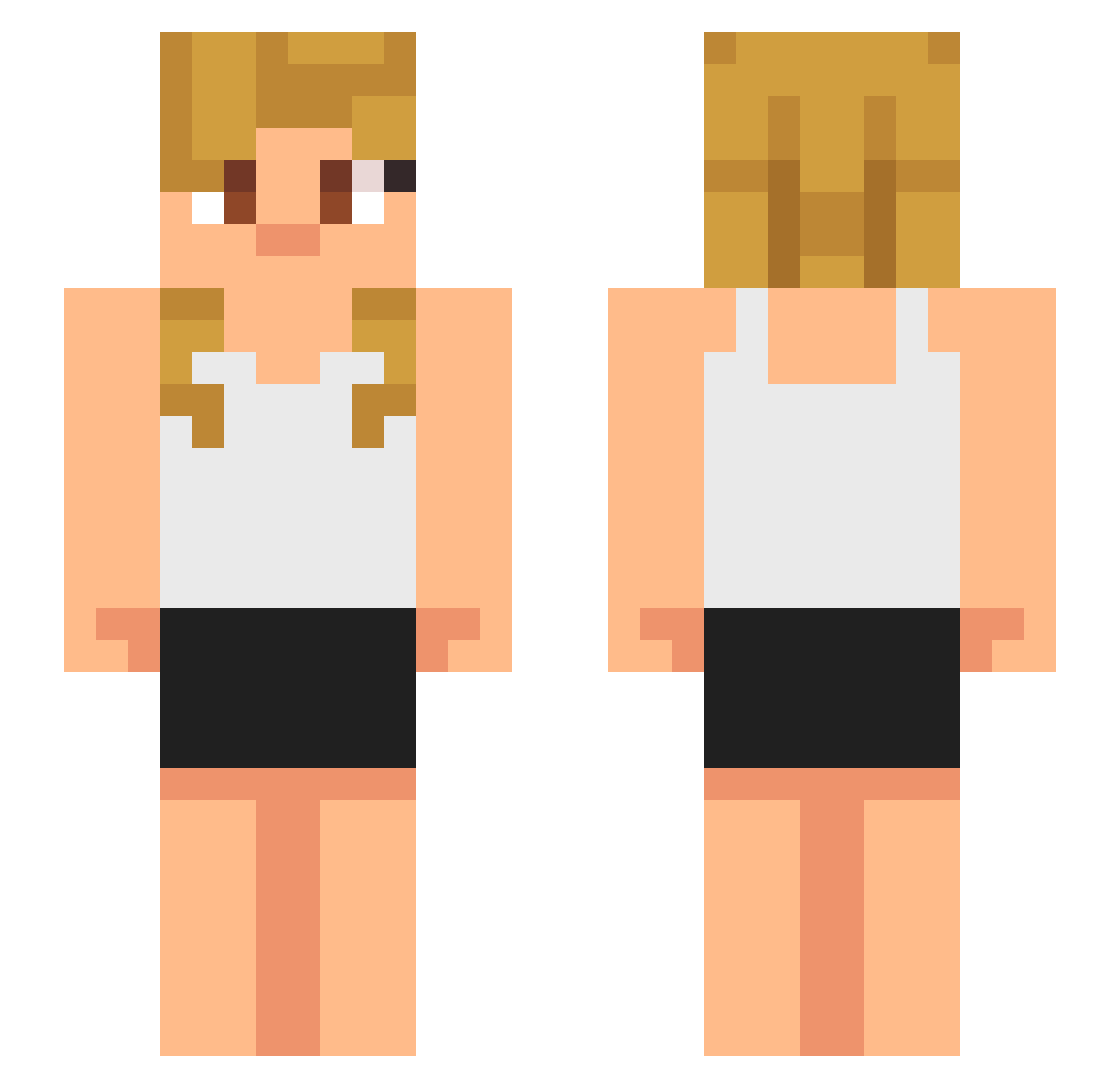
Current Minecraft skin of the player efebulbul1905, loaded from the official Mojang API. Rotate the 3D model with your mouse or finger, then download the skin as a PNG file and use it in Minecraft: Bedrock Edition or Java Edition for free. When efebulbul1905 changes their skin, this page updates automatically and the old skin stays in the history below.
Other players with this skin (717)
efebulbul1905 was the 666th player we have seen with this skin, first spotted on 10.11.2026. The same skin was seen on these players. Open a nickname to see their current skin and skin history.
 RcnReyna janji42 lalathered Hyklip Jewsain_Bolt ghostPapers Jollopilo Maxxxim01 Supersage55 flixlix wiederkafa samirthebeast123 vmells DarkZeroes Zorovs Gannicus1007 Skeez002 Wataroog FearSoFine Zayday1107 MauriUwUxd ULUDA brockcrnic grazingz cocooooo111 Jta06 AkdereBurak ImSquidward420 coolminecraftpla jonatanjass nagentsi Patrikslong THERADHAT2 DEPORTTHEM xubai11 Melloistaken sweepland6 ExtremeDog7 huki3 Jkrkuro Hikipalli212 gangnamstyle1211 Fumetsu26 bewsyjr CARTERPROGAMER Cooldanos Krypkee saintkin Scooty04 GilesBrown killer_max Paladzo Hugonit BlueCollarGamin Rainer100 CmdSwat39 ZippyZaj Hitanime n0pe2 Scout_6
More Girl Minecraft skins
How to install the efebulbul1905 skin
- Press the Download button above to save the skin as a PNG file.
- Minecraft: Bedrock Edition (PE): open the Dressing Room from the main menu (or tap your character → Edit Character), go to Classic Skins → Owned, press the + (new skin) button, choose the downloaded PNG and pick the Slim (Alex) model. Works on PC and mobile; consoles cannot import custom skins.
- Minecraft: Java Edition: open the Minecraft Launcher, go to the Skins tab, click New Skin, load the PNG, pick the Slim (Alex) model and press Save & Use. You can also upload it at minecraft.net → Profile → Change Skin.
The skin does not show up after import - what should I do?
Restart Minecraft and open the Dressing Room again - imported skins sometimes appear only after a restart. Also make sure you selected the imported skin and picked the Slim (Alex) model.
Which model should I choose, Classic or Slim?
This skin is designed for the Slim (Alex) model. If you pick the wrong model, the arms of the skin will look stretched or squeezed.
Is the skin of efebulbul1905 free to download?
Yes. Press Download, save the PNG file and use it in Minecraft: Bedrock Edition or Java Edition - no payment or registration needed. The skin also works on multiplayer servers and Realms.
More skins
Looking for more? Go back to all Minecraft skins and check the top skins of the week, month and all time, or find any player's skin by nickname.