
eethung - Minecraft Skins & Skin History
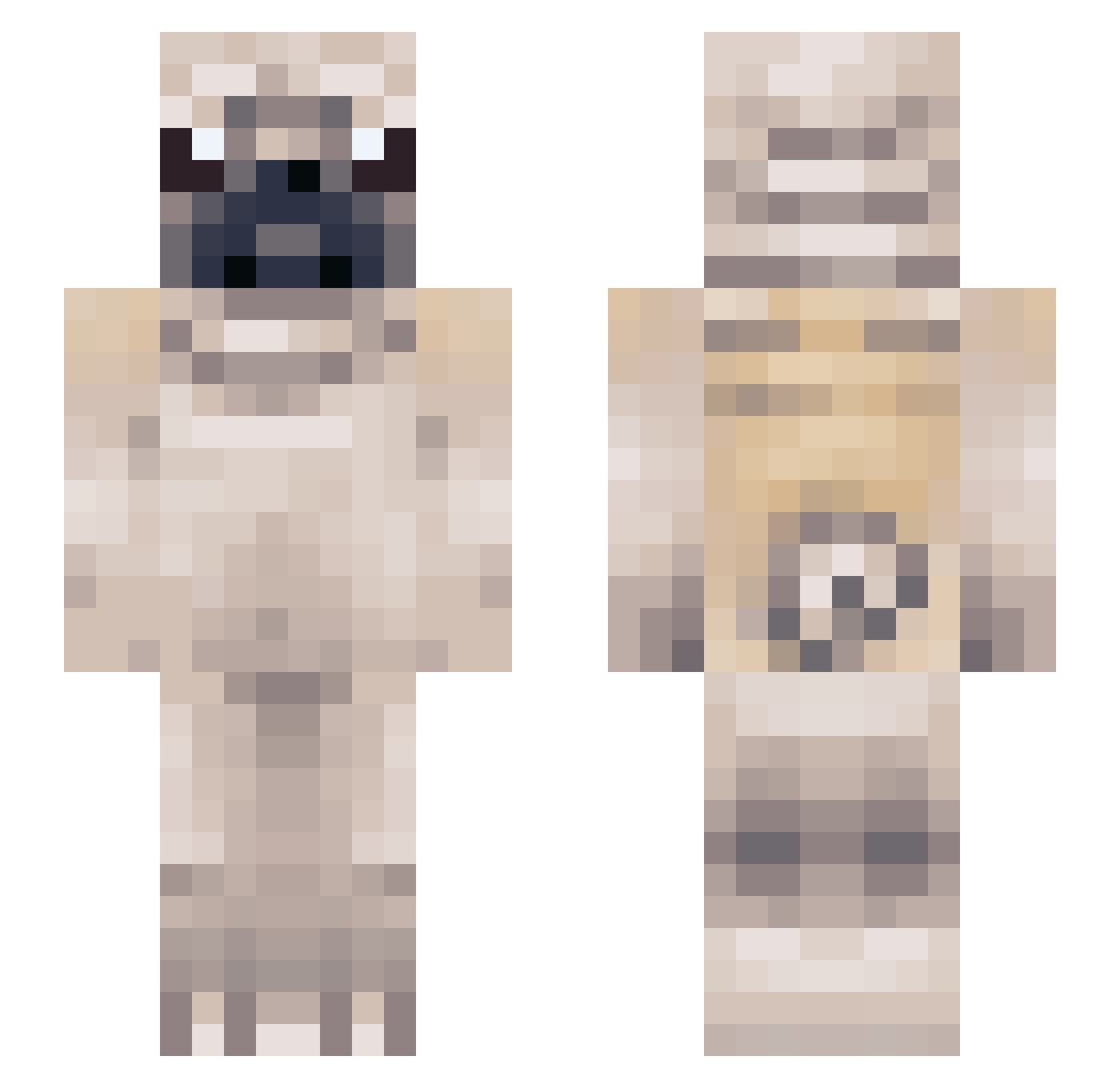
Current Minecraft skin of the player eethung, loaded from the official Mojang API. Rotate the 3D model with your mouse or finger, then download the skin as a PNG file and use it in Minecraft: Bedrock Edition or Java Edition for free. When eethung changes their skin, this page updates automatically and the old skin stays in the history below.
Other players with this skin (119)
eethung was the 90th player we have seen with this skin, first spotted on 03.10.2026. The same skin was seen on these players. Open a nickname to see their current skin and skin history.
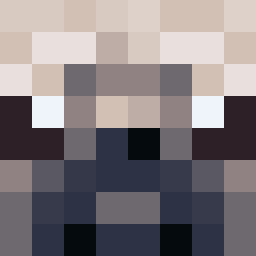 Laozyyy sqdjojo melvinblock poug__ Pieska_ Myth29 ItsvSlam Greatnesse2005yt jackrussel808 OobeleyDoobeley Olliemops_ XYLizy IGotRippedOff Banfuzi Chi_Go SmrtKoopa PugPug_333 Stupid_Maj0r CocretaVoladora teegootheking Pugscz Chockrath Frenggie Biigy barelylex Tellabahhalbahjr slightlymadjade figoscomqueijo Jan99e CircuitBird LakshaYT_ Ryozei055 bulb_bald Hollooww night_wolf04 Kangler misioxom TsunamiH JamesBuckets LegendaryTeby lilarmadillo28 BrawnyUrchin19 LoganBlocks3 JellyPug1 Bobby_The_Mobby HS_Squirrel Ebob5709 snoochmama _DOGAMER_ baby_boy1234 DapperGamerMC Shinni8414 pizzalord12 Jswaizzle crazycatdancin Budgieacc Kla55ik Doing_Dirt Noitn NiceDanek
More Pug Minecraft skins
How to install the eethung skin
- Press the Download button above to save the skin as a PNG file.
- Minecraft: Bedrock Edition (PE): open the Dressing Room from the main menu (or tap your character → Edit Character), go to Classic Skins → Owned, press the + (new skin) button, choose the downloaded PNG and pick the Slim (Alex) model. Works on PC and mobile; consoles cannot import custom skins.
- Minecraft: Java Edition: open the Minecraft Launcher, go to the Skins tab, click New Skin, load the PNG, pick the Slim (Alex) model and press Save & Use. You can also upload it at minecraft.net → Profile → Change Skin.
The skin does not show up after import - what should I do?
Restart Minecraft and open the Dressing Room again - imported skins sometimes appear only after a restart. Also make sure you selected the imported skin and picked the Slim (Alex) model.
Which model should I choose, Classic or Slim?
This skin is designed for the Slim (Alex) model. If you pick the wrong model, the arms of the skin will look stretched or squeezed.
Is the skin of eethung free to download?
Yes. Press Download, save the PNG file and use it in Minecraft: Bedrock Edition or Java Edition - no payment or registration needed. The skin also works on multiplayer servers and Realms.
More skins
Looking for more? Go back to all Minecraft skins and check the top skins of the week, month and all time, or find any player's skin by nickname.