
 stannerz96 Chrishtin KPar DailyDutch Knetram yonnykun esteecraft annieboo natalie_smith xX_Luminite_Xx MrCactuar WeaselLady cbroughjr _im_fun_size_ MadMaxieBon Mattkai210 creepypiggy7 Smog_The_Dog Puggos Aberasmus TheJackHamm3r IsaacGamingTV Photographers BestCurry emilyyalexx Inset saraysofia Hangyu216 ExFastArrow Barking Pineapplepug MJH1999 KingJeremyXX 2006yoshi netsfan337 B0mberman97 cjbrow Danh8screepers LustyGrandad KiwiMegaSword iamdumb97 Dumith3D theadoboboys Arrrrvan Pete10999 NotTheBestYT _Andrea_Hess_ mebesee123 Flapasaurus StrongLee404 16BitPug Riverdogdude1 DestructivezZ 0K3X SaraBalara PUG_LiFE_ Pugz_Gamer 22banderson Edor04 FakeRedMonki
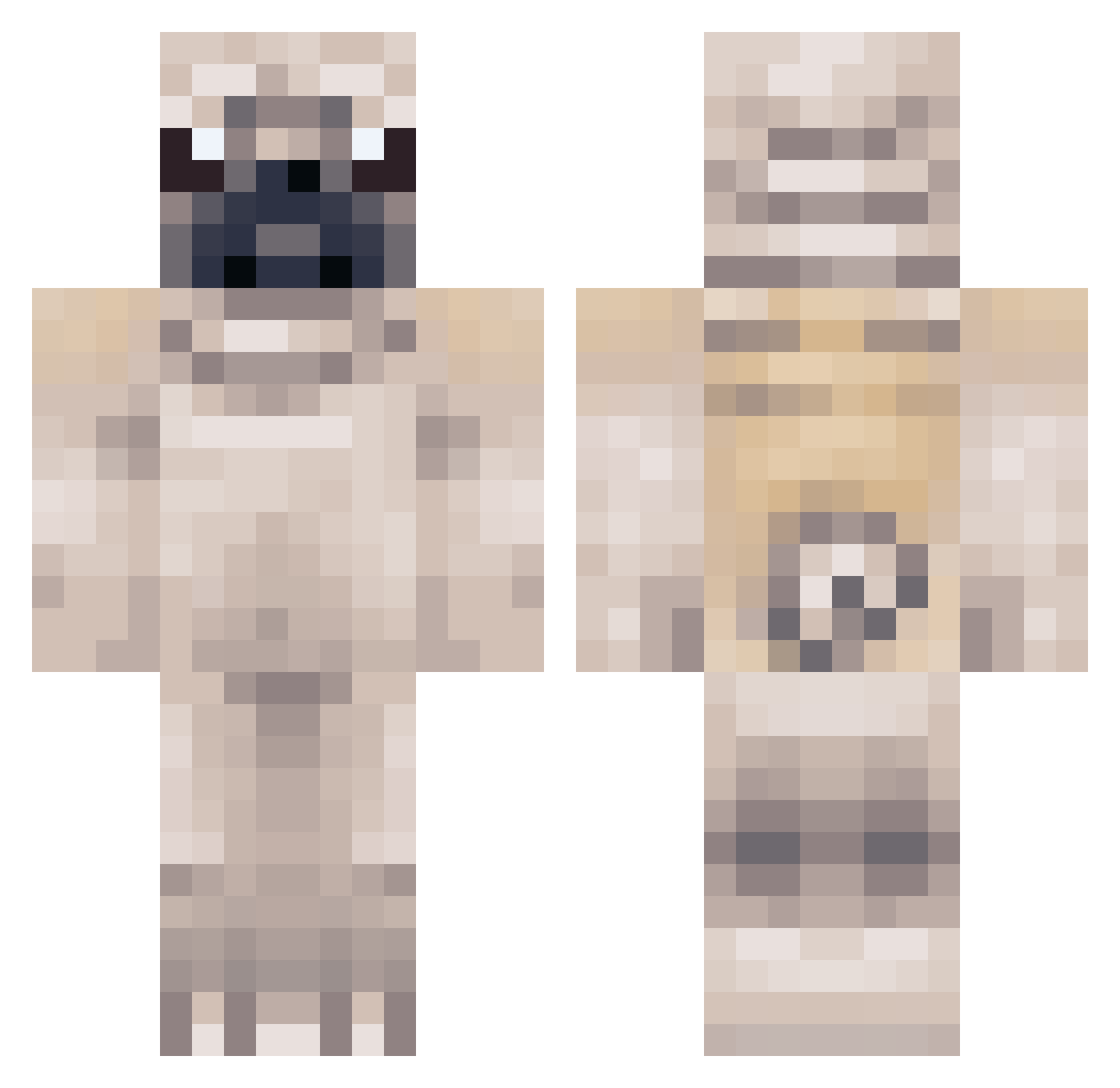
Minecraft skin of fili518. Rotate the 3D model with your mouse or finger to view the skin from every angle, then download it as a PNG file and use it in Minecraft: Bedrock Edition or Java Edition for free. Rate the skin with stars to help other players find the best skins in our collection.
How to install the fili518 skin
- Press the Download button above to save the skin as a PNG file.
- Minecraft: Bedrock Edition (PE): open the Dressing Room from the main menu (or tap your character → Edit Character), go to Classic Skins → Owned, press the + (new skin) button, choose the downloaded PNG and pick the Classic (Steve) model. Works on PC and mobile; consoles cannot import custom skins.
- Minecraft: Java Edition: open the Minecraft Launcher, go to the Skins tab, click New Skin, load the PNG, pick the Classic (Steve) model and press Save & Use. You can also upload it at minecraft.net → Profile → Change Skin.
The skin does not show up after import - what should I do?
Restart Minecraft and open the Dressing Room again - imported skins sometimes appear only after a restart. Also make sure you selected the imported skin and picked the Classic (Steve) model.
Which model should I choose, Classic or Slim?
This skin is designed for the Classic (Steve) model. If you pick the wrong model, the arms of the skin will look stretched or squeezed.
Is this skin free to use?
Yes. Press Download, save the PNG file and use it in Minecraft: Bedrock Edition or Java Edition - no payment or registration needed. The skin also works on multiplayer servers and Realms.
More Pug Minecraft skins
More skins
Looking for more? Go back to all Minecraft skins and check the top skins of the week, month and all time, or find any player's skin by nickname.