
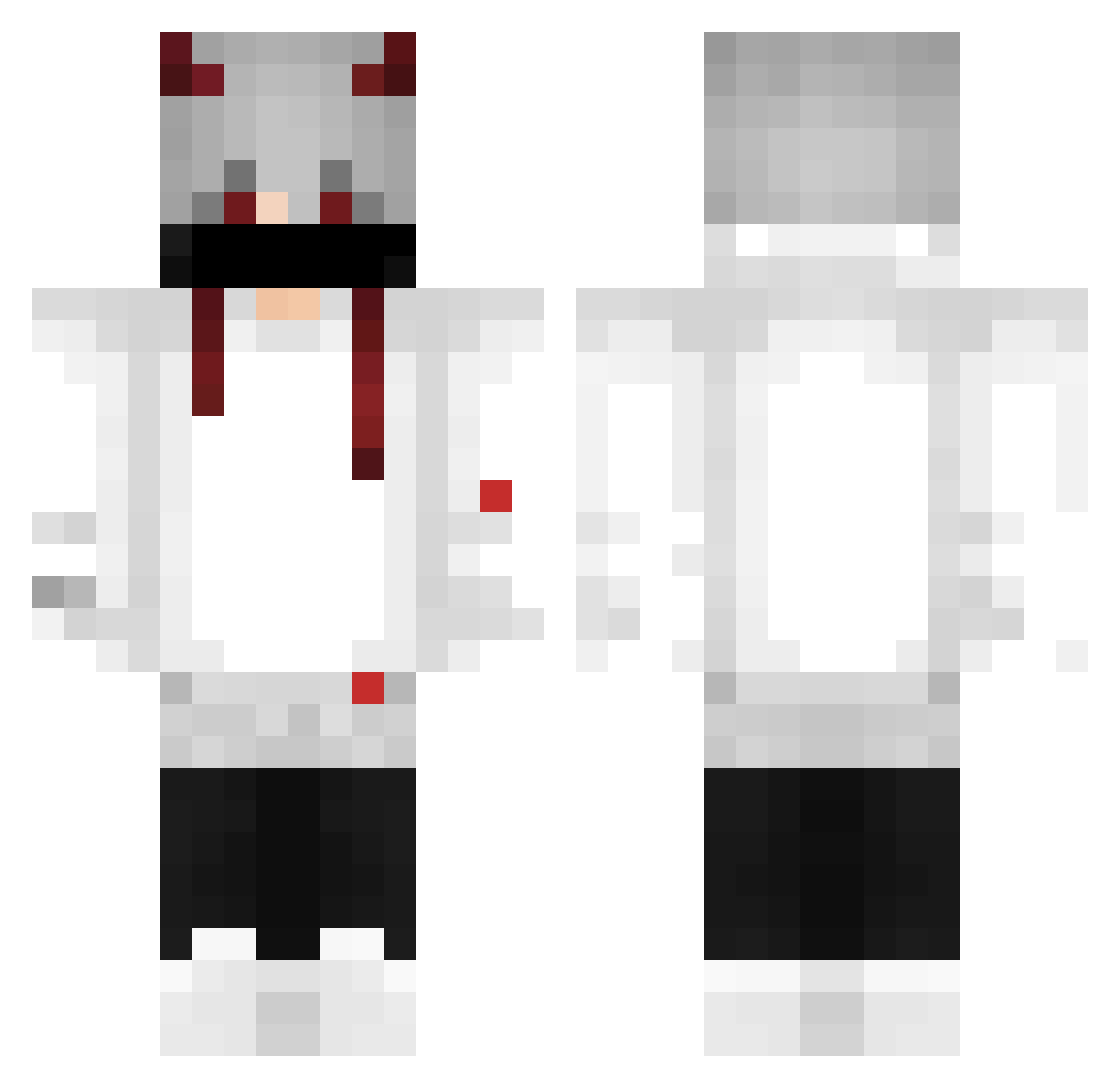
Current Minecraft skin of the player edubrugalli, loaded from the official Mojang API. Rotate the 3D model with your mouse or finger, then download the skin as a PNG file and use it in Minecraft: Bedrock Edition or Java Edition for free. When edubrugalli changes their skin, this page updates automatically and the old skin stays in the history below.
Other players with this skin (344)
edubrugalli was the 130th player we have seen with this skin, first spotted on 29.08.2026. The same skin was seen on these players. Open a nickname to see their current skin and skin history.
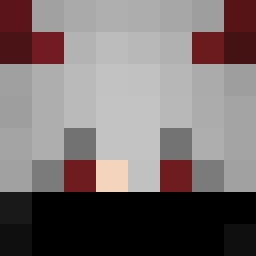 zSlow_ Prezotti12 Yokotsi Santos9440 lKuroKo DevRasya VapoLipezin Banab_25 LeonMDJ007 Rick005 Fabolasskm Huntrum Mr_Turtlez514 rifaldyy dryGAMER12 ryanzin7o Budinksn KrxzyMc KGAW wolfblack448 Nickzinho Wntcs Zwayzx Noobzinnn OGostosoDeSC joaohg1 gui244adc DerpyPhoenix8 ChurboiE lipegamerzinho fightmefatty Sushis89 Bananek0339 LeNguyenHao Flanelinha09 JOTTA_07 PEDROMIGUELRC Notbepe imobi0 bignerdXDvv Aziz_f Leonid_0001 Gx1axyI nikobell Ana_Sofia12 COOLVSN Gui1466 victorGOD_
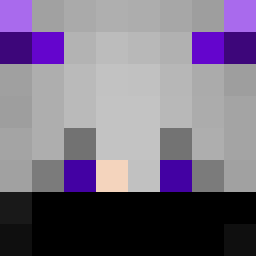 derezaw SADKAYKUT CAFZIN Denzqkcy GabzinDbr TheGoldenMaestro braian_blox ninja_mie xFragile EDDY_1401 TAL4FAIL _kfgt_
More Demon Horns Minecraft skins
How to install the edubrugalli skin
- Press the Download button above to save the skin as a PNG file.
- Minecraft: Bedrock Edition (PE): open the Dressing Room from the main menu (or tap your character → Edit Character), go to Classic Skins → Owned, press the + (new skin) button, choose the downloaded PNG and pick the Classic (Steve) model. Works on PC and mobile; consoles cannot import custom skins.
- Minecraft: Java Edition: open the Minecraft Launcher, go to the Skins tab, click New Skin, load the PNG, pick the Classic (Steve) model and press Save & Use. You can also upload it at minecraft.net → Profile → Change Skin.
The skin does not show up after import - what should I do?
Restart Minecraft and open the Dressing Room again - imported skins sometimes appear only after a restart. Also make sure you selected the imported skin and picked the Classic (Steve) model.
Which model should I choose, Classic or Slim?
This skin is designed for the Classic (Steve) model. If you pick the wrong model, the arms of the skin will look stretched or squeezed.
Is the skin of edubrugalli free to download?
Yes. Press Download, save the PNG file and use it in Minecraft: Bedrock Edition or Java Edition - no payment or registration needed. The skin also works on multiplayer servers and Realms.
More skins
Looking for more? Go back to all Minecraft skins and check the top skins of the week, month and all time, or find any player's skin by nickname.