
drcricket - Minecraft Skins & Skin History
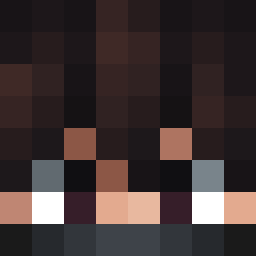
Current Minecraft skin of the player drcricket, loaded from the official Mojang API. Rotate the 3D model with your mouse or finger, then download the skin as a PNG file and use it in Minecraft: Bedrock Edition or Java Edition for free. When drcricket changes their skin, this page updates automatically and the old skin stays in the history below.
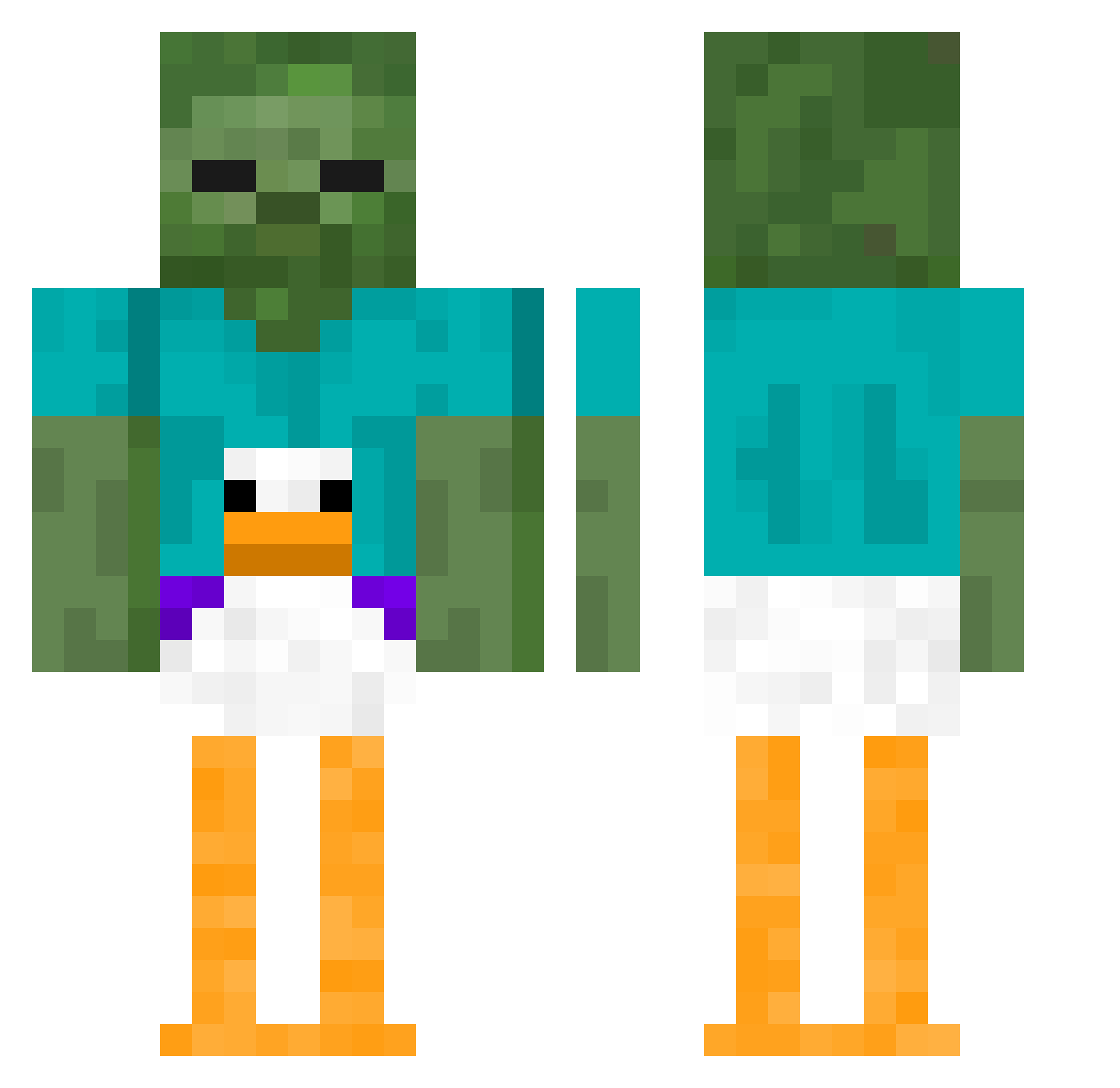
Other players with this skin (410)
drcricket was the 62nd player we have seen with this skin, first spotted on 11.08.2026. The same skin was seen on these players. Open a nickname to see their current skin and skin history.
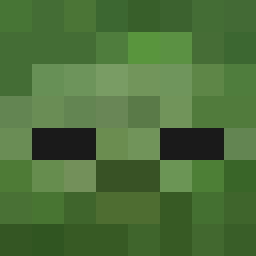 SamMapstone Ajunkygamer143 puukel
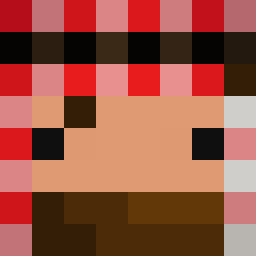 mussa1329769 camojb11 ima_fluffy_egirl darianoo DungBeetler Gonzalitoelcuh11 23Oq
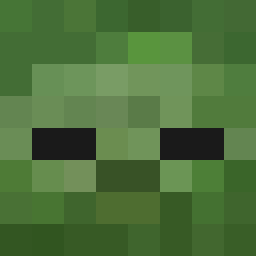 CertifiedChum giggitypigeon Toxikmind xiaohuan1111
 SpeedySeal223 CornCob37 PLOOPY69 jamesisninja Dannafr ajuds9 OHDANIMAL zached55 RhinoPantz Azertitop sikkersmonkey WRiPSTER Tae18 Hogan0720 bruno_eins Kloksy1 CmdrJubby Bartblade Aprche Y33733Y AuRaGrInDeR zxccybxi itzRealThomas Miceek Le_Bongo_ fatimamohammed Zackytheboy TacticalSl0th pizpoz Beckadrill SoleTunic5039 Ruziii alexgood2 _Rambo___ slydrifter thatmightve DeZmEmO Ps2Hobit Lil_bunnie23 MinerBiBi Rodrexxx CON69420 Shifty7393 djangoyson KingofAllGoats1 Morphspire
More Funny Minecraft skins
How to install the drcricket skin
- Press the Download button above to save the skin as a PNG file.
- Minecraft: Bedrock Edition (PE): open the Dressing Room from the main menu (or tap your character → Edit Character), go to Classic Skins → Owned, press the + (new skin) button, choose the downloaded PNG and pick the Classic (Steve) model. Works on PC and mobile; consoles cannot import custom skins.
- Minecraft: Java Edition: open the Minecraft Launcher, go to the Skins tab, click New Skin, load the PNG, pick the Classic (Steve) model and press Save & Use. You can also upload it at minecraft.net → Profile → Change Skin.
The skin does not show up after import - what should I do?
Restart Minecraft and open the Dressing Room again - imported skins sometimes appear only after a restart. Also make sure you selected the imported skin and picked the Classic (Steve) model.
Which model should I choose, Classic or Slim?
This skin is designed for the Classic (Steve) model. If you pick the wrong model, the arms of the skin will look stretched or squeezed.
Is the skin of drcricket free to download?
Yes. Press Download, save the PNG file and use it in Minecraft: Bedrock Edition or Java Edition - no payment or registration needed. The skin also works on multiplayer servers and Realms.
More skins
Looking for more? Go back to all Minecraft skins and check the top skins of the week, month and all time, or find any player's skin by nickname.