
dr1_lucifer - Minecraft Skins & Skin History
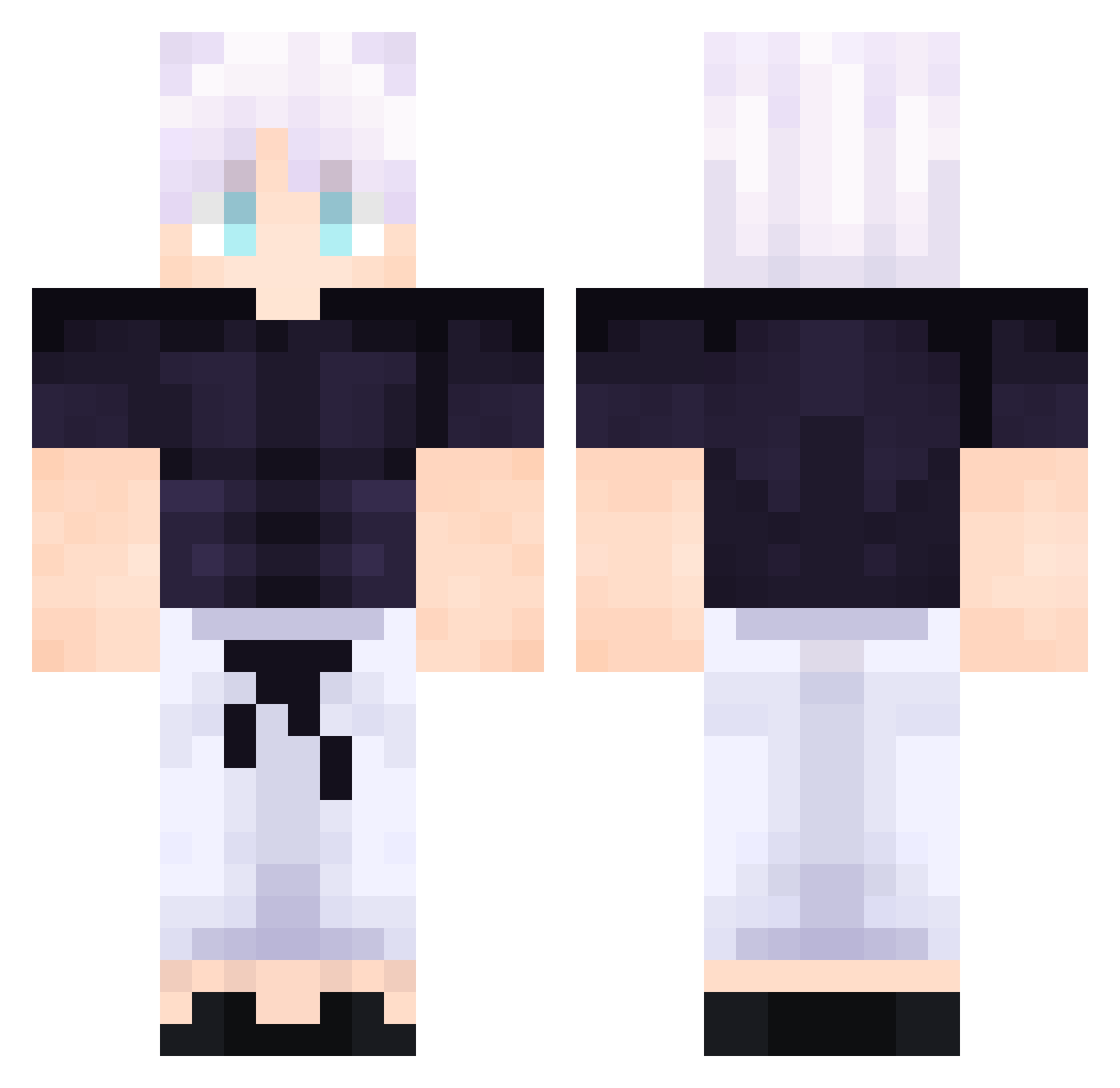
Current Minecraft skin of the player dr1_lucifer, loaded from the official Mojang API. Rotate the 3D model with your mouse or finger, then download the skin as a PNG file and use it in Minecraft: Bedrock Edition or Java Edition for free. When dr1_lucifer changes their skin, this page updates automatically and the old skin stays in the history below.
Other players with this skin (509)
dr1_lucifer was the 450th player we have seen with this skin, first spotted on 22.10.2026. The same skin was seen on these players. Open a nickname to see their current skin and skin history.
 YujinIX ElLocouyuy_26 ray987energetic SonOfTheSun Axel53516 billystonks tabbycattttt heartless2510 scar78123 Muhammed_19 dupeachMS Alexbs CianLee07271 14Decay ItzReal_Piggy MountainShadow7 Wizzers10 IM_Mk85bg _Andeeno_ Jasper4477 LordKiraa bernardo082 willacr Light1453 hyunseok7613 hira100 lechemipalo OGC666 Nathadeus RafelRafel lordleighton110 g4er554e Gicioks Nashville87 Cho_zzang poxipox GrimDream123 Crazyy3467 Dexterstark4686 Oggggyyy red_lotus__ Erozin mvznn Droscu YoungMaster_Hyuk CharDax57 Luca3011W Shisui79 GodPleya VNZ_whip Wisstkt Sinseomario Kashy__ duysusy BABAJOEE Vgorox donficus SmellyaL8er DarknessONK Ibuki18
More Satoru Gojo Minecraft skins
See all 1317 Satoru Gojo skins
How to install the dr1_lucifer skin
- Press the Download button above to save the skin as a PNG file.
- Minecraft: Bedrock Edition (PE): open the Dressing Room from the main menu (or tap your character → Edit Character), go to Classic Skins → Owned, press the + (new skin) button, choose the downloaded PNG and pick the Classic (Steve) model. Works on PC and mobile; consoles cannot import custom skins.
- Minecraft: Java Edition: open the Minecraft Launcher, go to the Skins tab, click New Skin, load the PNG, pick the Classic (Steve) model and press Save & Use. You can also upload it at minecraft.net → Profile → Change Skin.
The skin does not show up after import - what should I do?
Restart Minecraft and open the Dressing Room again - imported skins sometimes appear only after a restart. Also make sure you selected the imported skin and picked the Classic (Steve) model.
Which model should I choose, Classic or Slim?
This skin is designed for the Classic (Steve) model. If you pick the wrong model, the arms of the skin will look stretched or squeezed.
Is the skin of dr1_lucifer free to download?
Yes. Press Download, save the PNG file and use it in Minecraft: Bedrock Edition or Java Edition - no payment or registration needed. The skin also works on multiplayer servers and Realms.
More skins
Looking for more? Go back to all Minecraft skins and check the top skins of the week, month and all time, or find any player's skin by nickname.