
doge842 - Minecraft Skins & Skin History
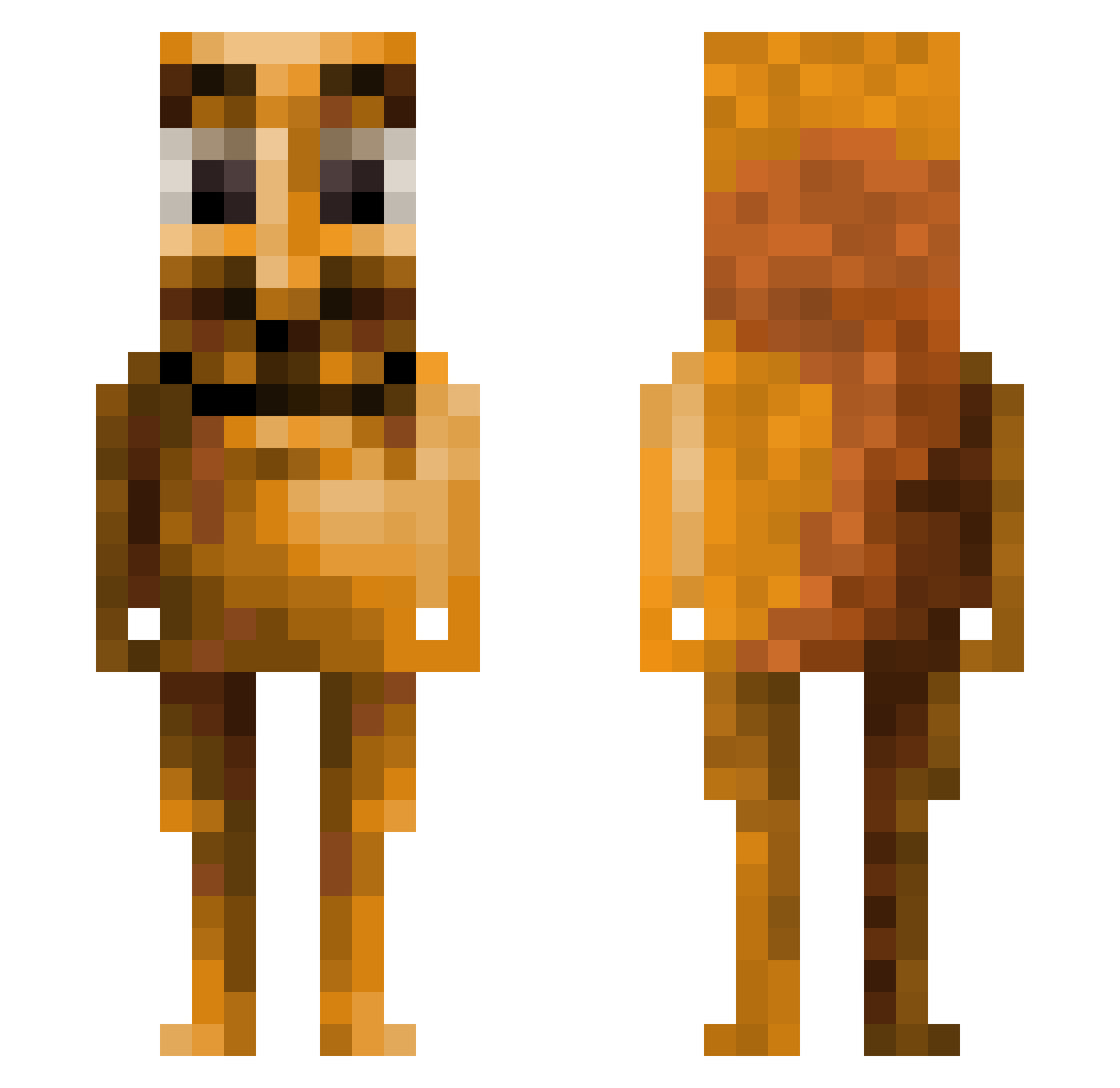
Current Minecraft skin of the player doge842, loaded from the official Mojang API. Rotate the 3D model with your mouse or finger, then download the skin as a PNG file and use it in Minecraft: Bedrock Edition or Java Edition for free. When doge842 changes their skin, this page updates automatically and the old skin stays in the history below.
Other players with this skin (170)
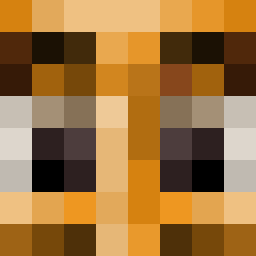
doge842 was the 114th player we have seen with this skin, first spotted on 01.10.2026. The same skin was seen on these players. Open a nickname to see their current skin and skin history.
 wee31e41we CheeseManCool rszeto1999 ZombySlayer Rabdih CartFiend69420 Noah2xd Beans_Lordiscool XT4_XT4 FranLef4 damio_ Hejhej AuraPro67420 kolejnik66 SgaWifey Pipe2oo Con3333 NicoMiche sedrosja RIP_Tosty KordexRex FITITOOOOO Mukieioo R4inyD4y5 AdolphK Bobsilla diditonpurpose OG_Vieux ffrescp paskat_ FriedSamosaYT grzybis IcesMan RingWormMaster99 PHANTOM_MOTNAHP Sobhd Jazz_Macca99 ToiToi0 phoenixcroissant shaxdy3007 Oskarpetersen123 soupsicle KroniiLover1 phil_ds Drupt I_hk T0LIT0LIT0 haallluuu CloakedPuma123 auther365 Galore69 AriFerrariii DeathFunds megapoopie69 Bader0074 margotdacow L3554U715M swoupr Djdami0803 Juul0_0
More Squirrel Minecraft skins
How to install the doge842 skin
- Press the Download button above to save the skin as a PNG file.
- Minecraft: Bedrock Edition (PE): open the Dressing Room from the main menu (or tap your character → Edit Character), go to Classic Skins → Owned, press the + (new skin) button, choose the downloaded PNG and pick the Classic (Steve) model. Works on PC and mobile; consoles cannot import custom skins.
- Minecraft: Java Edition: open the Minecraft Launcher, go to the Skins tab, click New Skin, load the PNG, pick the Classic (Steve) model and press Save & Use. You can also upload it at minecraft.net → Profile → Change Skin.
The skin does not show up after import - what should I do?
Restart Minecraft and open the Dressing Room again - imported skins sometimes appear only after a restart. Also make sure you selected the imported skin and picked the Classic (Steve) model.
Which model should I choose, Classic or Slim?
This skin is designed for the Classic (Steve) model. If you pick the wrong model, the arms of the skin will look stretched or squeezed.
Is the skin of doge842 free to download?
Yes. Press Download, save the PNG file and use it in Minecraft: Bedrock Edition or Java Edition - no payment or registration needed. The skin also works on multiplayer servers and Realms.
More skins
Looking for more? Go back to all Minecraft skins and check the top skins of the week, month and all time, or find any player's skin by nickname.