
digio_teo - Minecraft Skins & Skin History
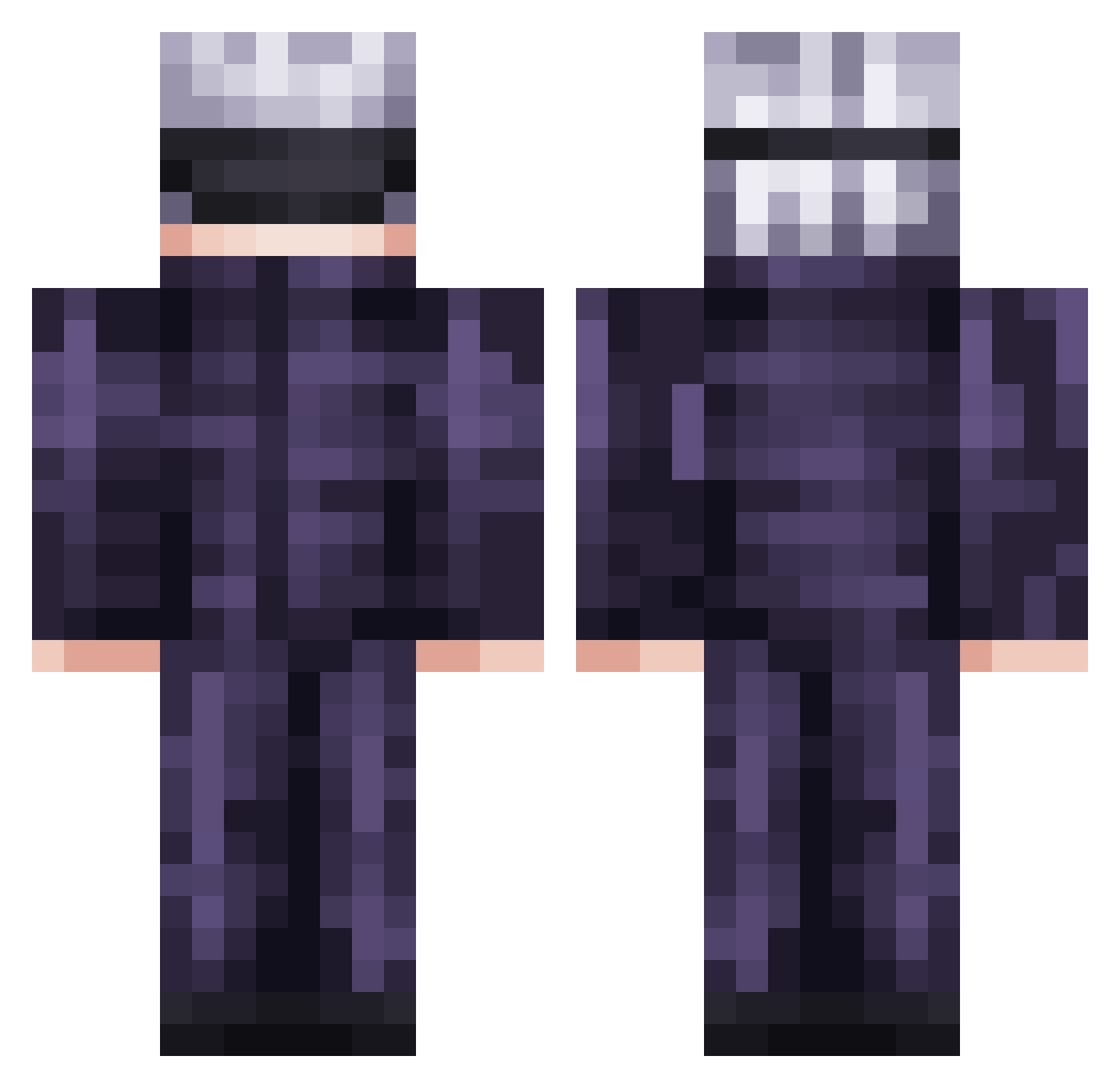
Current Minecraft skin of the player digio_teo, loaded from the official Mojang API. Rotate the 3D model with your mouse or finger, then download the skin as a PNG file and use it in Minecraft: Bedrock Edition or Java Edition for free. When digio_teo changes their skin, this page updates automatically and the old skin stays in the history below.
Other players with this skin (812)
digio_teo was the 779th player we have seen with this skin, first spotted on 05.11.2026. The same skin was seen on these players. Open a nickname to see their current skin and skin history.
 Linkrocks1210 xXcharlie69Xx LittleMaggi Zoytan cockles26 gampack123123 Noni0305 kedawang Keksierror Yxsuo leandroogz Yaboynate7 Arxitect0r Agronat BoBeR2018 Gyro_Zoom pikento Quavoo_ TyleDoX Jeep7654 zF1rsT unknown1305 dky727 qid0wn PokeLuke1624 DrewWuzhere Drunkleo8 Astrousual DeadMan321 SauceCurry974 zeldul RangaLim Yak_Yak1 IzumoYs CrackHeadBlit Godswisdom317 PushinMyButtons Greengang8829 itsdrippyemile UnknownMitti Jekrekm naifsalem09 Saiyans_Godz_ kevin10617 mooncoffee ASOM111 Rianworld AAKKMMPP pajamasss_ ChaosLordEric iothepro Rafaelle77_To_Ja wew0315 Clartex DARK_ricky KarmaKid29 Luk_eSSJB chisuke11 CacaMamaguevo ARCGFE
More Satoru Gojo Minecraft skins
See all 1407 Satoru Gojo skins
How to install the digio_teo skin
- Press the Download button above to save the skin as a PNG file.
- Minecraft: Bedrock Edition (PE): open the Dressing Room from the main menu (or tap your character → Edit Character), go to Classic Skins → Owned, press the + (new skin) button, choose the downloaded PNG and pick the Classic (Steve) model. Works on PC and mobile; consoles cannot import custom skins.
- Minecraft: Java Edition: open the Minecraft Launcher, go to the Skins tab, click New Skin, load the PNG, pick the Classic (Steve) model and press Save & Use. You can also upload it at minecraft.net → Profile → Change Skin.
The skin does not show up after import - what should I do?
Restart Minecraft and open the Dressing Room again - imported skins sometimes appear only after a restart. Also make sure you selected the imported skin and picked the Classic (Steve) model.
Which model should I choose, Classic or Slim?
This skin is designed for the Classic (Steve) model. If you pick the wrong model, the arms of the skin will look stretched or squeezed.
Is the skin of digio_teo free to download?
Yes. Press Download, save the PNG file and use it in Minecraft: Bedrock Edition or Java Edition - no payment or registration needed. The skin also works on multiplayer servers and Realms.
More skins
Looking for more? Go back to all Minecraft skins and check the top skins of the week, month and all time, or find any player's skin by nickname.