
deltafor10 - Minecraft Skins & Skin History
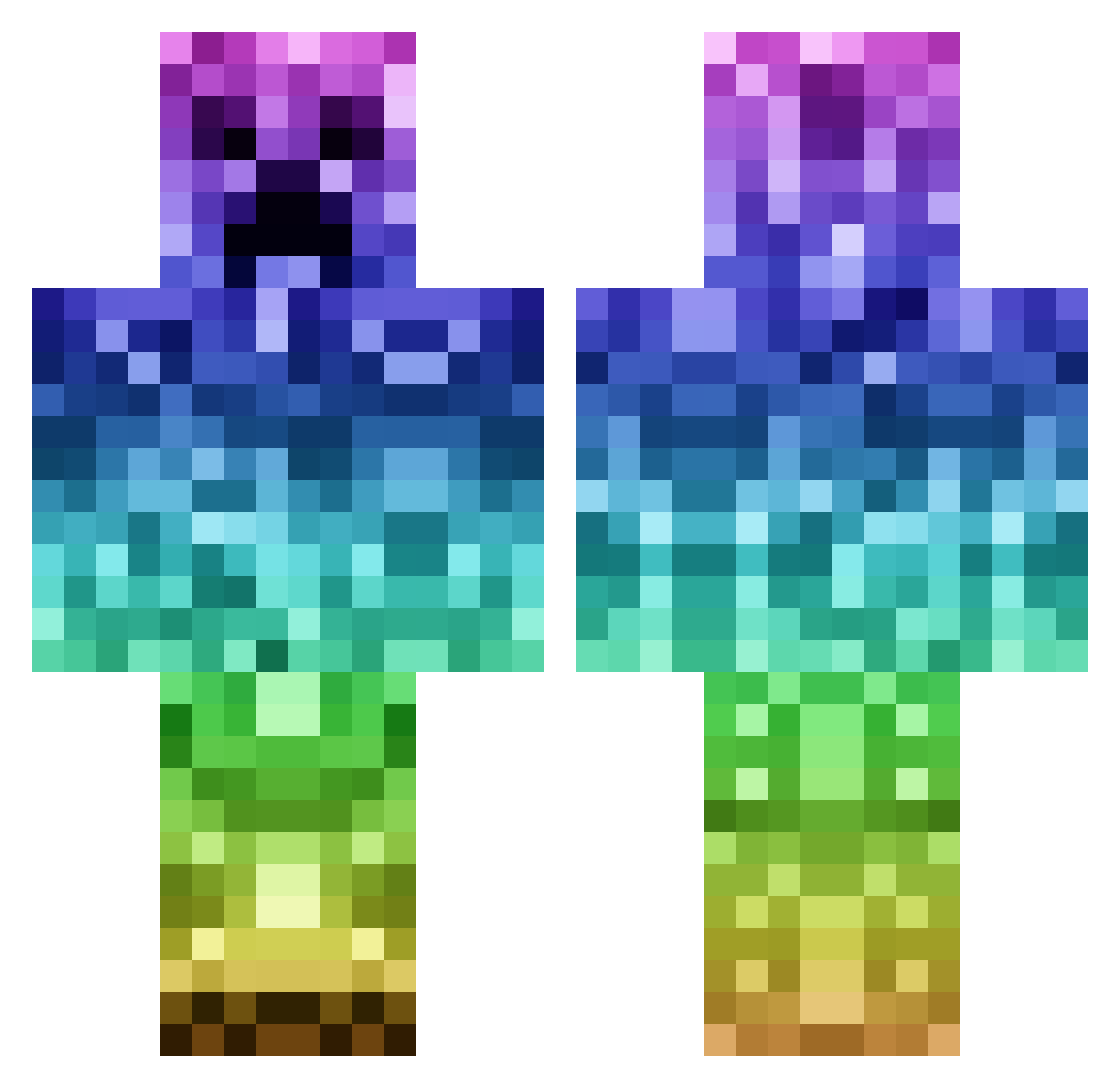
Current Minecraft skin of the player deltafor10, loaded from the official Mojang API. Rotate the 3D model with your mouse or finger, then download the skin as a PNG file and use it in Minecraft: Bedrock Edition or Java Edition for free. When deltafor10 changes their skin, this page updates automatically and the old skin stays in the history below.
Other players with this skin (1144)
deltafor10 was the 182nd player we have seen with this skin, first spotted on 13.08.2026. The same skin was seen on these players. Open a nickname to see their current skin and skin history.
 sukiyaki0910 Tomkart SarahsCake nyancats6978 HuggarN1 BigStan2000 boban2007 green_piet MinetilluseeGold swingleybros HyperiusFreakius Marcus_LM MiguelArcilla69 PavoKe Degothing marcusbulow cold8yte janolesho SebberDK KoningToto2009 Tlow666 FadedxKing Deezomedia gustavfantastic kay28 candy4 Soggow SophieLx DarkKnight0912 Scaroi Leeo1 hQNL Xx_furious1_xX maxieman4 JellyPin nike432 Wojaken ffmbahrens aPotato94 GHawk660 kyleKTM melomann04 Rainn__ snow_man420 XxGrizzlyBear unbreakingTNT SnakeMaster_1 DuckyyyW Crazy_Joe46 Dannydnz101 xXBlackDustXx mooie10 horsz32 crazy_killer AndyJ003 cluke236 rtpelle tomcomerr ikbenben11 kiegan_69
More Rainbow Minecraft skins
How to install the deltafor10 skin
- Press the Download button above to save the skin as a PNG file.
- Minecraft: Bedrock Edition (PE): open the Dressing Room from the main menu (or tap your character → Edit Character), go to Classic Skins → Owned, press the + (new skin) button, choose the downloaded PNG and pick the Classic (Steve) model. Works on PC and mobile; consoles cannot import custom skins.
- Minecraft: Java Edition: open the Minecraft Launcher, go to the Skins tab, click New Skin, load the PNG, pick the Classic (Steve) model and press Save & Use. You can also upload it at minecraft.net → Profile → Change Skin.
The skin does not show up after import - what should I do?
Restart Minecraft and open the Dressing Room again - imported skins sometimes appear only after a restart. Also make sure you selected the imported skin and picked the Classic (Steve) model.
Which model should I choose, Classic or Slim?
This skin is designed for the Classic (Steve) model. If you pick the wrong model, the arms of the skin will look stretched or squeezed.
Is the skin of deltafor10 free to download?
Yes. Press Download, save the PNG file and use it in Minecraft: Bedrock Edition or Java Edition - no payment or registration needed. The skin also works on multiplayer servers and Realms.
More skins
Looking for more? Go back to all Minecraft skins and check the top skins of the week, month and all time, or find any player's skin by nickname.